
GodotTouchInputManager
Asset that improves touch input support (includes new gestures) in the Godot game engine. It also translates mouse input to touch input.
Install / Use
/learn @Federico-Ciuffardi/GodotTouchInputManagerREADME
Godot Touch Input Manager
Godot Touch Input Manager (GDTIM) is an asset that improves touch input support (includes new gestures) in the Godot game engine. You just need to autoload a script and it will start analyzing the touch input. When a gesture is detected a Custom Input Event corresponding to the detected gesture will be created and fed up to the Godot built in Input Event system so it triggers functions like _input(InputEvent event). There is also a signal for each gesture if you prefer using signals to the aforementioned.
There are two active PRs that add some GDTIM gestures as native Godot events, one for version 3.x and one for version 4.x, if you are interested, please show your support there.
Table of contents
How to use
- Download the latest release from https://github.com/Federico-Ciuffardi/Godot-Touch-Input-Manager/releases
- Extract the downloaded .zip file somewhere in you project
- Locate the extracted
InputManager.gd, and Autoload it. - Done! Now you can use GDTIM signals and Custom Input Events.
Examples
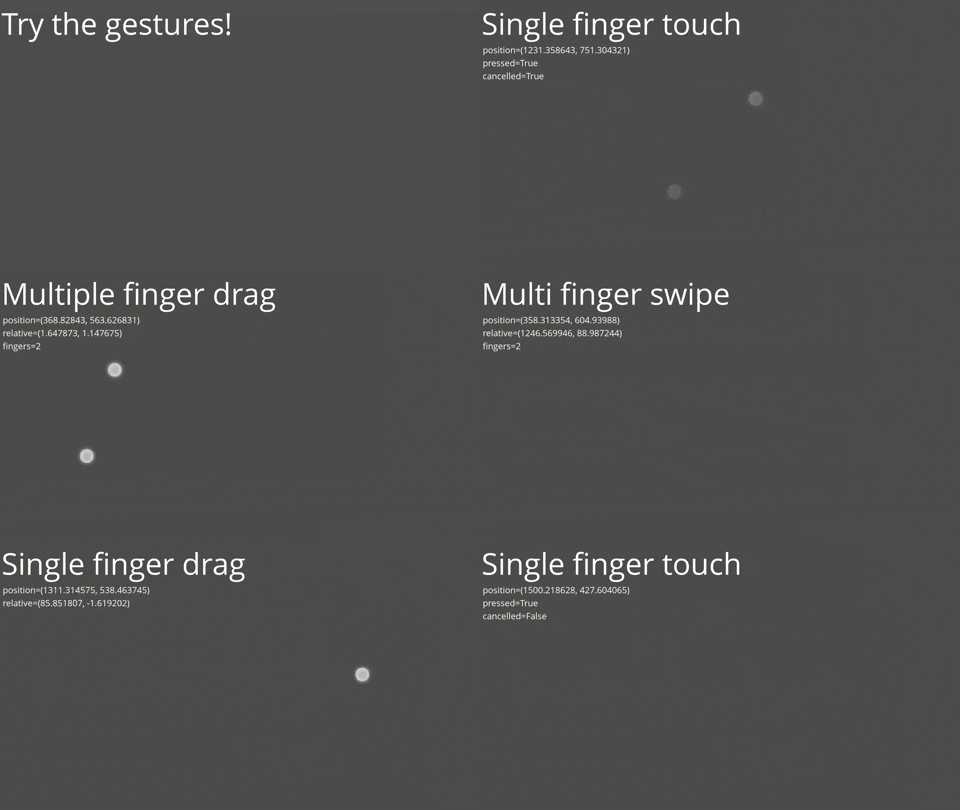
GodotTouchInputManager-Demo
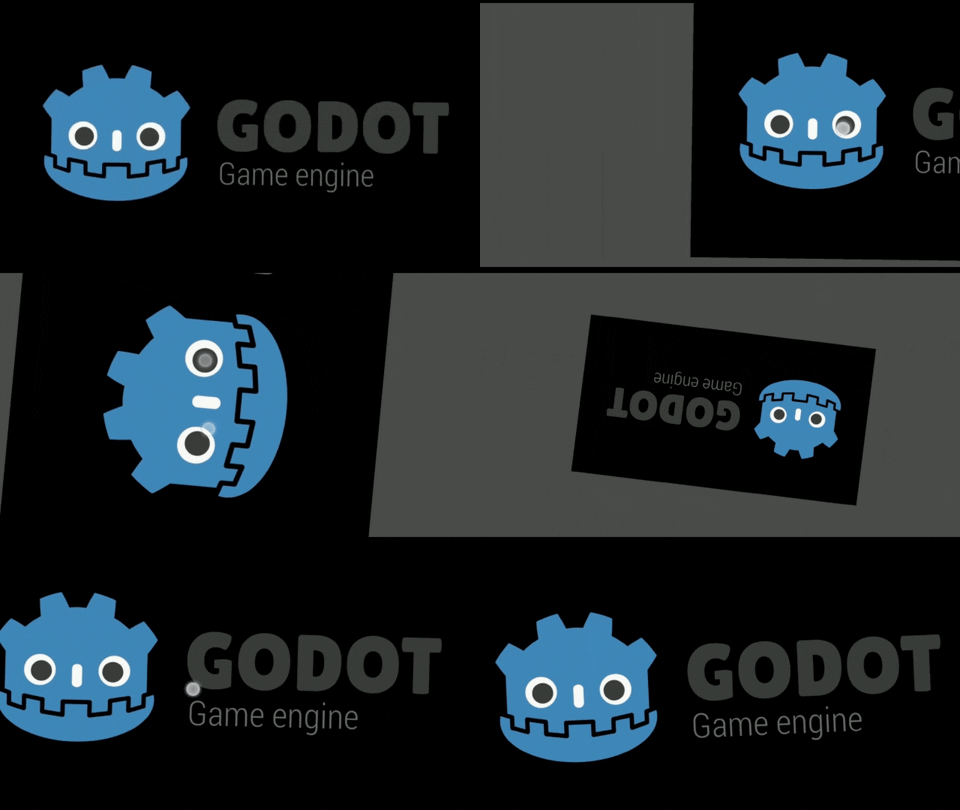
GestureControlledCamera2D
Documentation
Supported gestures
| Gesture name | Signal | Custom input event / Signal arg | Description | |----------------------------|-------------------|---------------------------------------------------------------------------------------------------------------------------------------|----------------------------------------------| | Single finger touch | single_touch | InputEventSingleScreenTouch | Touch with a single finger | | Single finger tap | single_tap | InputEventSingleScreenTap | Fast press and release with a single finger | | Single finger long press | single_long_press | InputEventSingleScreenLongPress | Press and hold with a single finger | | Single finger drag | single_drag | InputEventSingleScreenDrag | Drag with a single finger | | Single finger swipe | single_swipe | InputEventSingleScreenSwipe | Fast drag and release with a single finger | | Multiple finger tap | multi_tap | InputEventMultiScreenTap | Fast press and release with multiple fingers | | Multiple finger long press | multi_long_press | InputEventMultiScreenLongPress | Press and hold with multiple fingers | | Multiple finger drag | multi_drag | InputEventMultiScreenDrag | Drag with multiple fingers (same direction) | | Multiple finger swipe | multi_swipe | InputEventMultiScreenTap | Fast drag and release with multiple fingers | | Pinch | pinch | InputEventScreenPinch | Drag with multiple fingers (inward/outward) | | Twist | twist | InputEventScreenTwist | Drag with multiple fingers (rotate) | | Raw gesture | raw_gesture | RawGesture | Raw gesture state
When one of these gestures is detected a Custom Input Event corresponding to the detected gesture will be created and fed up to the Godot built in Input Event system so it triggers functions like _input(InputEvent event).
Gesture emulation
The gestures can be triggered by named input actions with specific names. If the input action does not exists there is a default event that will trigger the gesture.
The following table shows the default event and the names of the input actions that will trigger each of the gestures that can be emulated.
| Gesture name | Input action name | Default event | |------------------------------------|-------------------------|---------------| | Single touch | single_touch | * | | Multiple touch (2 fingers) | multi_touch | Middle click | | Pinch (outward) | pinch_outward | Scroll up | | Pinch (inward) | pinch_inward | Scroll down | | Twist | twist | Right click | | Single finger swipe (up) | single_swipe_up | w | | Single finger swipe (up-right) | single_swipe_up_right | e | | Single finger swipe (right) | single_swipe_right | d | | Single finger swipe (down-right) | single_swipe_down_right | c | | Single finger swipe (down) | single_swipe_down | x | | Single finger swipe (down-left) | single_swipe_down_left | z | | Single finger swipe (left) | single_swipe_left | a | | Single finger swipe (left-up) | single_swipe_up_left | q | | Multiple finger swipe (up) | multi_swipe_up | i | | Multiple finger swipe (up-right) | multi_swipe_up_right | o | | Multiple finger swipe (right) | multi_swipe_right | l | | Multiple finger swipe (down-right) | multi_swipe_down_right | . | | Multiple finger swipe (down) | multi_swipe_down | , | | Multiple finger swipe (down-left) | multi_swipe_down_left | m | | Multiple finger swipe (left) | multi_swipe_left | j | | Multiple finger swipe (left-up) | multi_swipe_up_left | u |
* There are two options to enable single finger gestures:
- Go to Project > Project Settings > General > Input Devices > Pointing and turn on Emulate Touch From Mouse to emulate a single finger touch with the left click.
- Go to Project > Project Settings > General > Input Devices > Pointing
and turn off both Emulate Touch From Mouse and Emulate Mouse From Touch.
Then set an input action called
single_touch.
Configuration
These are located in the first lines of InputManager.gd, to change them modify the values on the script.
| Name | Default value | Description | |--------------------------------|---------------|----------------------------------------------------------------------------------------------------------------------------------------------------------------------------------------------------------------------------------------------------------------------------------------| | DEFAULT_BINDIGS | true | Enable or disable default events for gesture emulation | | DEBUG | false | Enable or disable debug information
