
OSeKAI
Experimental OS
Install / Use
/learn @Fastering18/OSeKAIREADME
<div align="center">
<p>
<h1>Operating System Project </h1>
<img src="https://see.fontimg.com/api/renderfont4/gRqP/eyJyIjoiZnMiLCJoIjoxNDEsInciOjEwOTAsImZzIjoxMjksImZnYyI6IiNCNjI5RkEiLCJiZ2MiOiIjMEYwODE5In0/T1NlS0FJ/presa-ultralight-antipixelcomar.png" alt="OSeKAI logo">
</p>
<p>
<a href="https://github.com/Fastering18/OSeKAI/#"><img src="https://img.shields.io/github/actions/workflow/status/Fastering18/OSeKAI/compile-test.yml?branch=work-c-limine&logo=github&style=for-the-badge" alt="git-workflow"></a>
<a href="https://github.com/Fastering18/OSeKAI/#"><img src="https://img.shields.io/discord/795942661163974656?color=purple&label=Discord&logo=Discord&logoColor=white&style=for-the-badge" alt="discord server"></a>
<a href="https://github.com/Fastering18/OSeKAI/#"><img src="https://img.shields.io/github/downloads/Fastering18/OSeKAI/total?color=orange&logo=github&style=for-the-badge" alt="download count"></a>
An experimental OS project based on limine bootloader written in C & Assembly.
</p> </div>Todo list
- [x] Terminals & Framebuffers
- [x] GDT
- [x] IDT
- [x] PIC
- [x] PMM
- [ ] VMM
-
- [x] PIT
-
- [x] Keyboard
-
- [ ] Mouse
- [x] BSOD screen
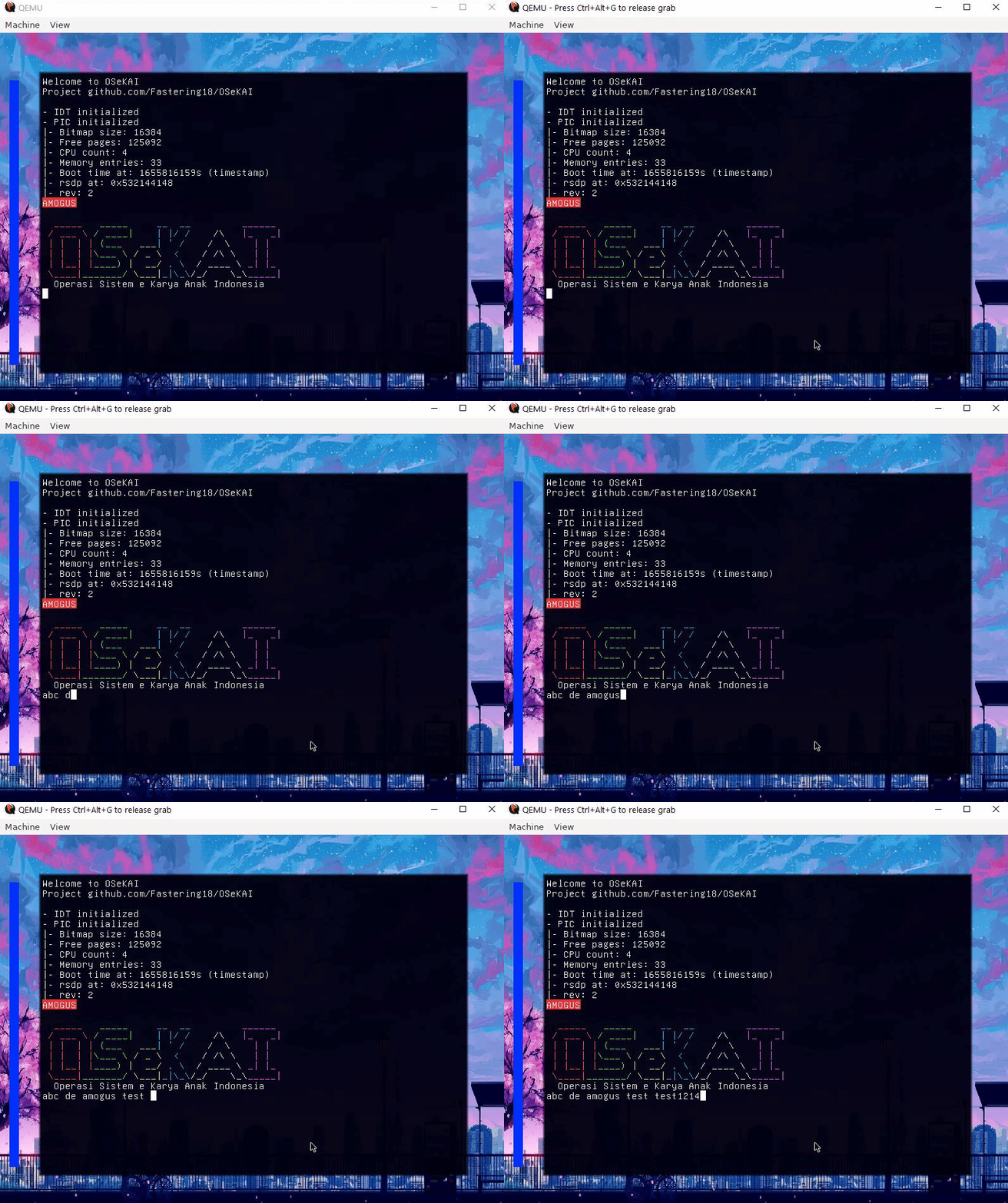
How to compile & run?
Currently tested and work with Linux or WSL, it may be possible with Visual Studio on Windows but i haven't tried it.
requirements
- XLaunch (for WSL user)
- qemu-system-x86_64 recommended emulator
- build-essentials C/C++ packages for compiling
Clone the project
git clone https://github.com/Fastering18/OSeKAI
cd OSeKAI
Compile with make
make all
Run the ISO
bash run.sh
That's all of compiling the code! you can also check for latest ISO file release here.
<hr>Join our conversation here to get help Discord Server
