
GitHistoryVSCode
Git History for Visual Studio Code
Install / Use
/learn @DonJayamanne/GitHistoryVSCodeQuality Score
Category
Development & EngineeringSupported Platforms
README
Git History, Search and More (including git log)
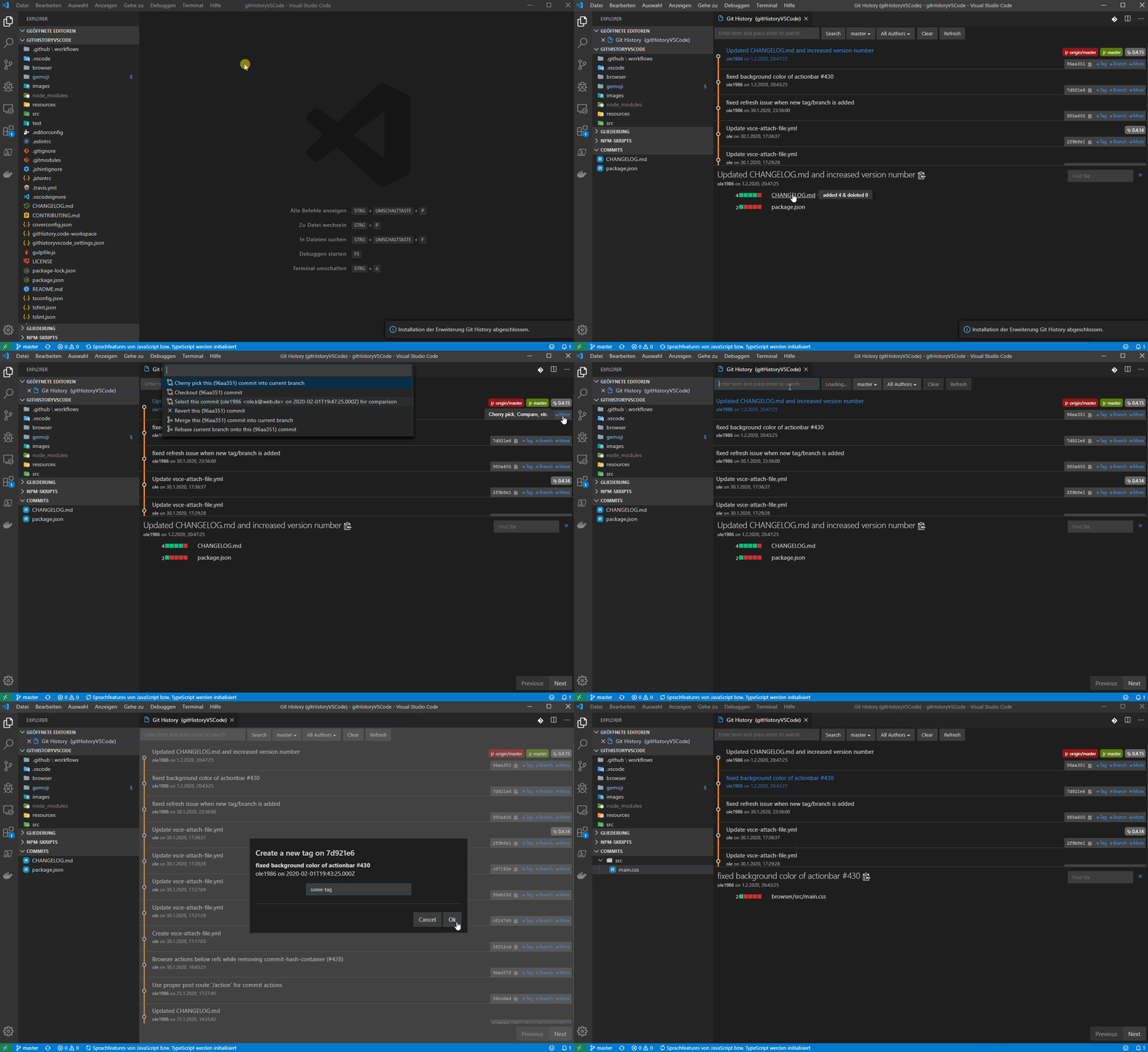
- View and search git log along with the graph and details.
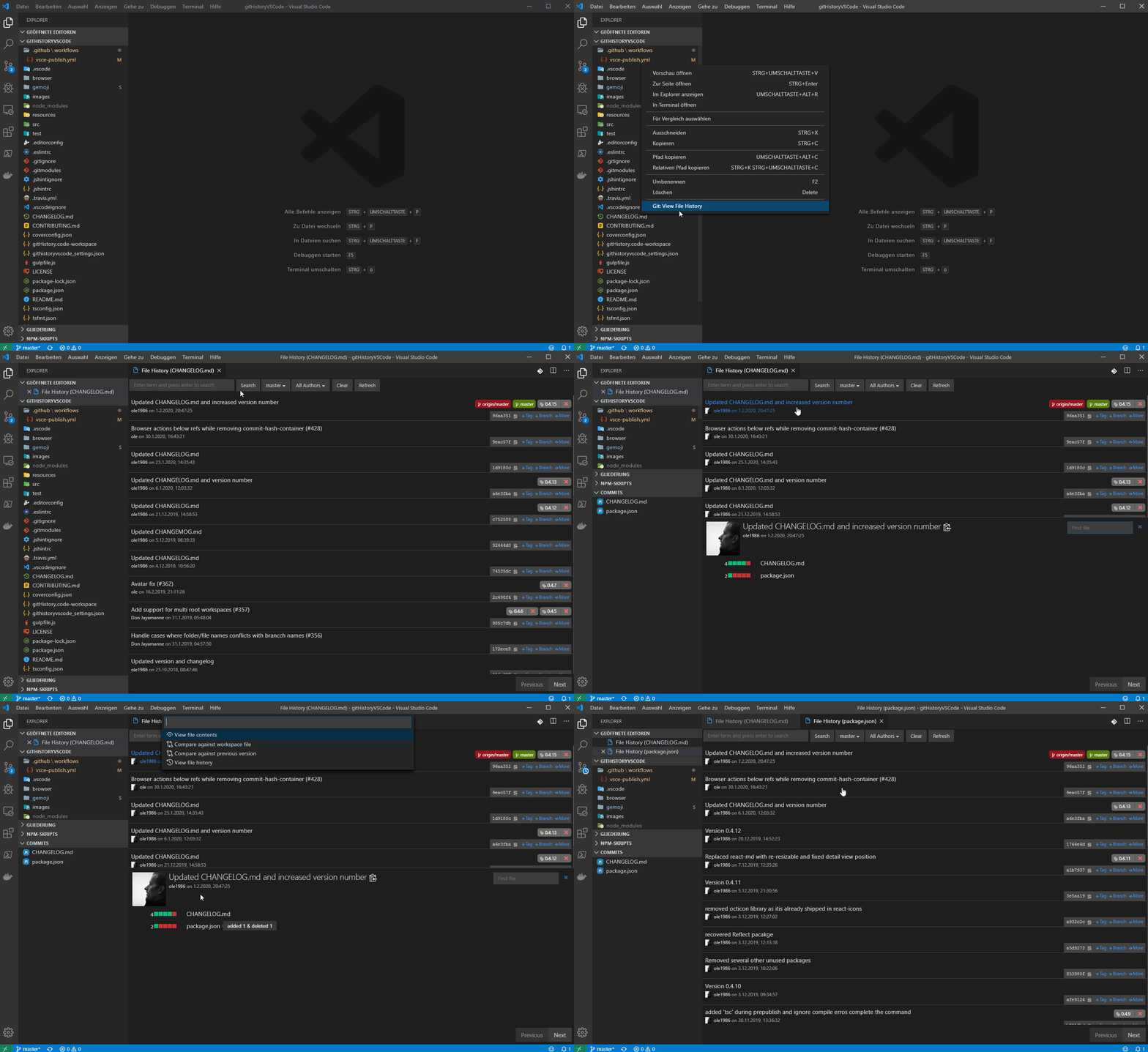
- View a previous copy of the file.
- View and search the history
- View the history of one or all branches (git log)
- View the history of a file
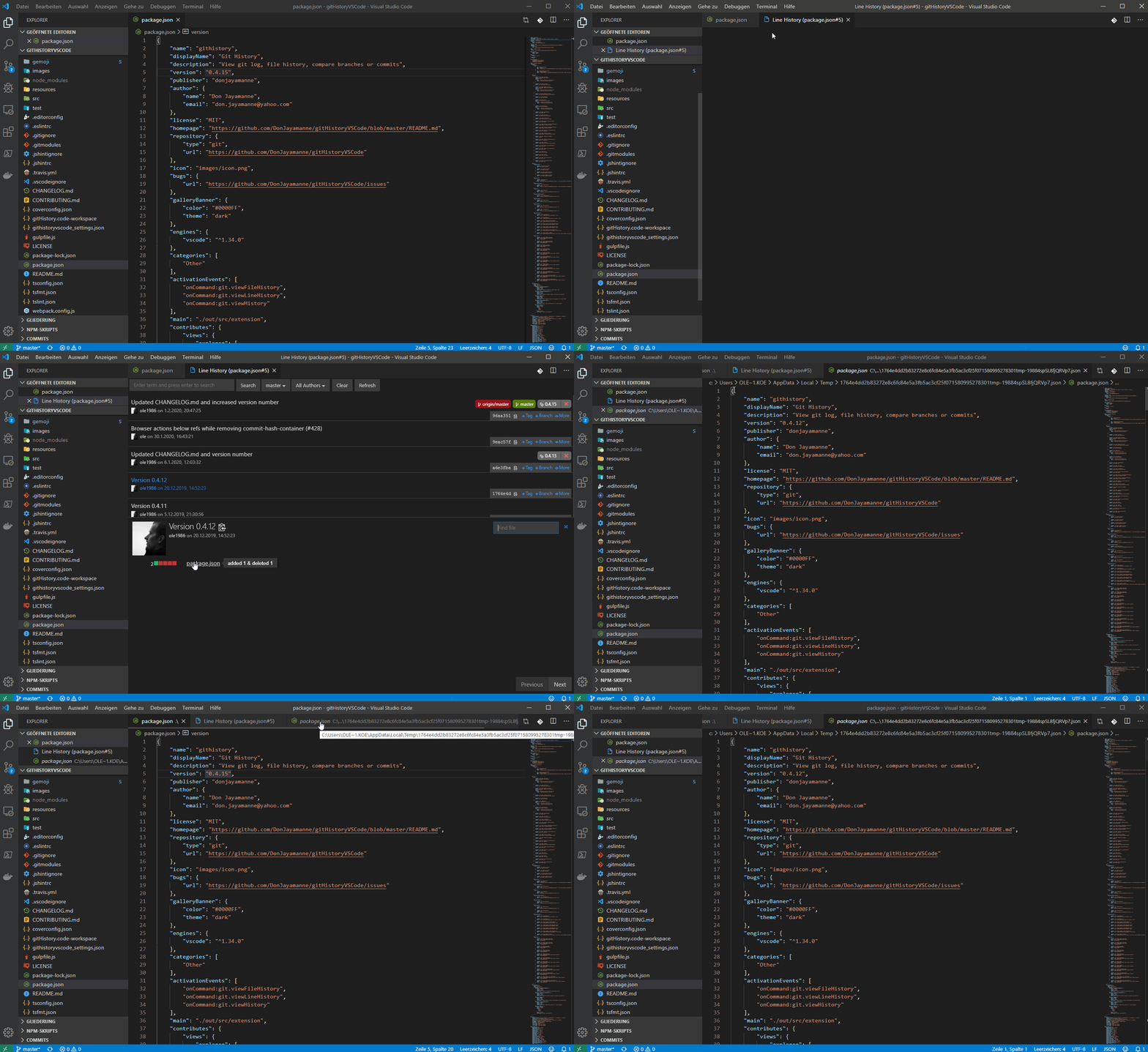
- View the history of a line in a file (Git Blame).
- View the history of an author
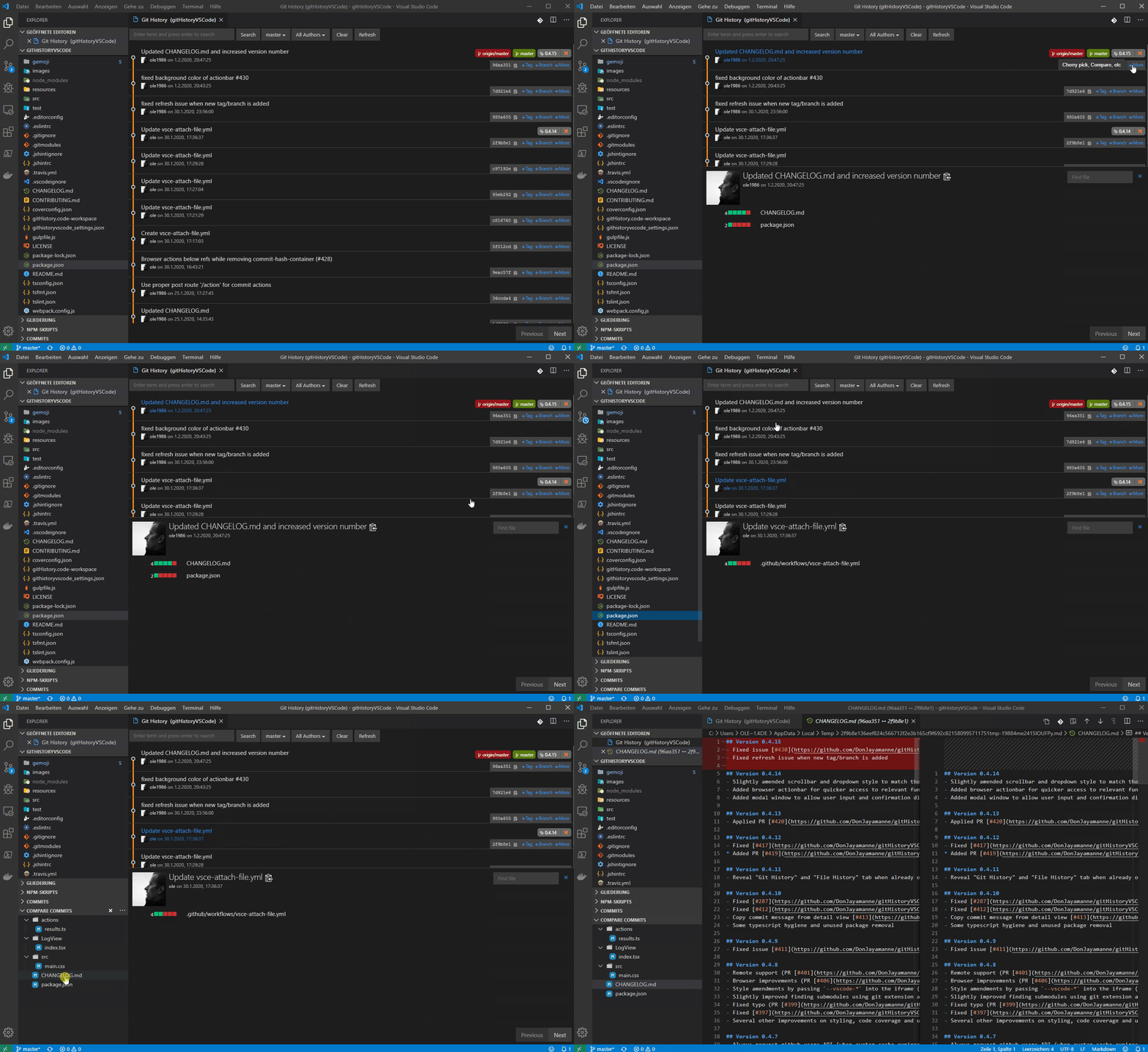
- Compare:
- Compare branches
- Compare commits
- Compare files across commits
- Miscellaneous features:
- Github avatars
- Cherry-picking commits
- Create Tag
- Create Branch
- Reset commit (soft and hard)
- Reverting commits
- Create branches from a commits
- View commit information in a treeview (snapshot of all changes)
- Merge and rebase
Open the file to view the history, and then Press F1 and select/type "Git: View History", "Git: View File History" or "Git: View Line History".
Available Commands
- View Git History (git log) (git.viewHistory)
- View File History (git.viewFileHistory)
- View Line History (git.viewLineHistory)
Keyboard Shortcuts
You can add keyboard short cuts for the above commands by following the directions on the website customization documentation.
NOTE: The file for which the history is to be viewed, must already be opened.
Source
Big thanks to ole
License
Related Skills
node-connect
333.3kDiagnose OpenClaw node connection and pairing failures for Android, iOS, and macOS companion apps
frontend-design
82.0kCreate distinctive, production-grade frontend interfaces with high design quality. Use this skill when the user asks to build web components, pages, or applications. Generates creative, polished code that avoids generic AI aesthetics.
openai-whisper-api
333.3kTranscribe audio via OpenAI Audio Transcriptions API (Whisper).
commit-push-pr
82.0kCommit, push, and open a PR
