
Aehnlich
Show/Merge differences in directories and their content (text files) in Light/Dark designs
Install / Use
/learn @Dirkster99/AehnlichREADME
Ähnlich
<table> <tr><td width="300" border="0"> <a href="http://www.youtube.com/watch?feature=player_embedded&v=8RcPBuN7gqI" target="_blank"> <img src="http://img.youtube.com/vi/8RcPBuN7gqI/0.jpg" alt="App Demo Screen Cast Video" width="240" height="180" border="10" /></a> </td> <td>The name Ähnlich is German for Similar. It is the name of a WPF Diff/Merge utility based on the <a href="https://github.com/menees/Diff.Net">WinForms</a> implementation by <a href="http://menees.com/">Bill Menees</a>. This project is <a href="http://charityware.info/">CharityWare</a>, which means you are asked to donate at least $5 US to a charity of your choice if you are using this software. <a href="https://github.com/Dirkster99/Aehnlich/blob/master/source/AehnlichLib/Docs/Readme.txt">See also this note</a> to better understand what this means. </td> </tr> </table>Other contributing projects are:
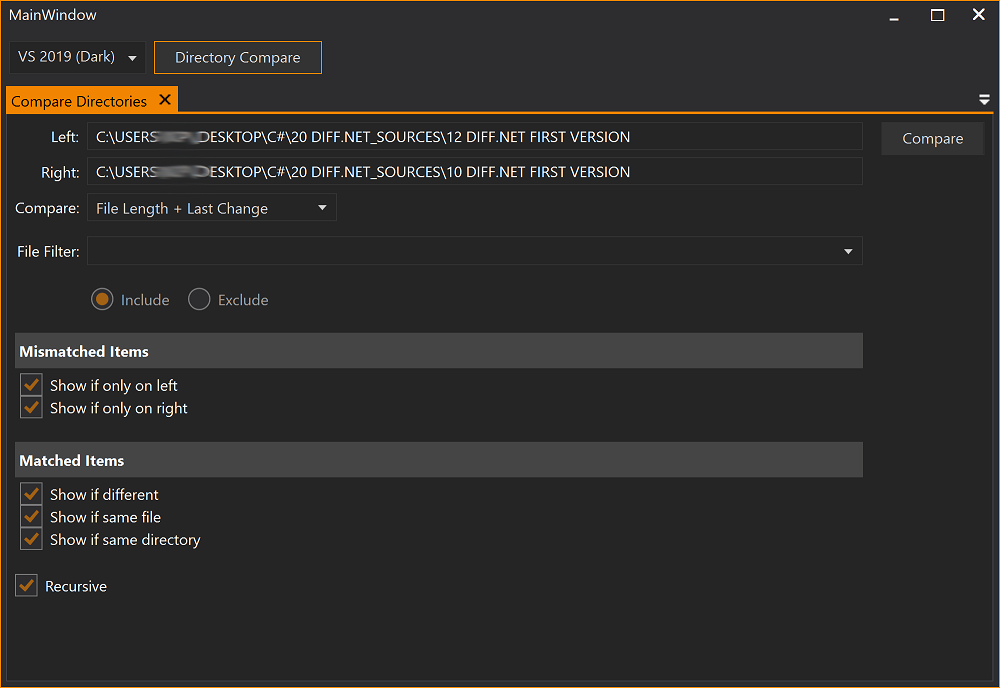
Comparing Directory and Files
The module that compares directories and files supports 2 views:
- Directories and Files
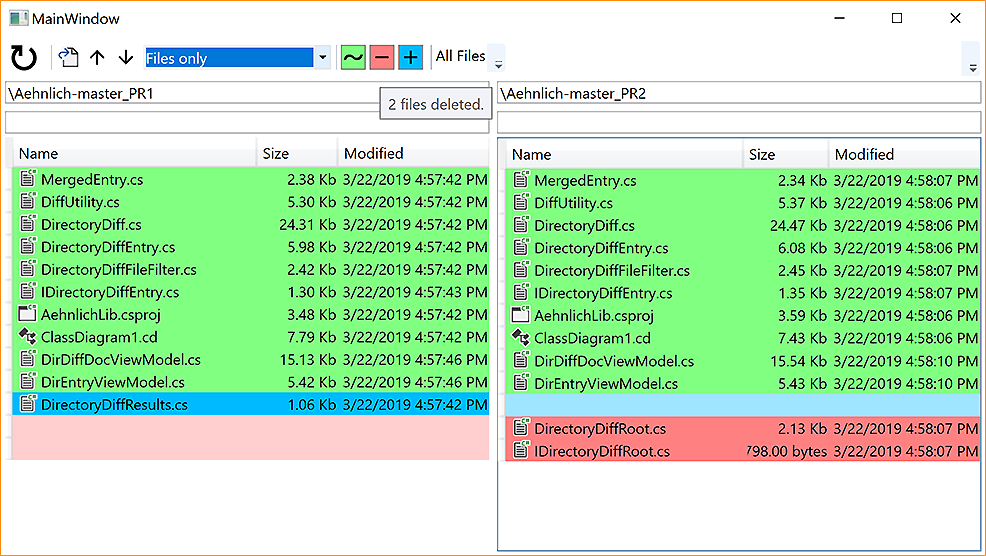
- Files Summary
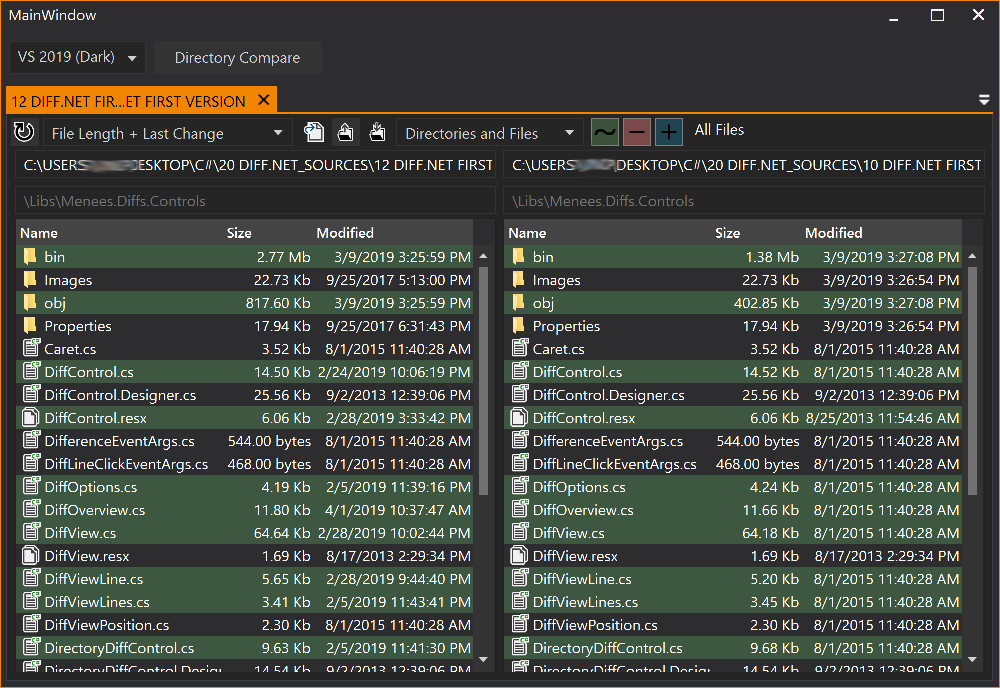
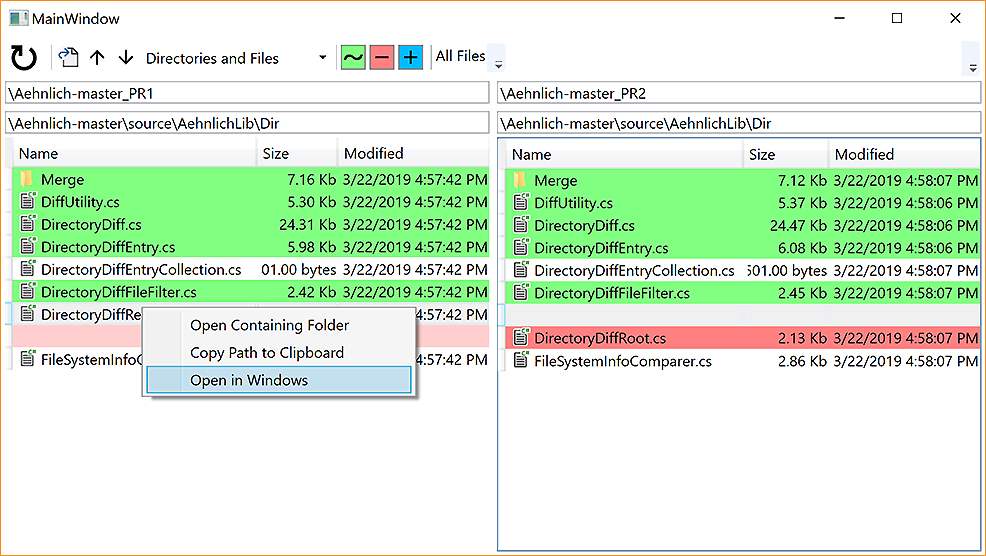
Directories and Files
This view has the usual side by side view of folders and files being highlighted when they have been added, deleted, or changed in the right view when compared to the left view. You can double click each directory to browse into the directory structure or use the arrow up button in the toolbar to browse back up in the structure.
Files Summary
This view shows only files that have been deleted, inserted, or changed in the right view when compared to the left view. You can use the tooltip or context menu entries to see the actual path of each file or open it in the Explorer etc.
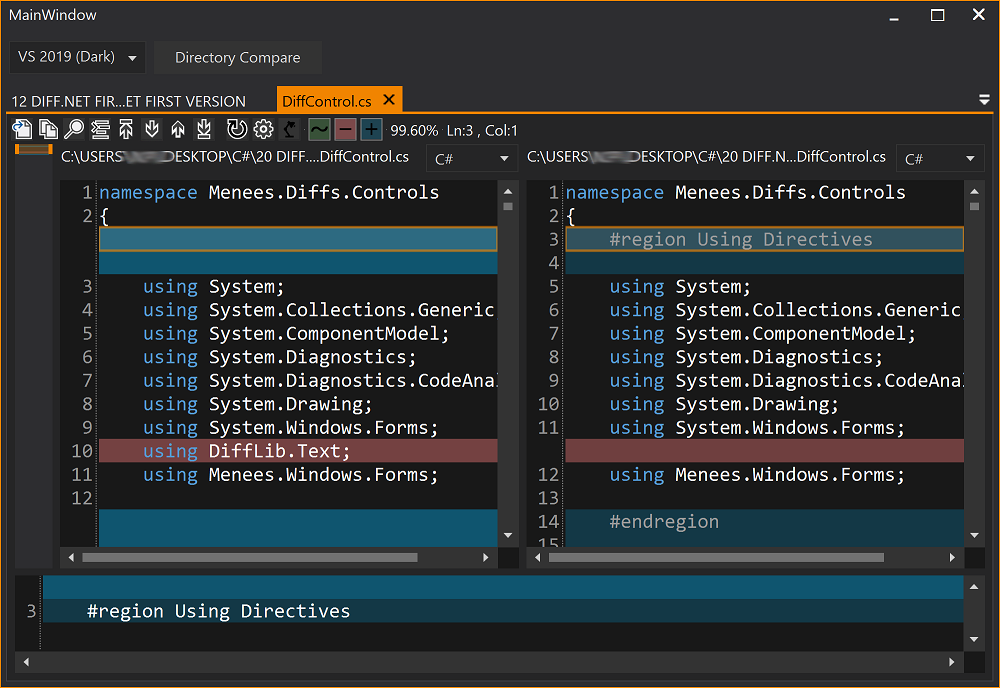
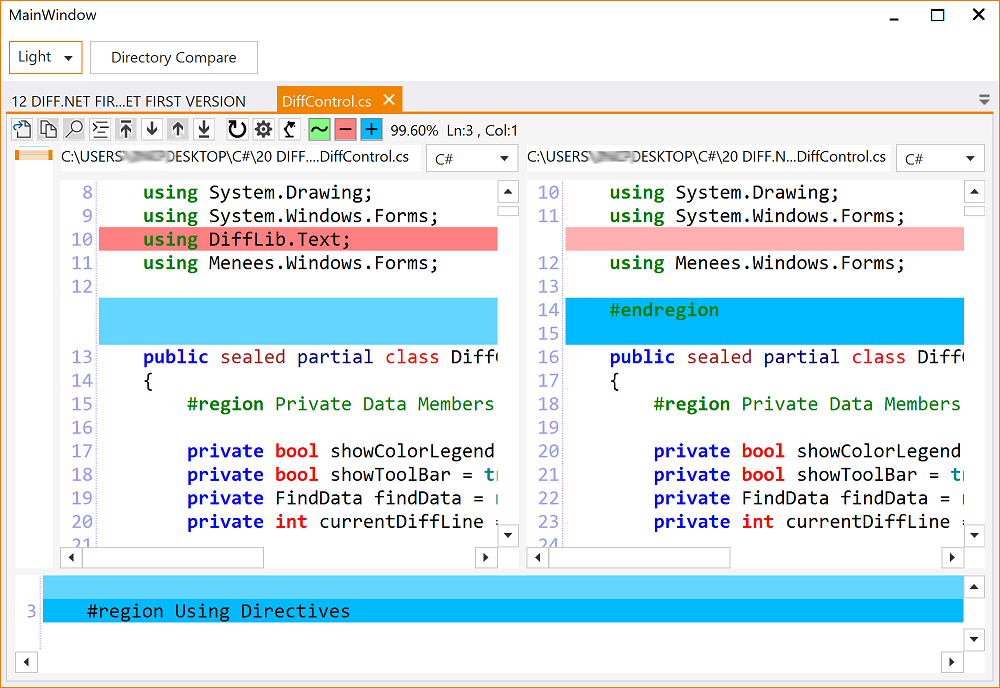
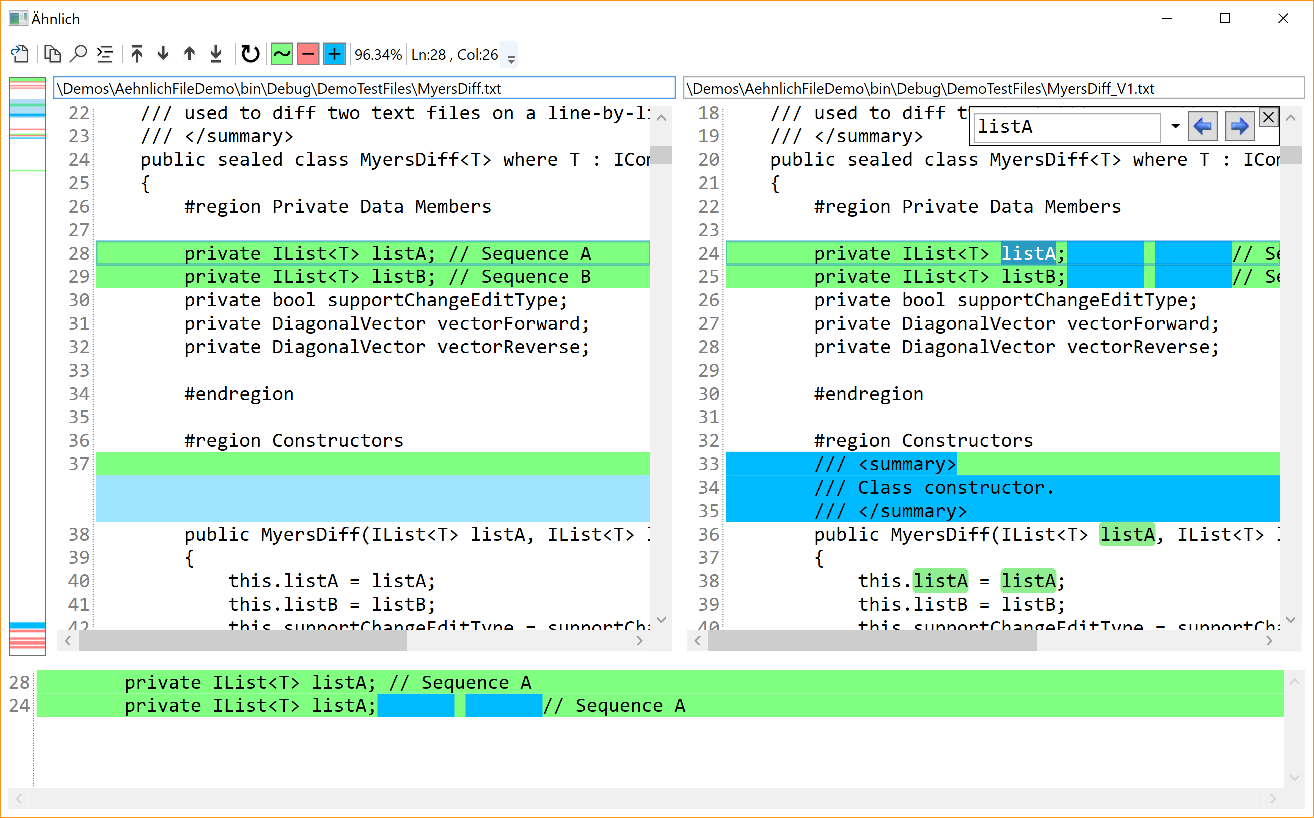
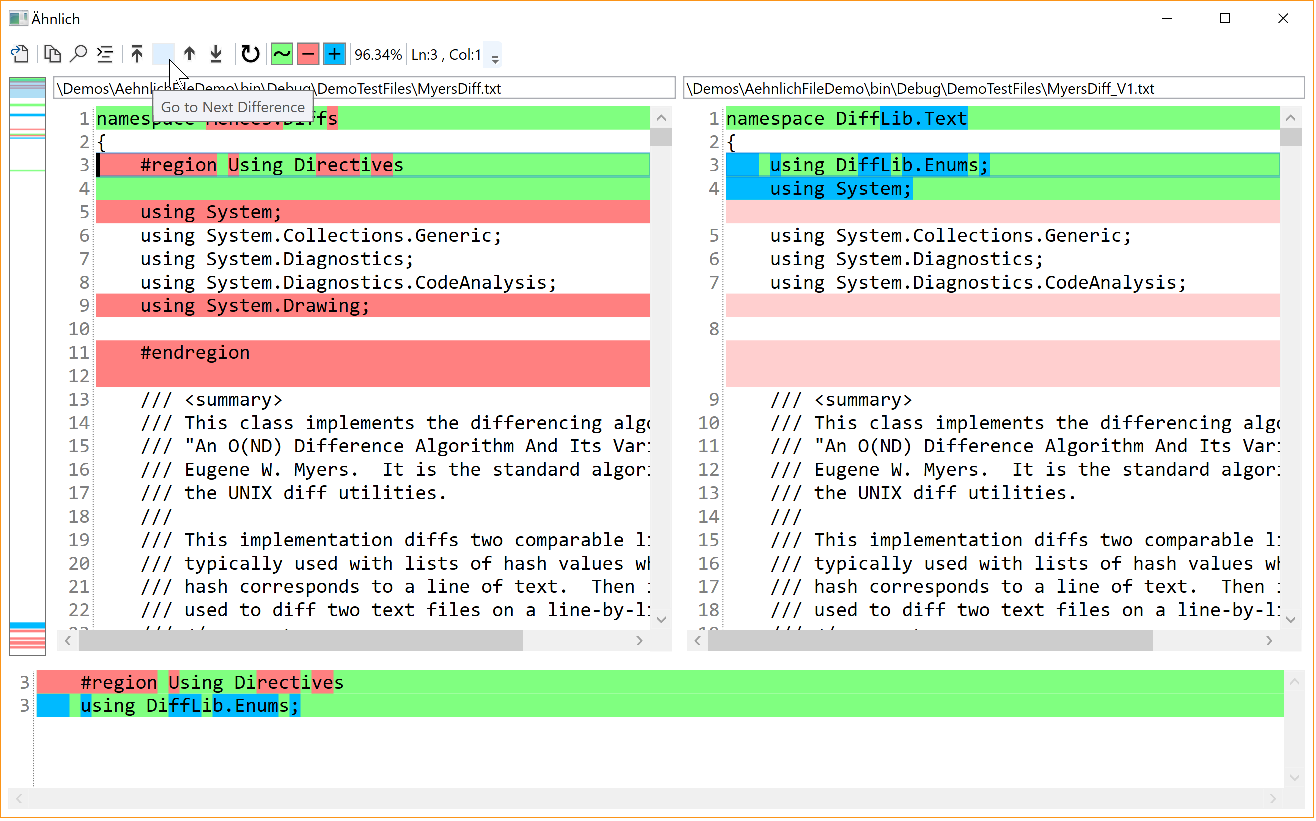
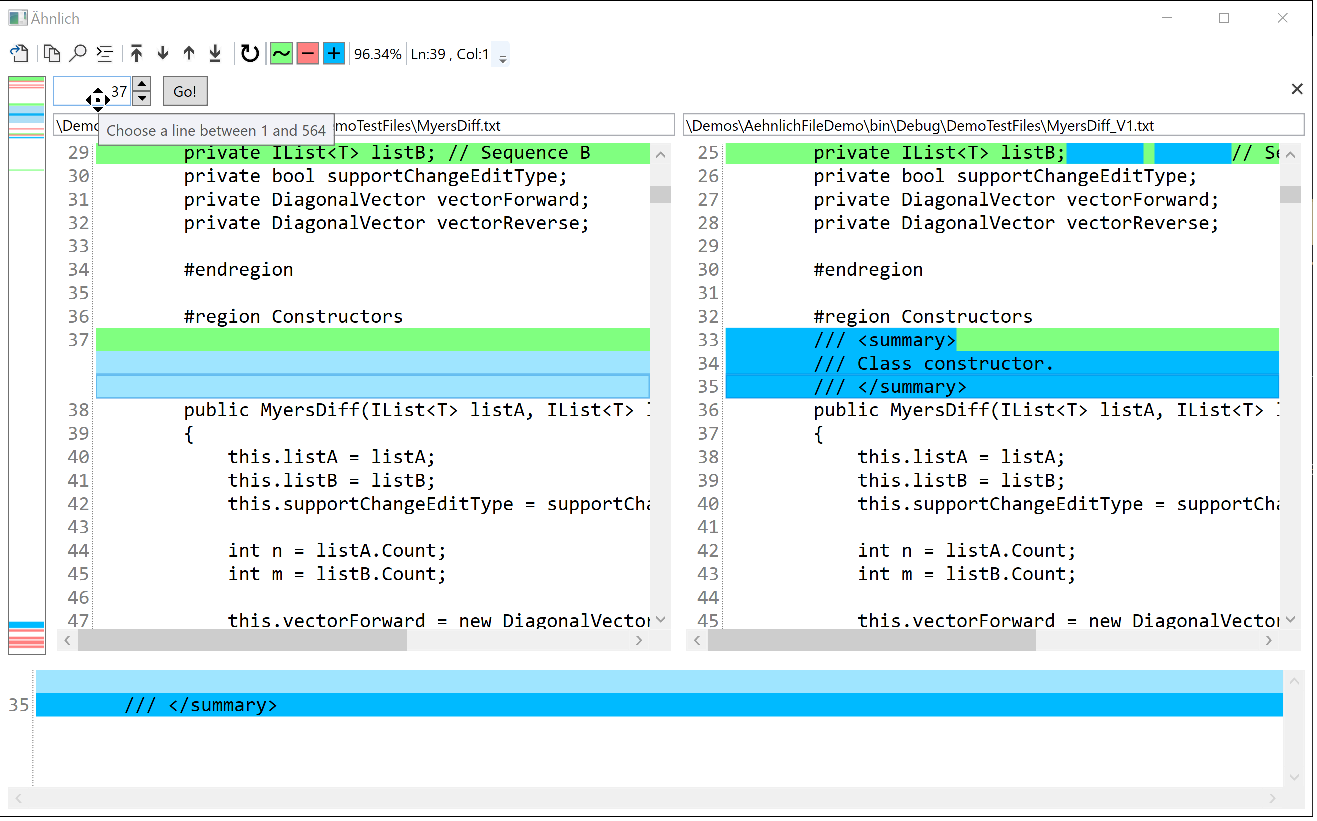
Comparing Text Files
Related Skills
openpencil
2.1kThe world's first open-source AI-native vector design tool and the first to feature concurrent Agent Teams. Design-as-Code. Turn prompts into UI directly on the live canvas. A modern alternative to Pencil.
ui-ux-pro-max-skill
61.3kAn AI SKILL that provide design intelligence for building professional UI/UX multiple platforms
ui-ux-pro-max-skill
61.3kAn AI SKILL that provide design intelligence for building professional UI/UX multiple platforms
onlook
25.1kThe Cursor for Designers • An Open-Source AI-First Design tool • Visually build, style, and edit your React App with AI
