InteractiveVideo
ILIAS Interactive Video Plugin
Install / Use
/learn @DatabayAG/InteractiveVideoREADME
- InteractiveVideo
- What is it for?
- Interactive Video Main View
- Interactive Video Question View
- Interactive Video Create Images from Media Object Source
- Interactive Video Create Question
- Interactive Video Sources & Plugin Slots
- Interactive Video Modal options
- Interactive Video Subtitles
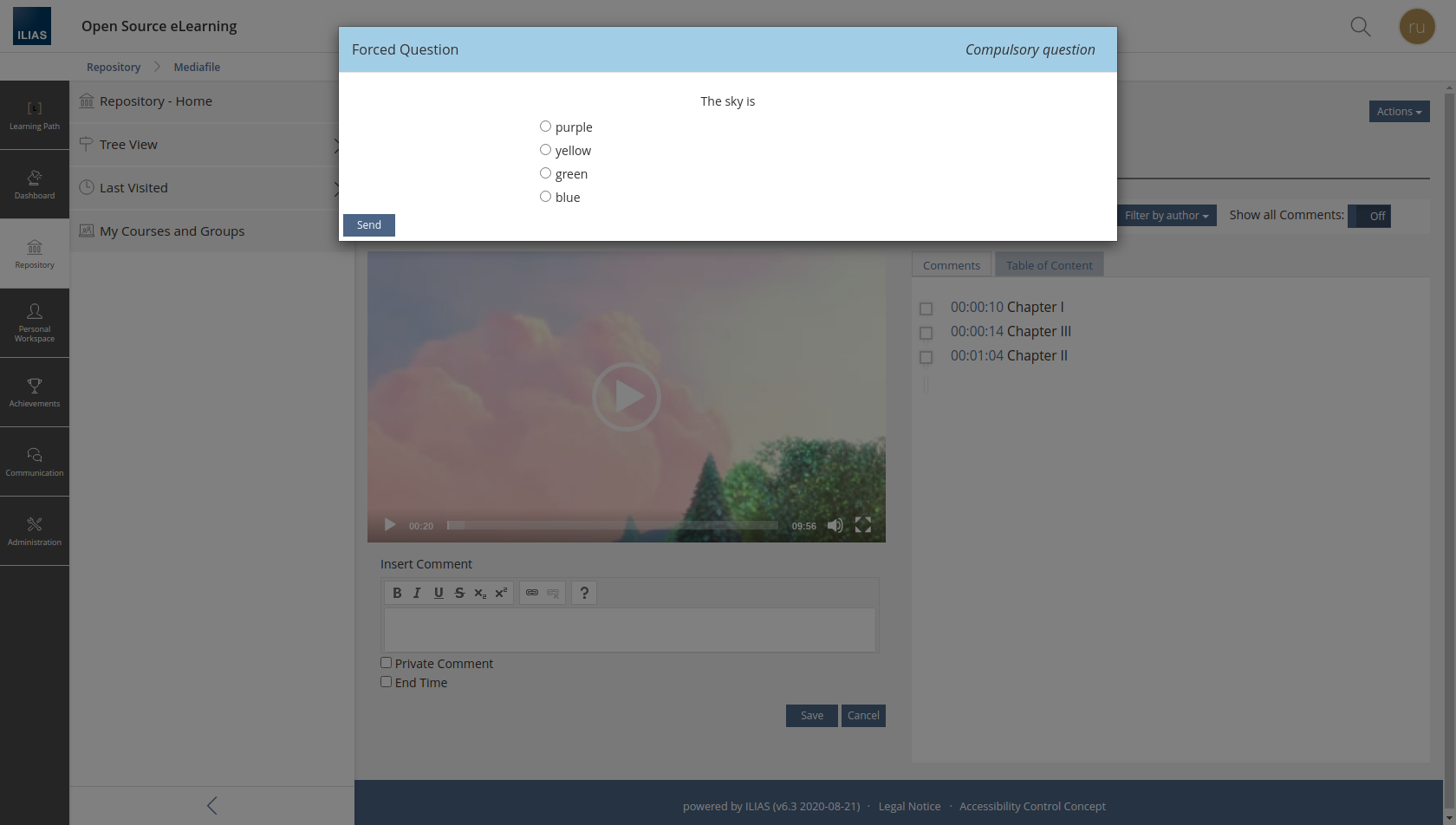
- Interactive Video Compulsory Questions
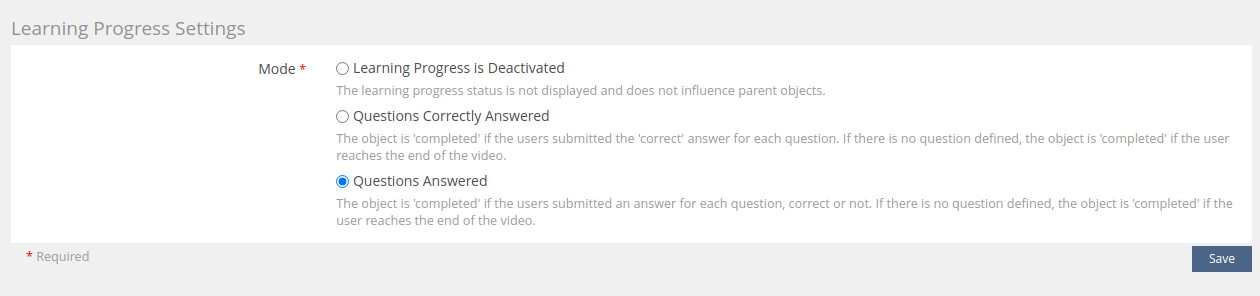
- Interactive Video Learning_progress
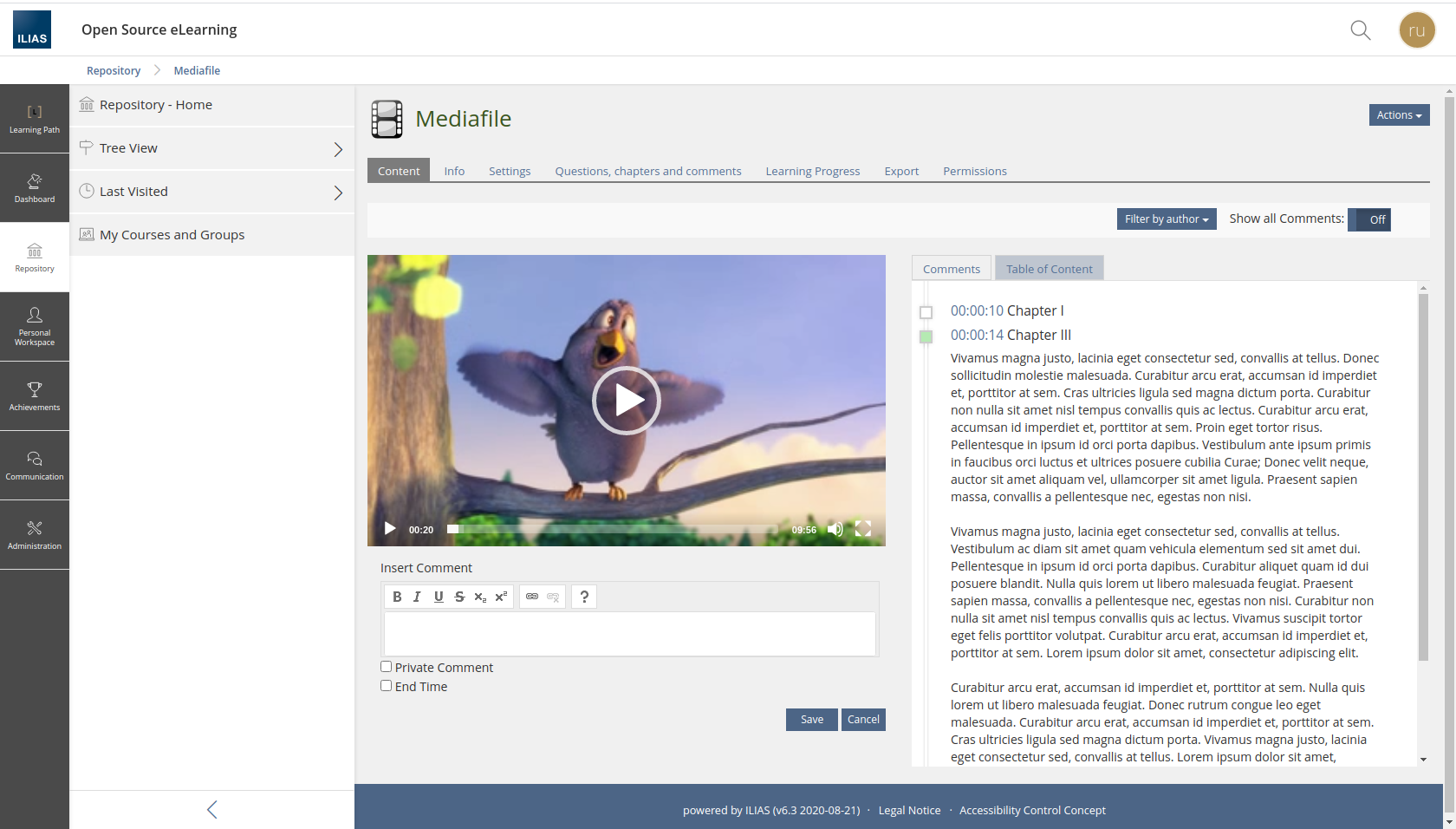
- Interactive Video Table of Contents
InteractiveVideo
ILIAS Interactive Video Plugin
ILIAS compatibility
- If you are looking for a ILIAS 6 or ILIAS 7 compatible version of the plugin, please use the master branch.
- If you are looking for a ILIAS 5.2-5.4 compatible version, please use the release_2 branch.
- For even older ILIAS versions, please use the release_1 branch.
Changes in version 3.0.0
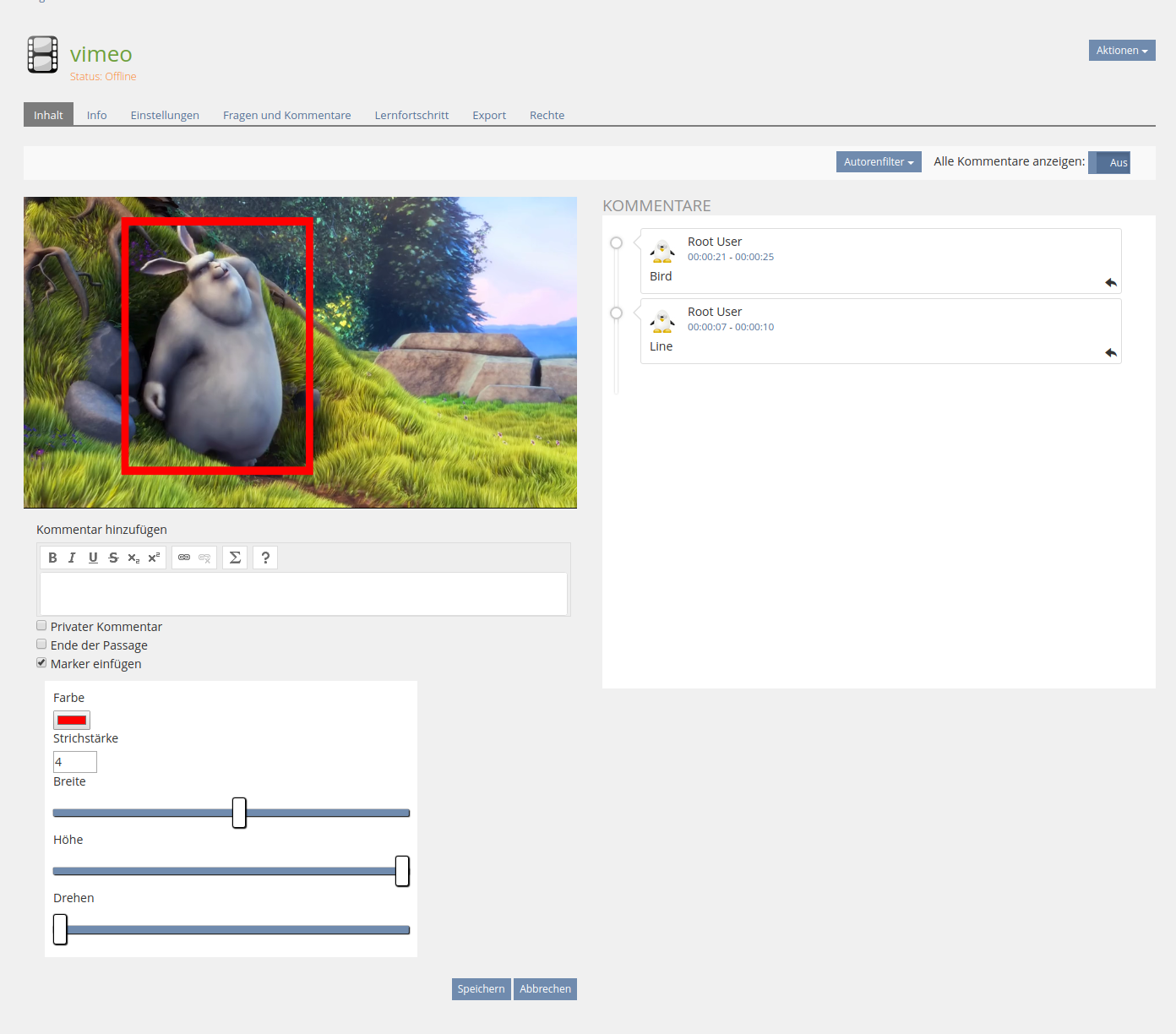
- Reply to comments
- Changed video library to plyr
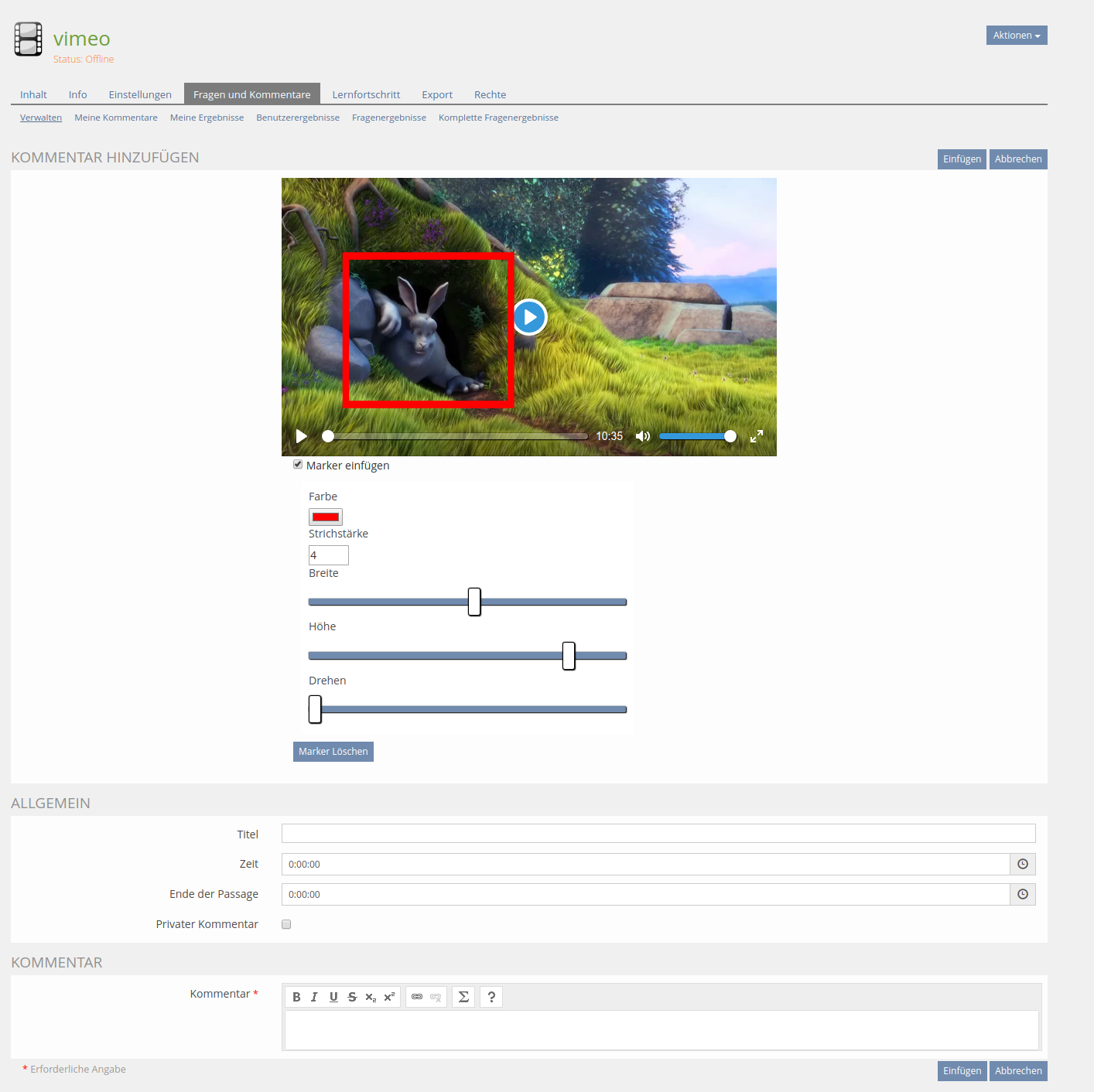
- Development Feature: SVG marker for videos
Changes in Version 2.5.1
- Compulsory questions
- Table of contents
- Automatic scrolling if show all comments is active
- New Learning Progress mode
Important notice
If you upgrade to the 2.x version of the InteractiveVideo you can not go back to version 1.x, because there are migration steps which alter the database schema.
Changes in earlier versions
Repositories connected to the InteractiveVideo Plugin
- COPage Plugin for InteractiveVideo References in LearningModules
- Video Source Plugin for Vimeo
- Video Source Plugin for FAU Video Platform
Installation Instructions
- Clone this repository to <ILIAS_DIRECTORY>/Customizing/global/plugins/Services/Repository/RepositoryObject/InteractiveVideo
- Login to ILIAS with an administrator account (e.g. root)
- Select Plugins from the Administration main menu drop down.
- Search the InteractiveVideo plugin in the list of plugin and choose Activate from the Actions drop down.
Workaround patch for making the Interactive Videos work with the Web Access Checker
Simply insert the following line into the file 'Services/MediaObjects/classes/class.ilObjMediaObject.php' at round about line number 1445, which should read like this in the original:
case "mep":
	$obj_id = $id;
	break;
Insert case "xvid": to make it read like this:
case "mep":
case "xvid":
	$obj_id = $id;
	break;
That's it.
What is it for?
The InteractiveVideo Plugin for ILIAS gives you the possibility to create a video object, where your students can communicate in a asynchronous way. Please note that this is NOT a chat. They can leave notes on different timestamps in the video for other students to read, or only for themselves. Further a tutor can insert questions on various positions in the video for the students to answer. At the moment three questions types are supported single and multiple choice and a reflective type.
Add SVG Marker Select Form
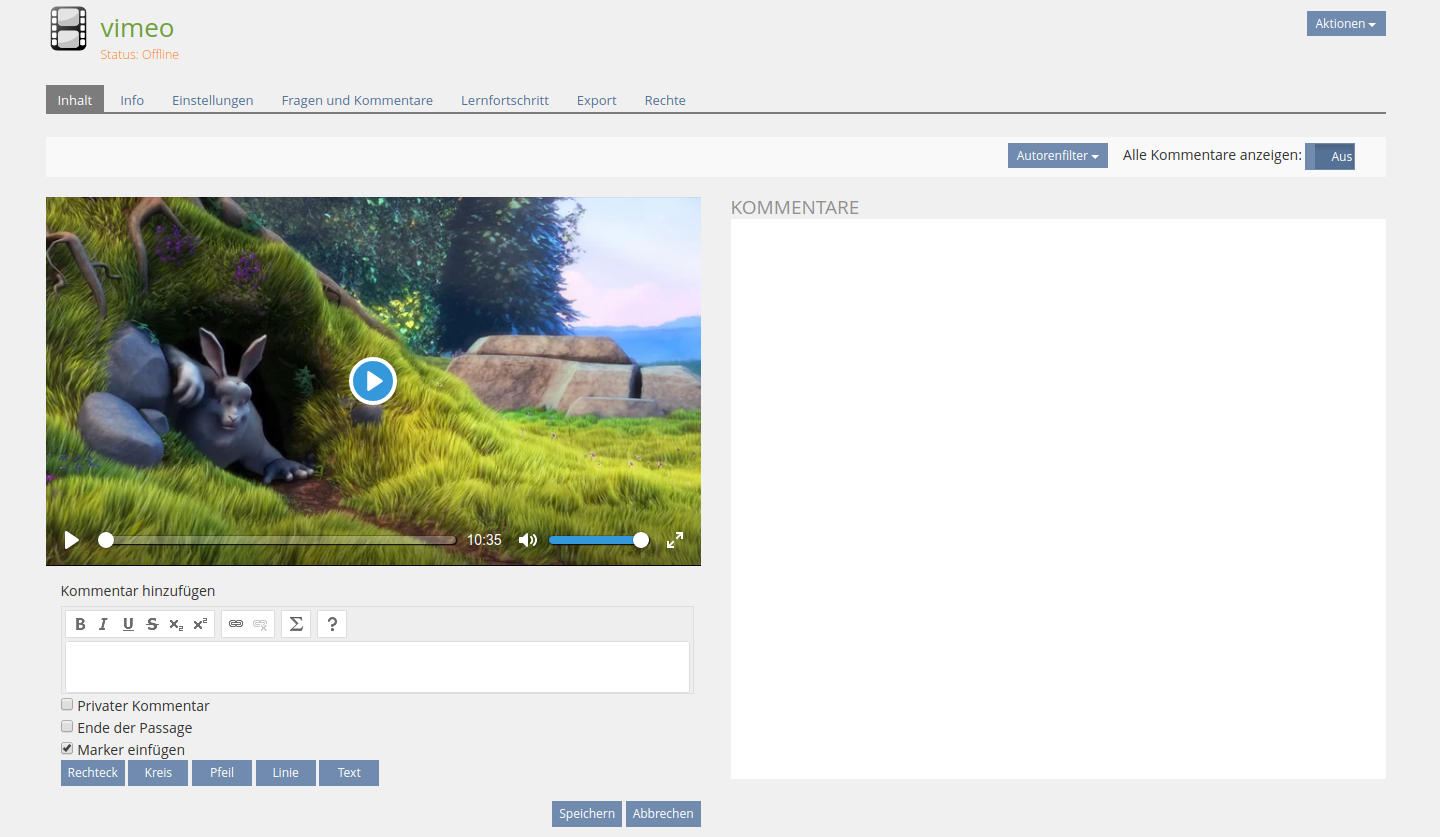
Add SVG Marker Select Position
Edit/Create Screen for Comments
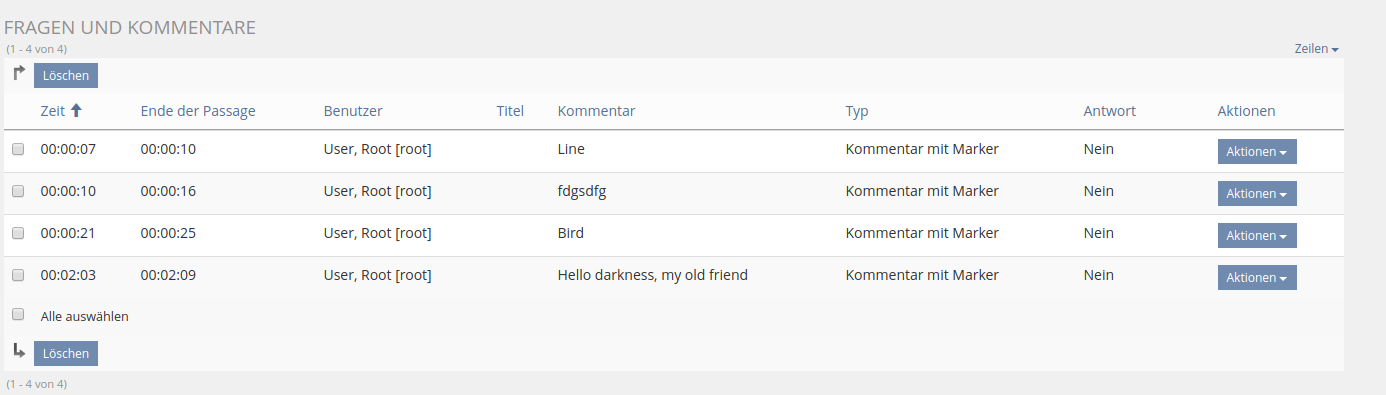
Marker and Replies in the question and comment table
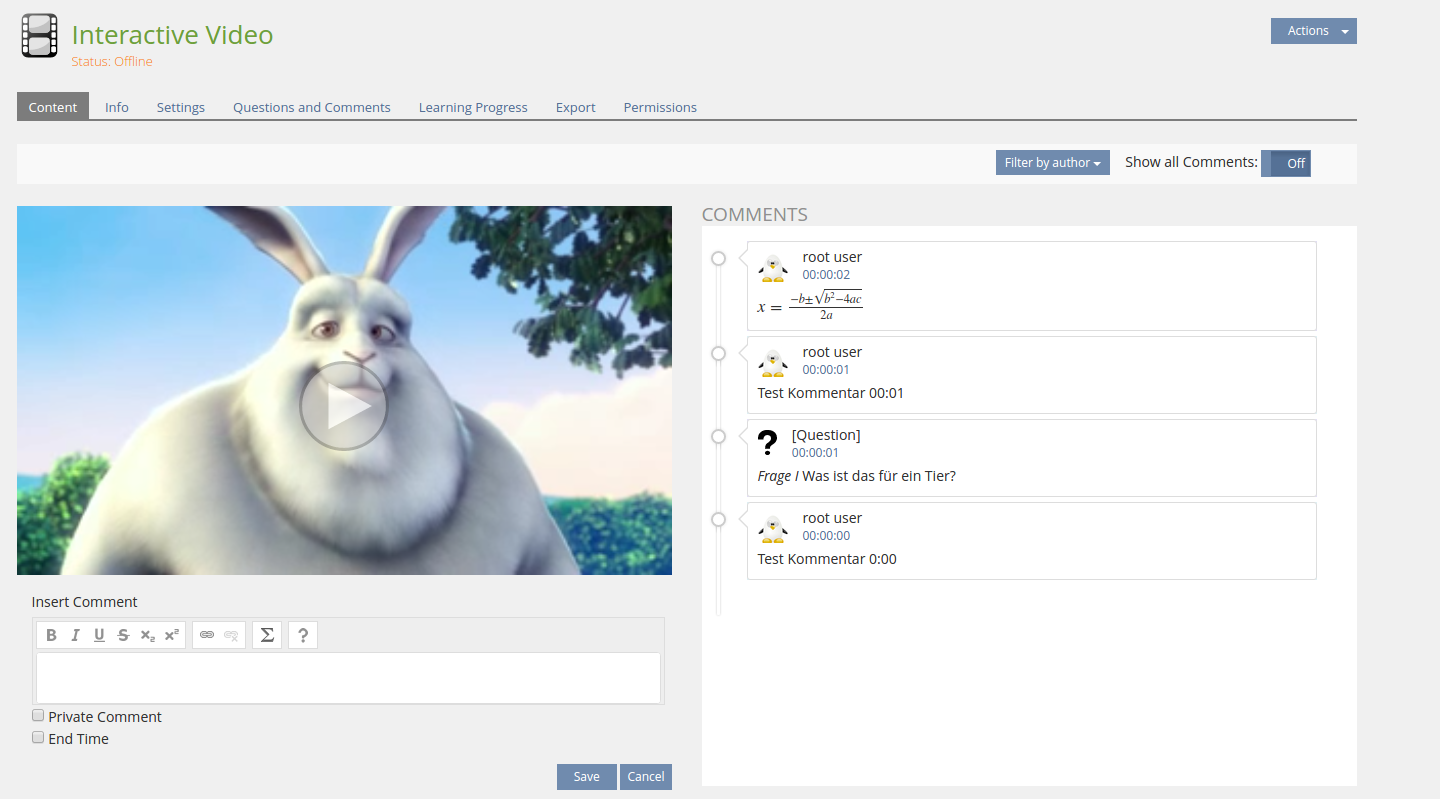
Interactive Video Main View
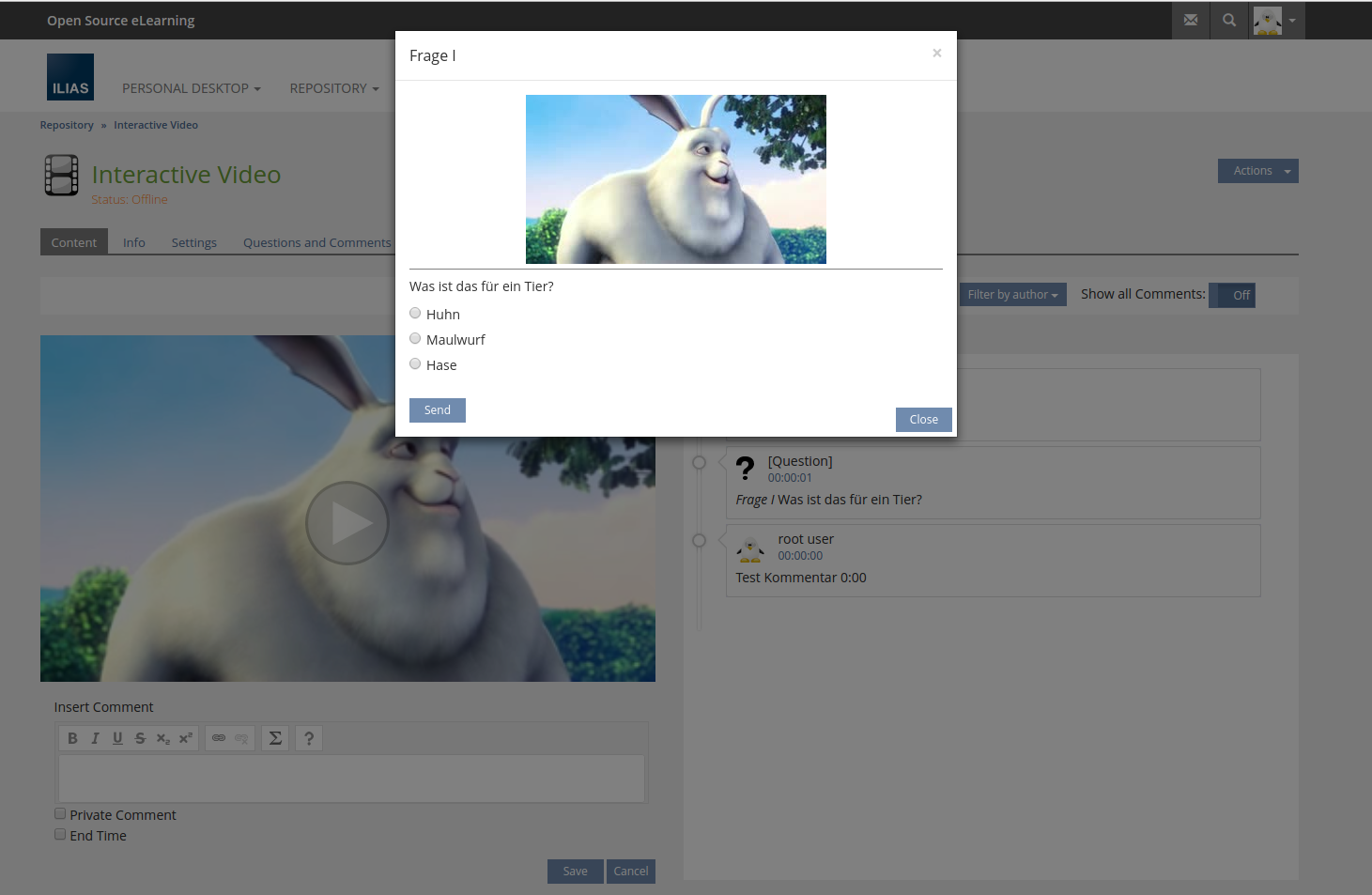
Interactive Video Question View
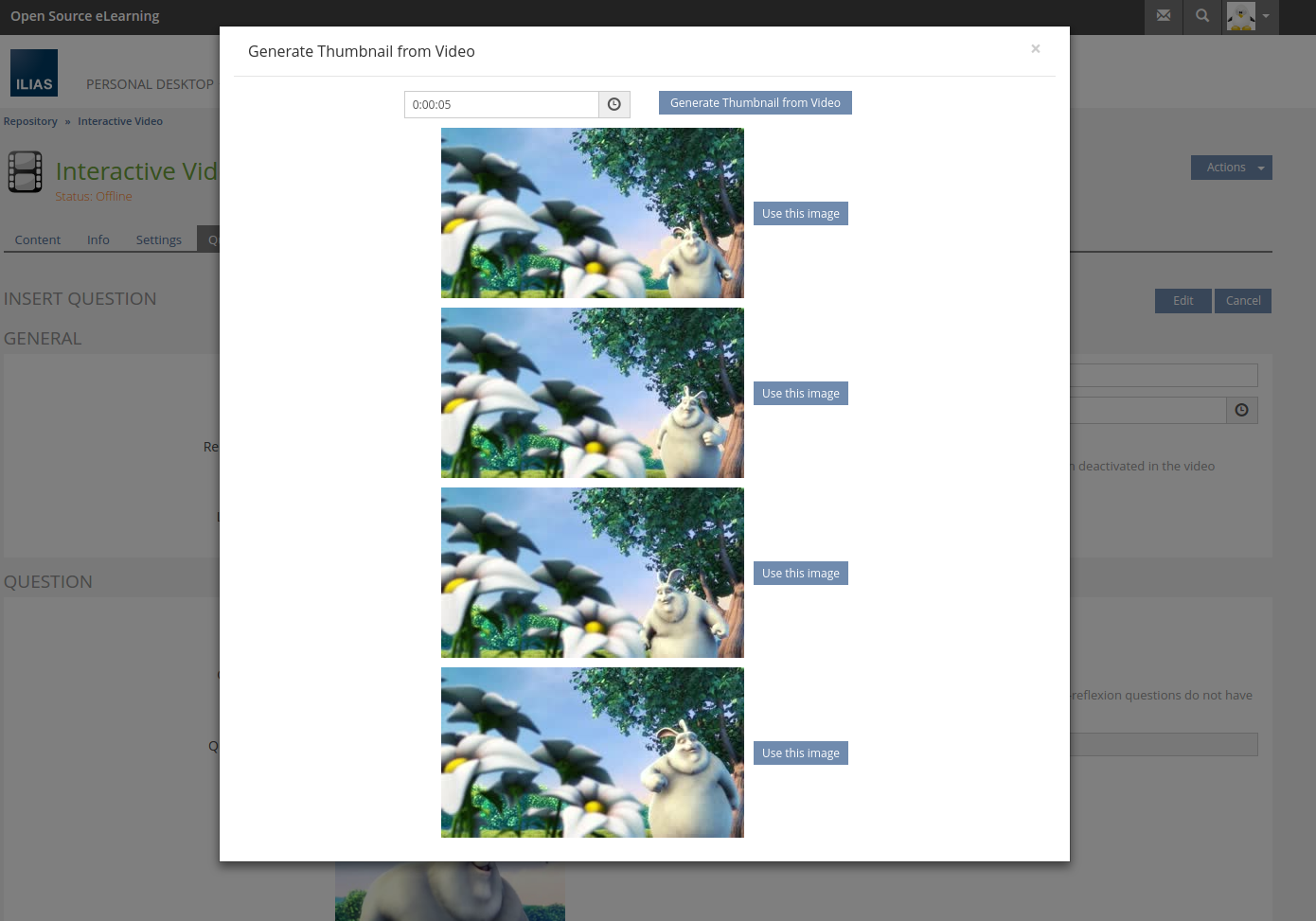
Interactive Video Create Images from Media Object Source
Interactive Video Create Question
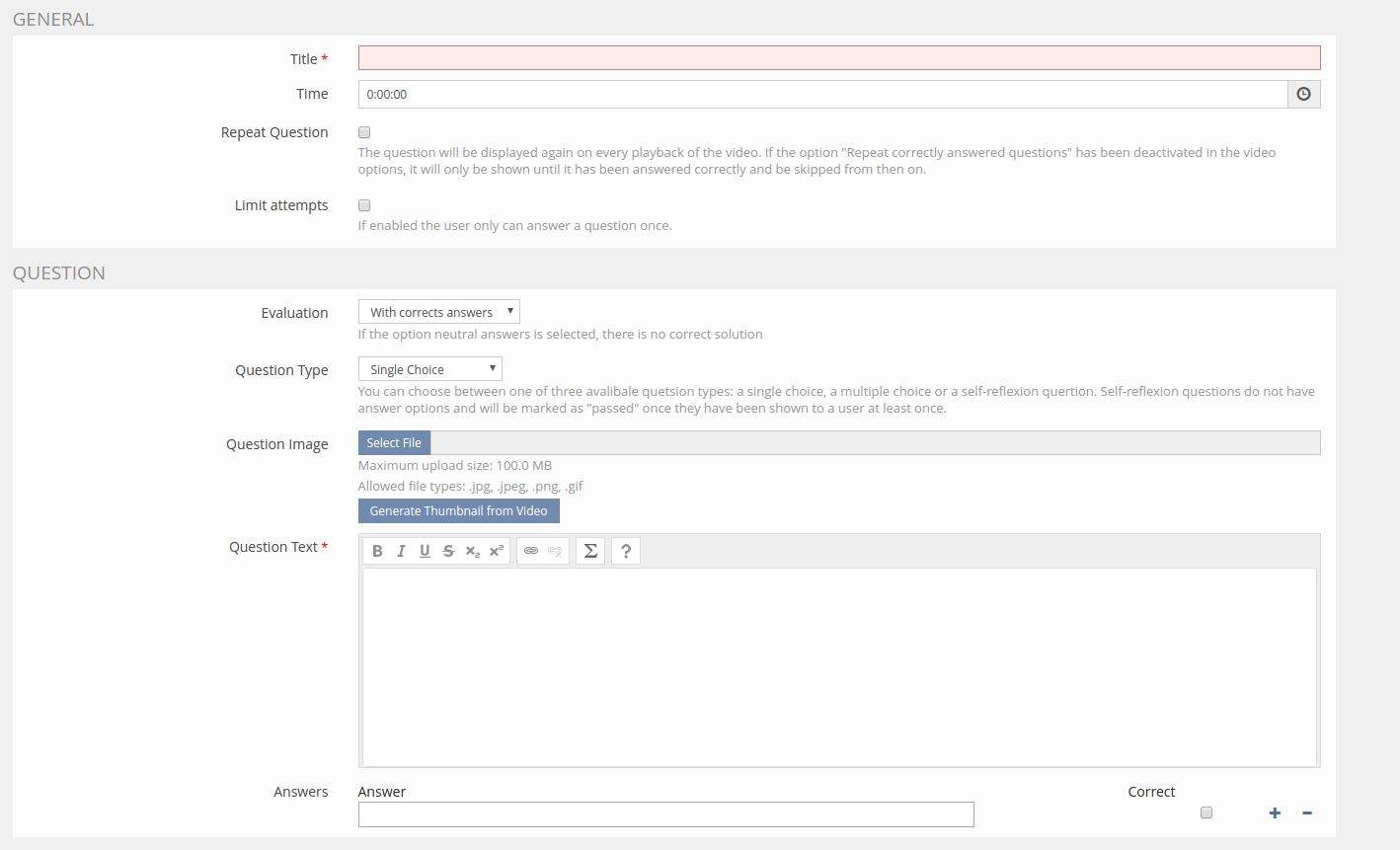
Interactive Video Sources & Plugin Slots
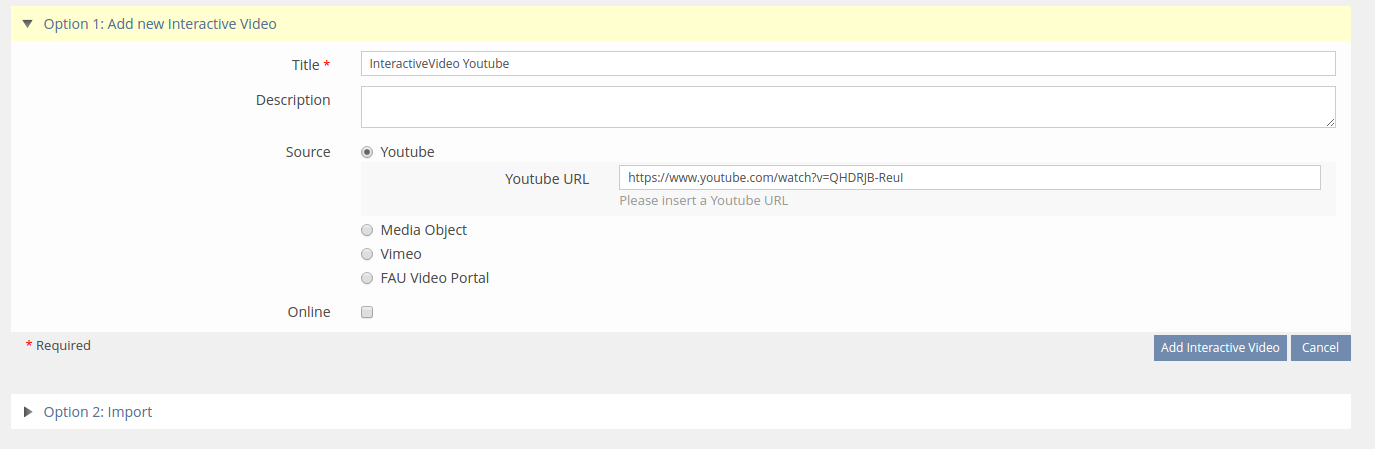
Interactive Video Modal options
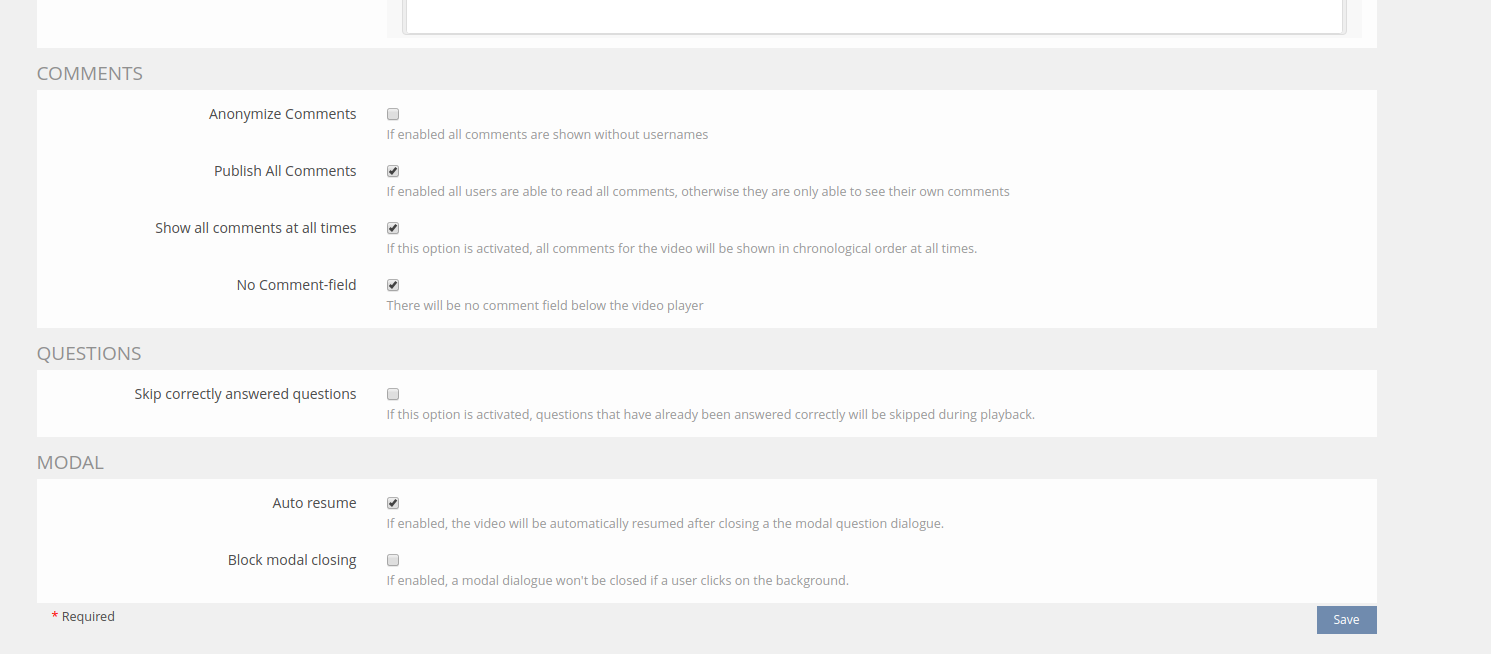
Interactive Video Subtitles
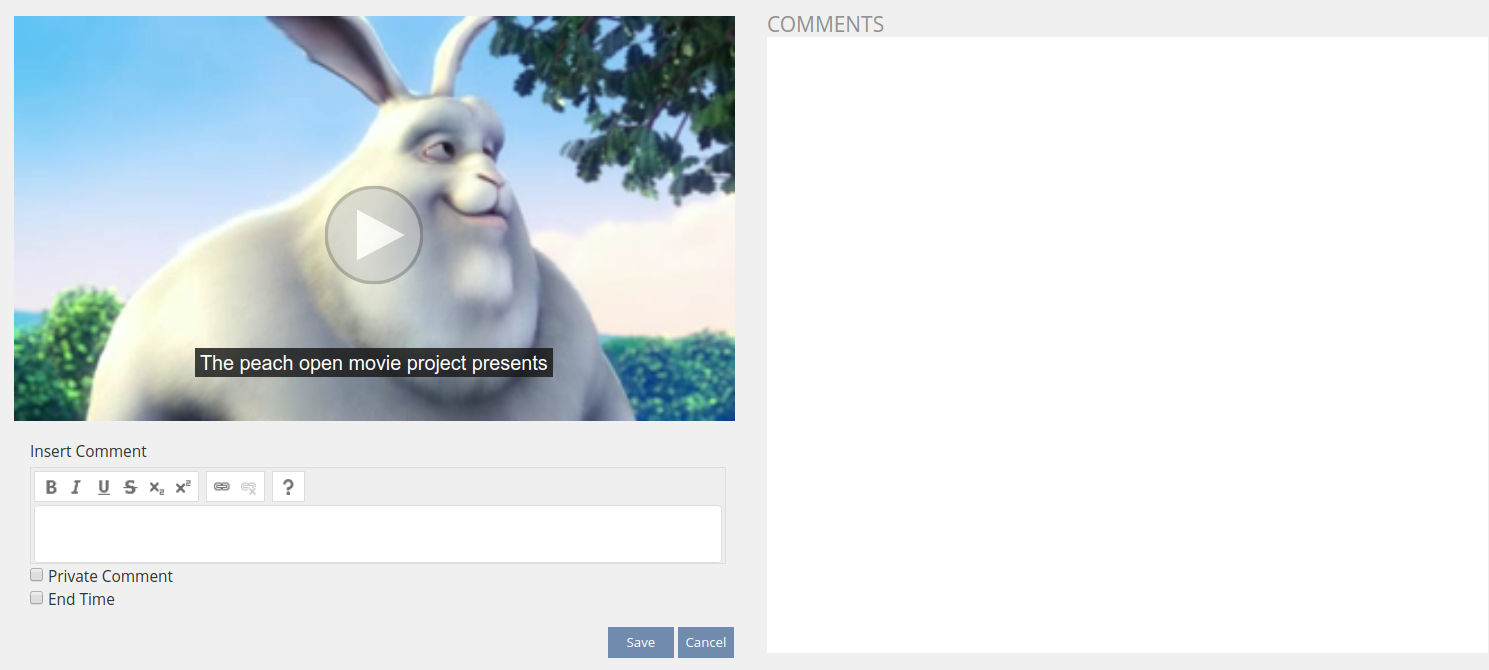
Interactive Video Compulsory Questions
Interactive Video Learning Progress
Interactive Video Table of Content