
CloudResume
☁️🙋♀️A serverless website that displays my resume. Resources used: Terraform, Python, PyTest, HCL, JavaScript, Postman, Jenkins, Github Actions, Bash Scripts, VPC, RDS, EC2, ALB, IGW, ASG, Wordpress, Cloudfront, S3, ACM, R53. ☁️
Install / Use
/learn @CloudyBae/CloudResumeREADME
Welcome to my Cloud Resume ☁️🙋
Visit the website at https://yjbae.com
Explanation of creation:
I first created the backend infrastructure on AWS with Terraform. Using Infrastructure-as-Code is much more efficient instead of building the backend on the AWS console. Within my Terraform code I bootstrapped my EC2 instances created by my Auto Scaling Group. Within my user data is a bash script that installs Apache, the efs utils, and WordPress. From there I migrated my WordPress files to be held in EFS and migrated the data from MariaDB into AWS RDS (MySQL Engine).
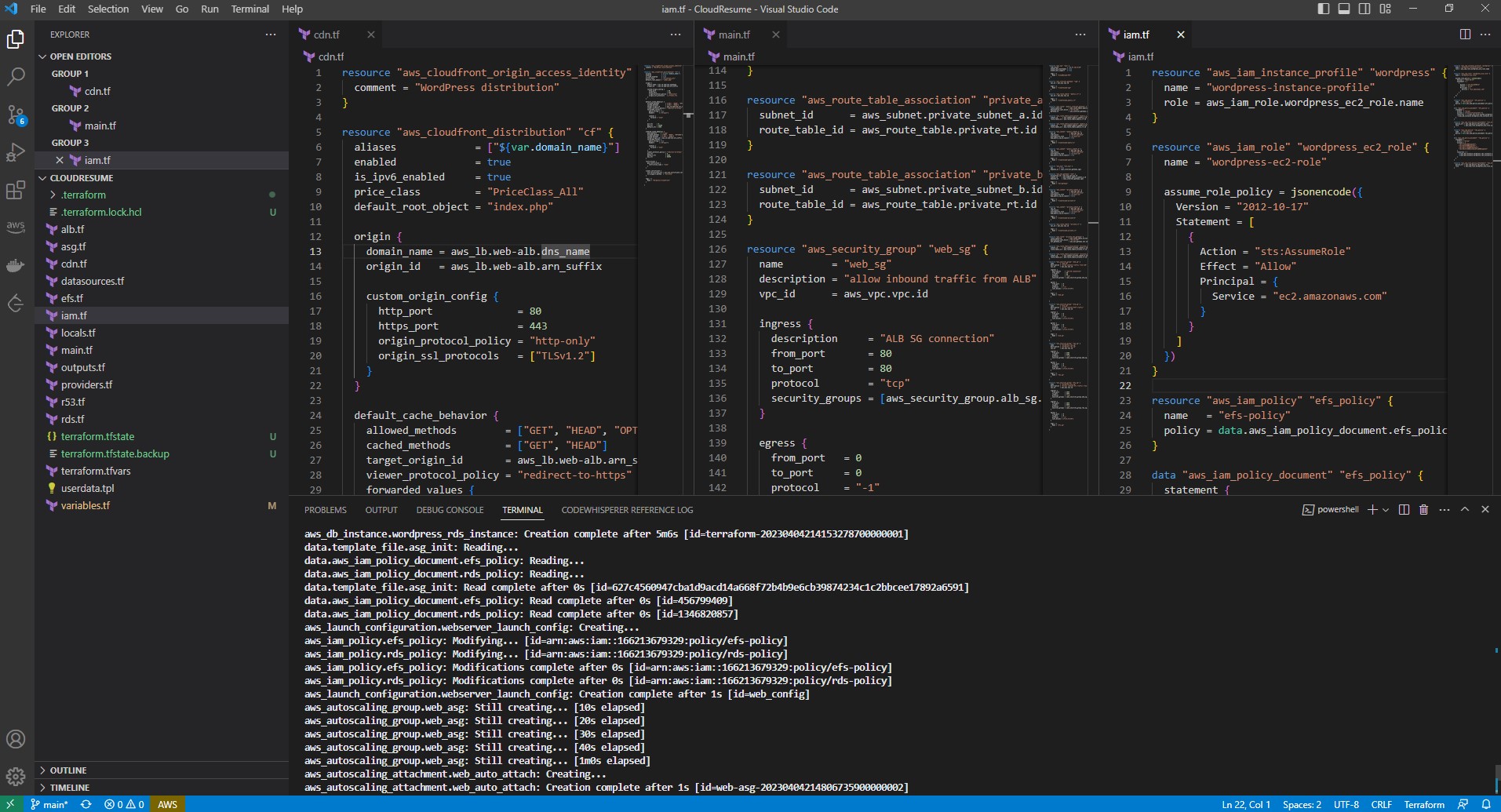
With the use of AWS Certificate Manager, I created a new validated certificate. I also created new DNS records (A & CNAME) to make WordPress use my own custom domain. Then I implemented HTTPS protocol with my valid SSL certificate.
The section below source code is available here: https://github.com/yoojin93/CloudResume_Frontend
Once my barebones WordPress site was up and running, it was time to design! Before I started to design, I created a Jenkins pipeline with a webhook that would push my github repo files into an S3 bucket whenever change was detected in my repo. With the use of the AWS CLI, the only files that were uploaded to the S3 buckets were any new or modified files. Any files that were the same and already stored in my S3 bucket did not get uploaded to save space and costs. I used the plugin "Simply Static" to generate a static version of my wordpress site which got automatically pushed to my github repo.


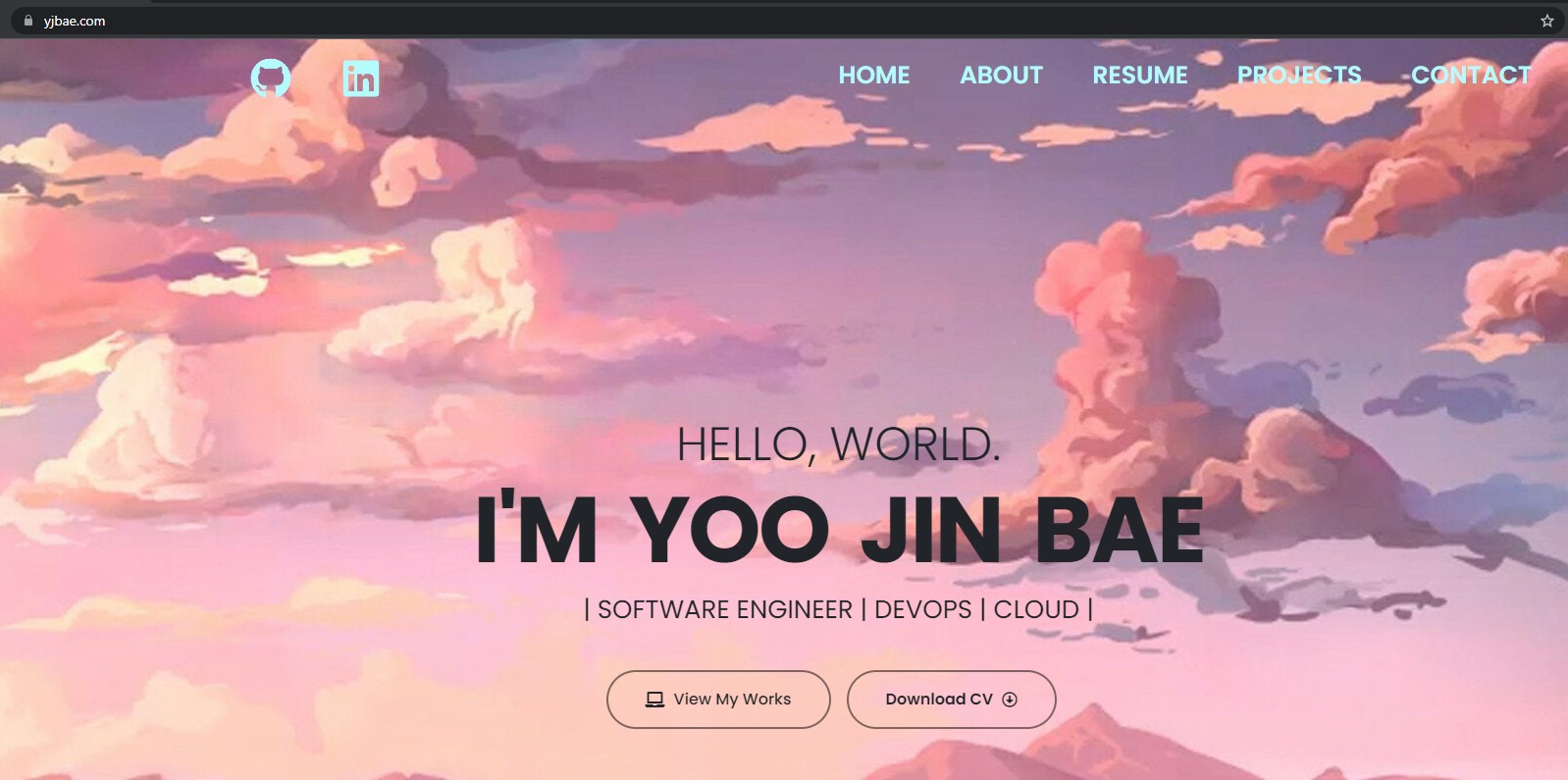
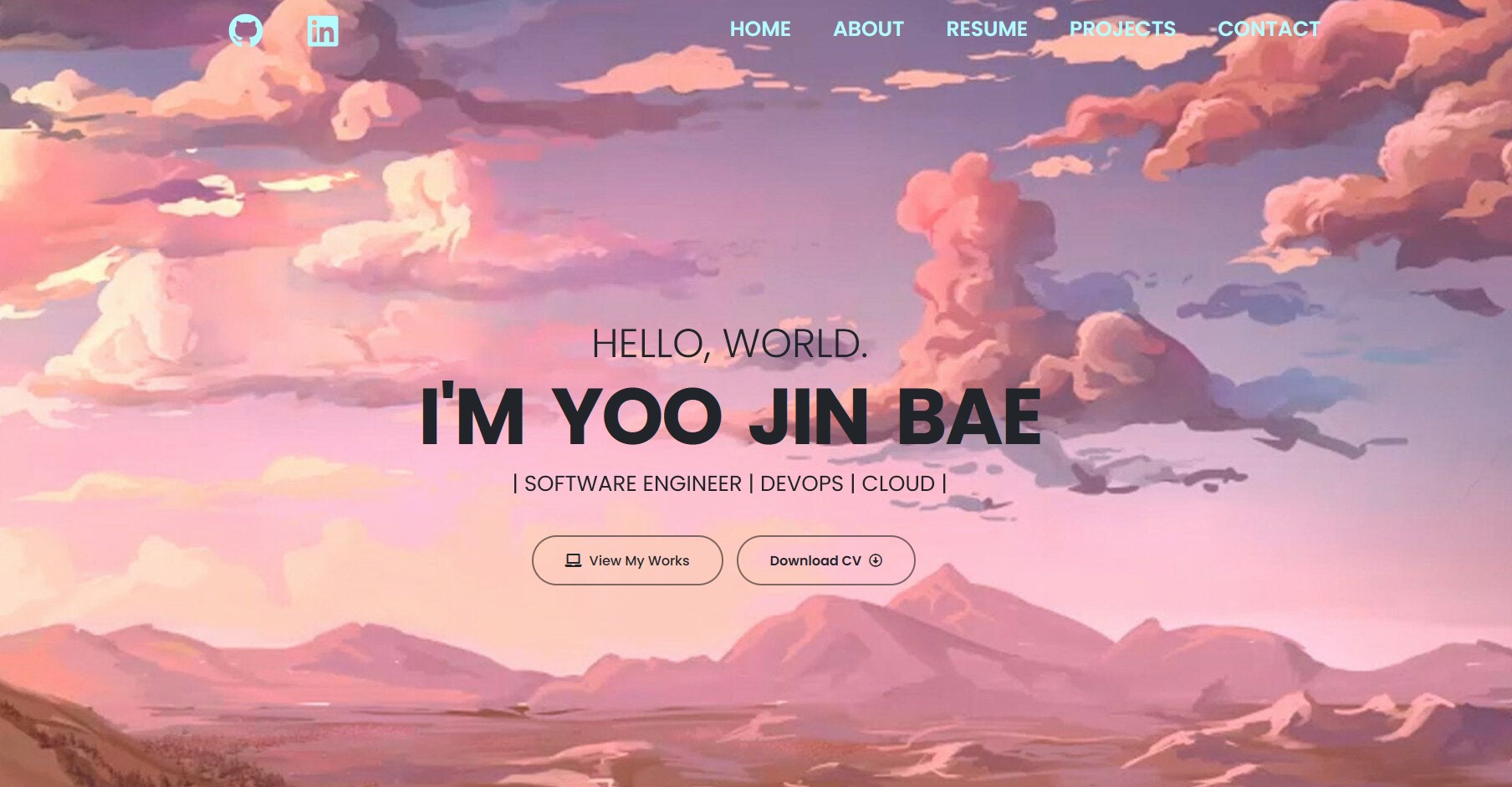
With the use of Elementor, I designed and updated my website. Anytime I updated my website, I generated a new static version of my site. My first website design was okay, but it didn't feel like "me", so I tore my site down and rebuilt it with more personality.
1st version:
 2nd version:
The section below source code is available here: https://github.com/yoojin93/website-visitor-counter
After my site was complete from a design perspective, I needed to do the last part of the challenge, implementing a website counter. I used DynamoDB, API Gateway, and Lambda for the backend of this website counter. With the use of Terraform, I provisioned the needed AWS resources by code.

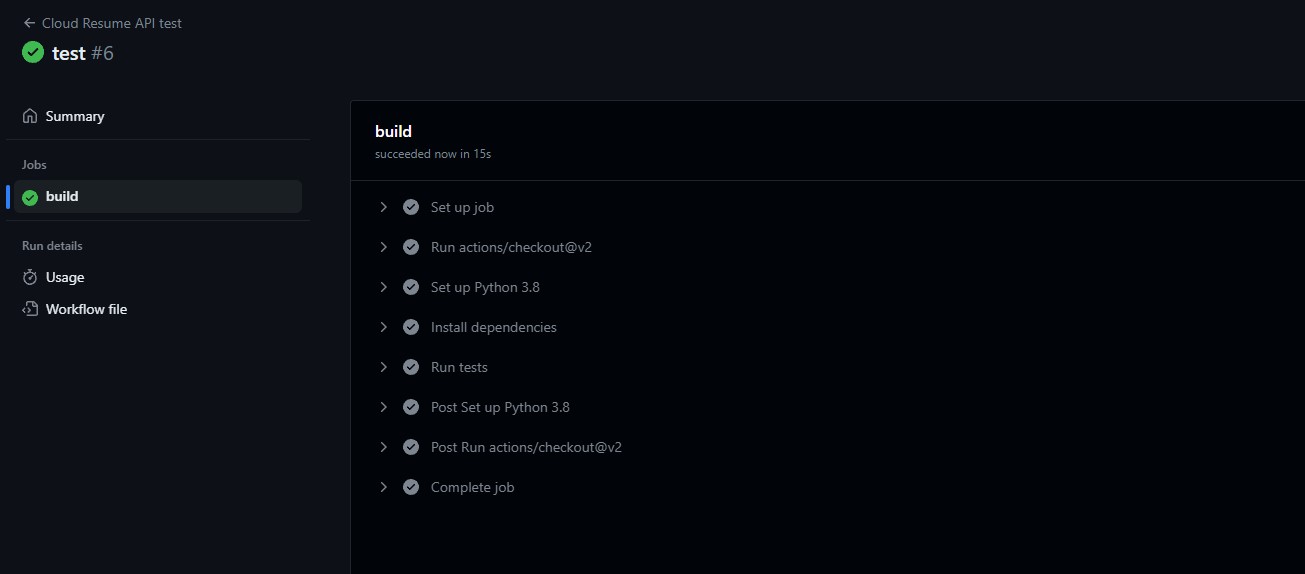
I implemented a GitHub Actions pipeline to automatically test my API & lambda function with the use of PyTest.
With the use of the WordPress plugin "WPCode Lite", I inserted a JavaScript code into the footer of my WordPress's HTML code.
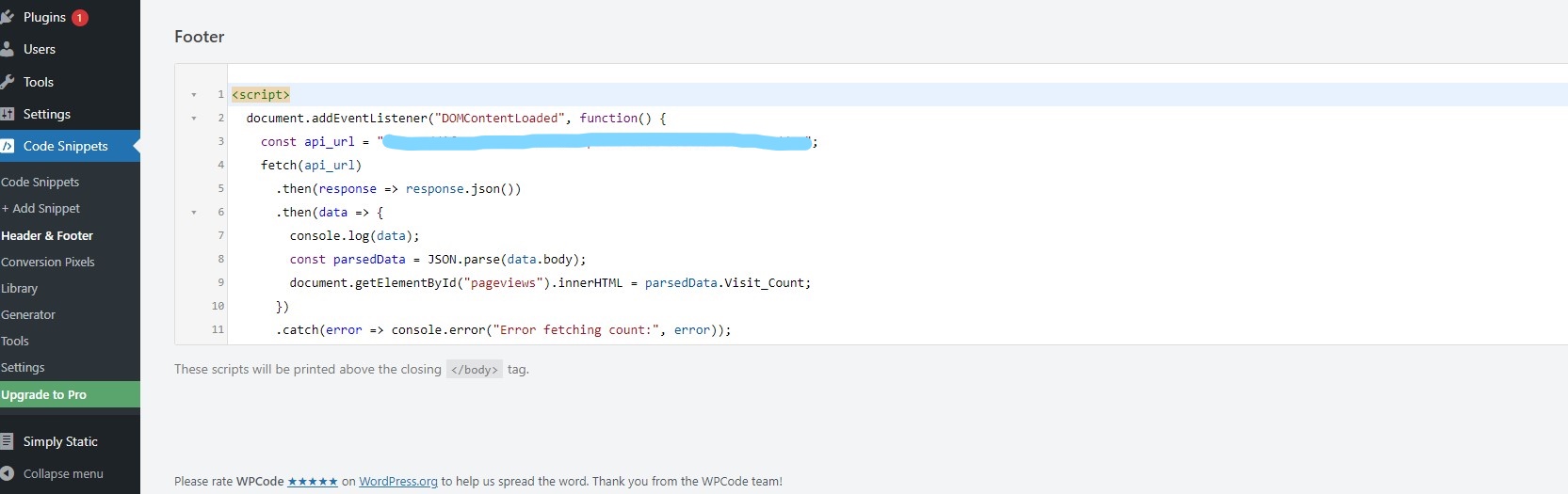
By using "console.log(data);" in my JavaScript code, I was able to use my web browsers developers tool to ensure that the JSON data was being received properly.

I checked my DynamoDB table to see if it was working as intended with the viewer count matching both in the table & the website.

I utilized Postman to test my REST API and website to ensure everything was working properly before completely opening my website to the public.

My website is now up and running to the public: https://yjbae.com
Related Skills
node-connect
346.8kDiagnose OpenClaw node connection and pairing failures for Android, iOS, and macOS companion apps
frontend-design
107.6kCreate distinctive, production-grade frontend interfaces with high design quality. Use this skill when the user asks to build web components, pages, or applications. Generates creative, polished code that avoids generic AI aesthetics.
openai-whisper-api
346.8kTranscribe audio via OpenAI Audio Transcriptions API (Whisper).
qqbot-media
346.8kQQBot 富媒体收发能力。使用 <qqmedia> 标签,系统根据文件扩展名自动识别类型(图片/语音/视频/文件)。
