
OpenRA2
RA2 clone for openra
Install / Use
/learn @Cheesy0314/OpenRA2README
OpenRA Red Alert 2 Yuri's Revenge
A Red Alert 2 Yuri's Revenge mod for OpenRA Engine
Screenshots
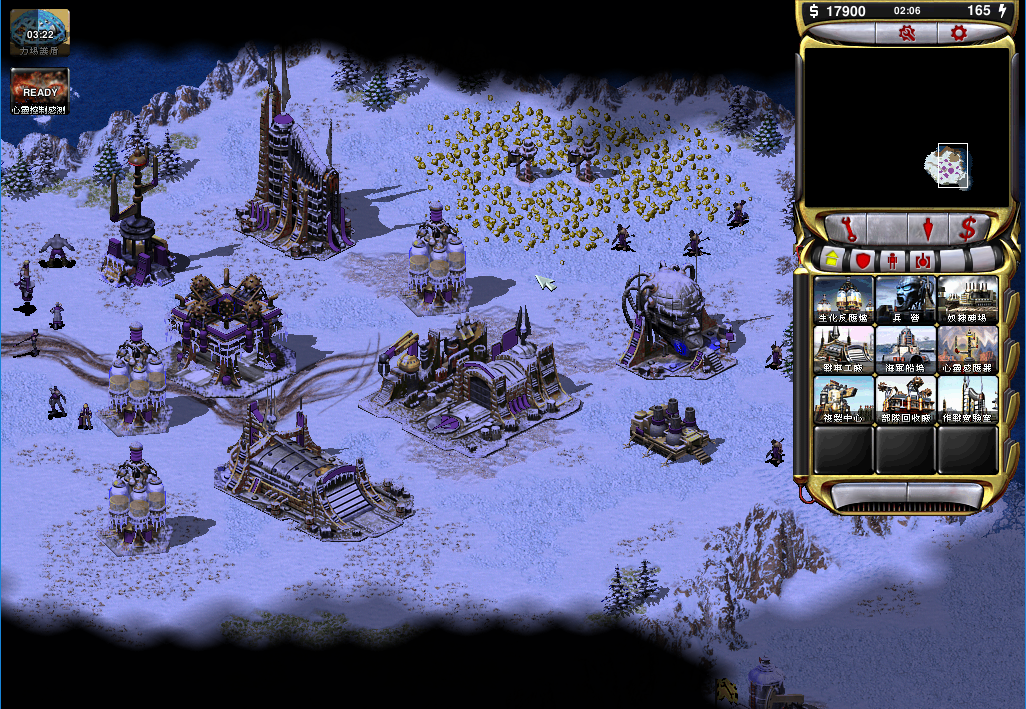
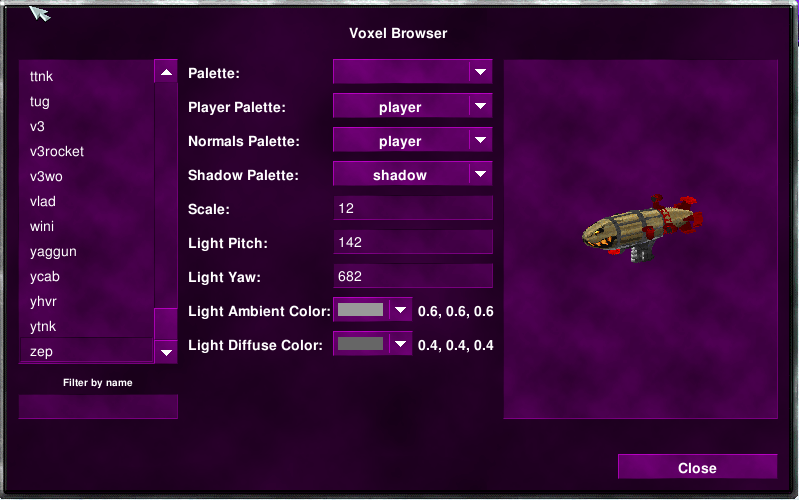
Version
release-20200202
Build
Windows
Run "make.cmd" on Windows and type "all" in the terminal
Linux/MacOS
Run "make" on Linux/MacOS
Tip
When Start Skirmish mode, please make sure your money set to 10000 or above
Wiki
You can check more information on wiki:
https://github.com/cookgreen/Yuris-Revenge/wiki
Issue
If you meet any problem, please post an issue:
https://github.com/cookgreen/Yuris-Revenge/issues
Install the content
Note: Normally installing the content from the ingame content installer is enough.
The mod expects the original Red Alert 2 game assets and original Yuri's Revenge assets in place. Put the .mix archives in the following directory depending on your operating system.
Confirm the content path:
Run Utility command: --display-content-path to determine the OpenRA content path, after run this command, it will output like this:
OpenRA Content Path: <YourOpenRAContentPath>
Red Alert 2 Directory:
Windows: <YourOpenRAContentPath>\ra2\
Mac OSX: <YourOpenRAContentPath>/ra2/
Linux: <YourOpenRAContentPath>/ra2/
Create the ra2 directory if it does not exist.
Yuri's Revenge Directory:
Windows: <YourOpenRAContentPath>\yr\
Mac OSX: <YourOpenRAContentPath>/yr/
Linux: <YourOpenRAContentPath>/yr/
Create the yr directory if it does not exist.
Download
The game can be bought and downloaded from the following official places:
EA Origin
XWIS
Disc
If you own the original CDs:
Locate Game1.CAB on Original Red Alert 2 CD in the INSTALL/ directory.
Copy all required mixes into your content folder.
The mixes inside of Game1.CAB are ra2.mix and language.mix. Copy those two into your ra2 content folder.
For the soundtrack you want theme.mix from your CD.
Locate Game6.CAB on Original Red Alert 2 Yuri's Revenge CD in the INSTALL/ directory.
Copy all required mixes into your content folder.
The mixes inside of Game6.CAB are ra2md.mix and langmd.mix. Copy those two into your yr content folder.
For the soundtrack you want thememd.mix from your CD.
License
GPLv3
