ConverseTek
Conversation editor for HBS's Battletech
Install / Use
/learn @CWolfs/ConverseTekREADME
ConverseTek
Conversation editor for HBS's Battletech.
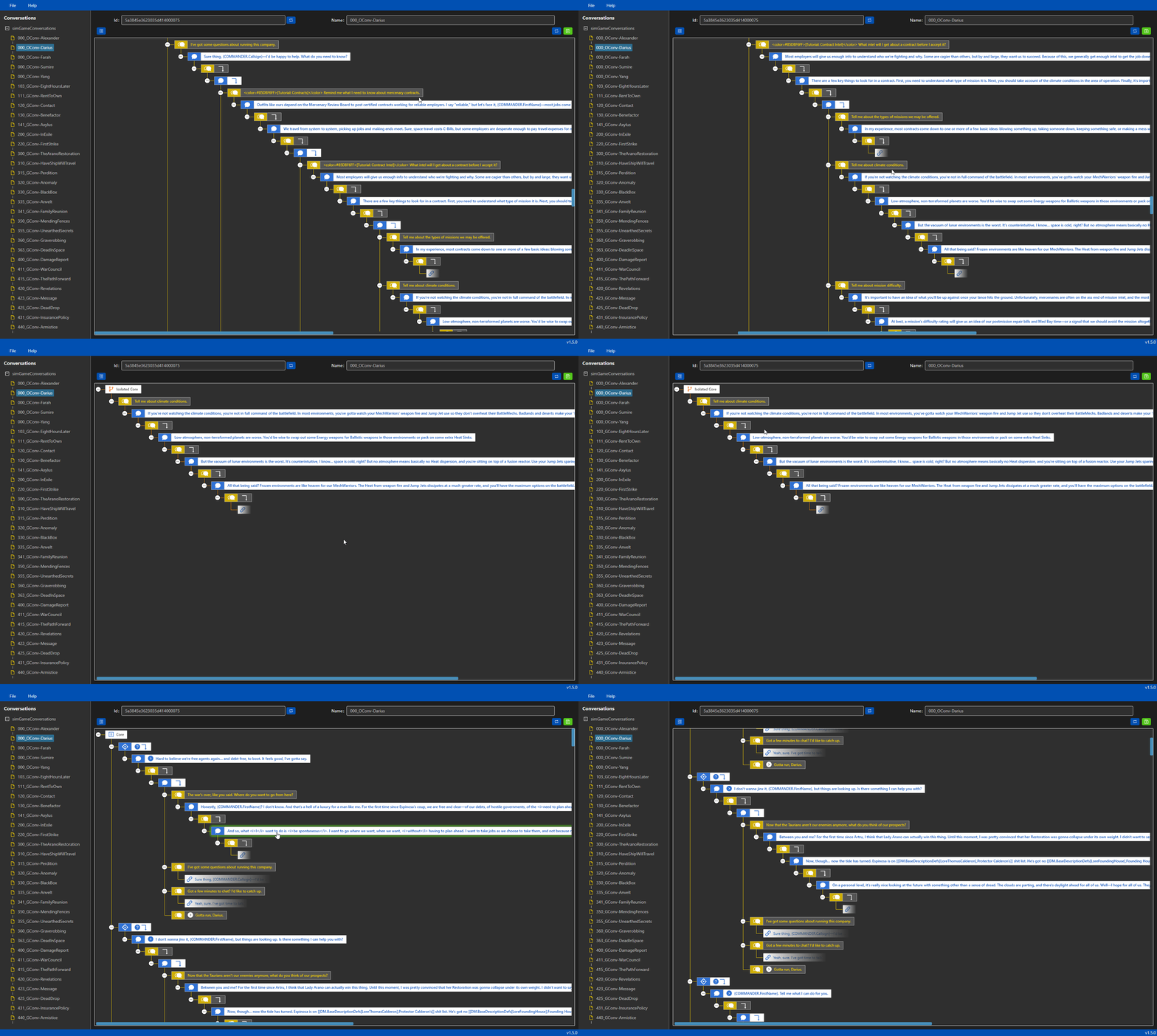
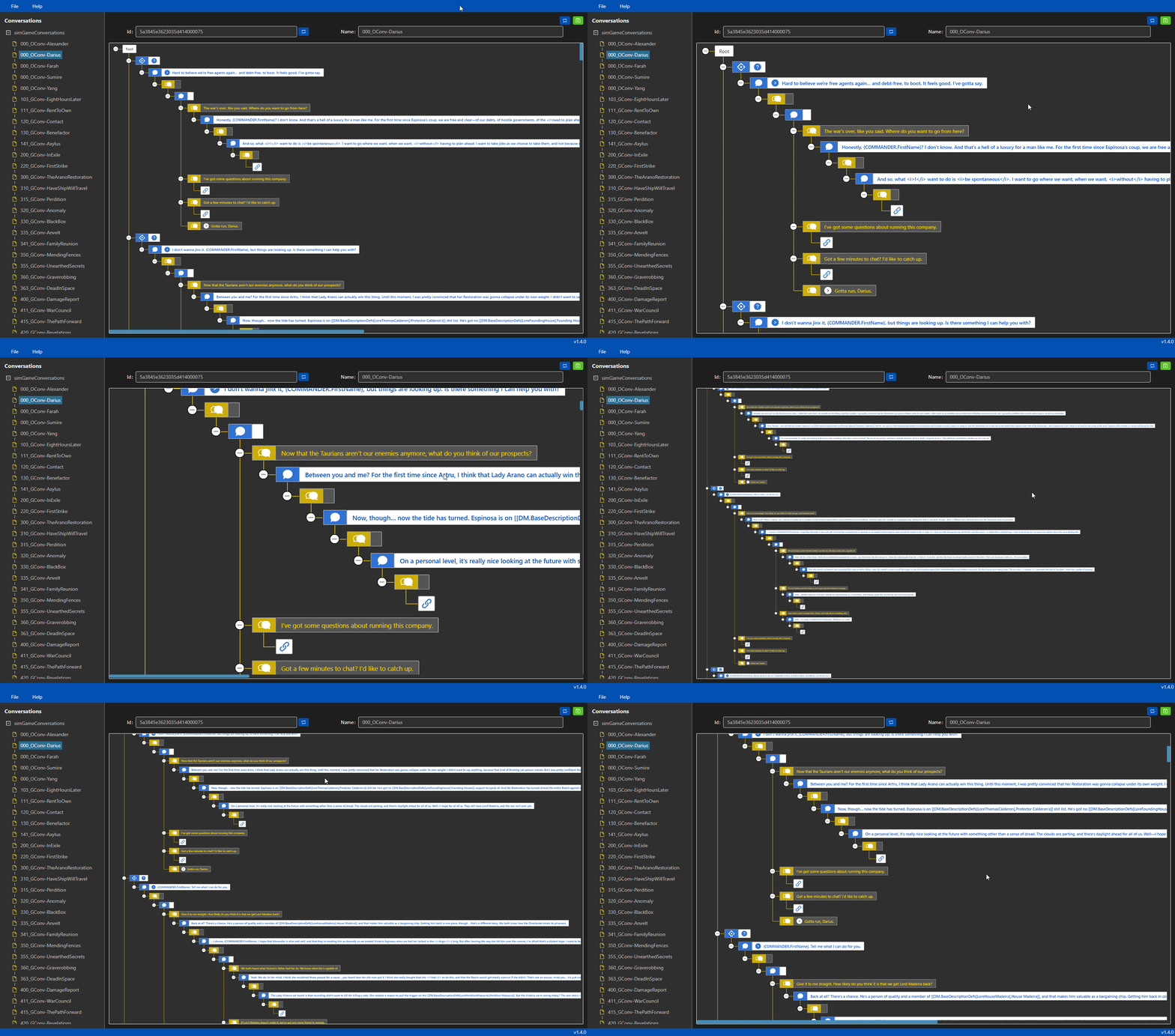
Battletech uses a binary data format for its conversations. It isn't possible to edit those files directly so this tool is being developed to allow for editing and creating new conversations.


Overview
Latest release: v1.7.0 | Download
Complimentary Mods
ExtendedConversationsmod | Adds more dialog tags, actions, conditions and features | Docs | Download
Videos
- v1.5 - Walkthrough
- v1.5 - Isolate Branch
- v1.4 - Zooming
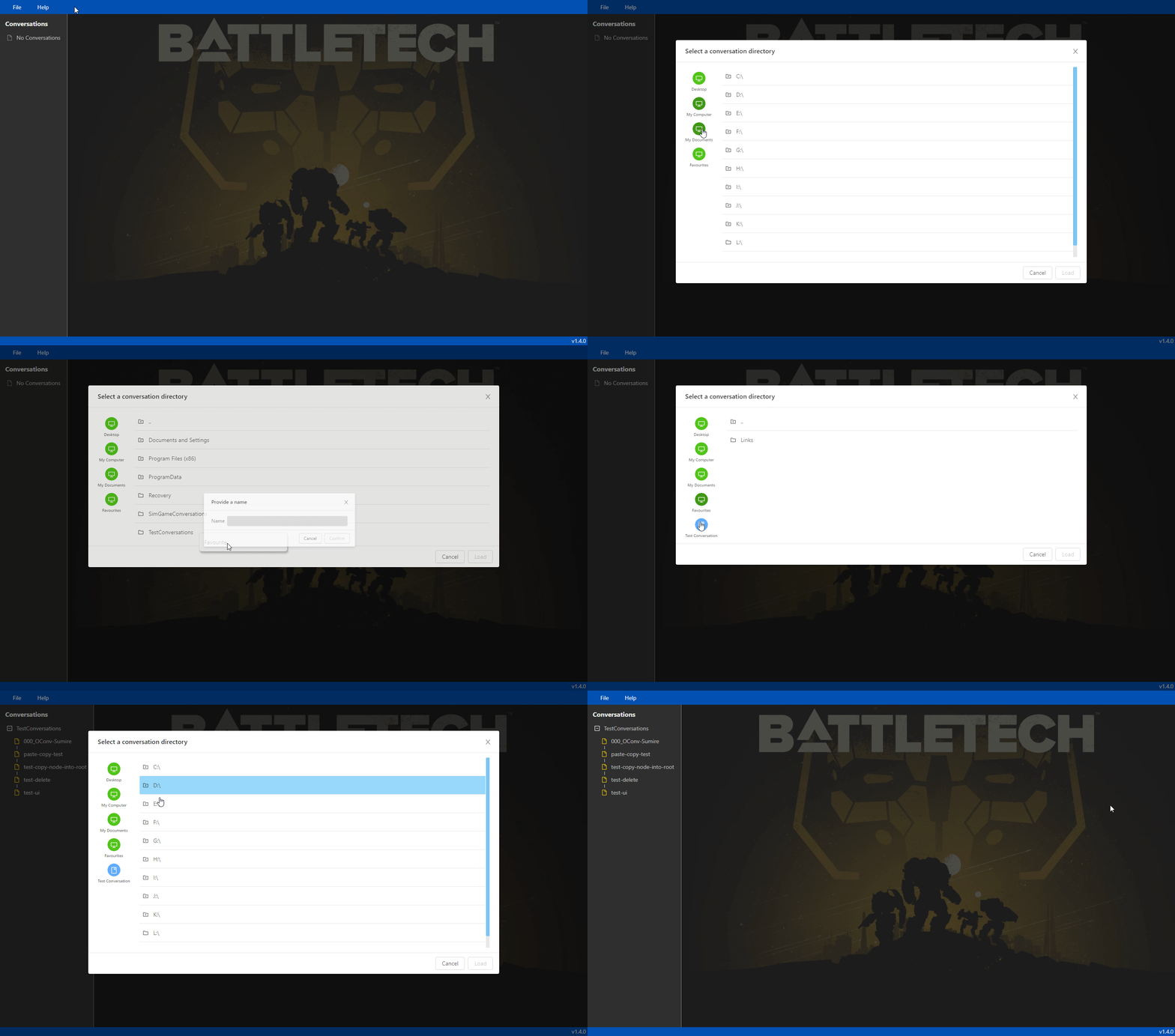
- v1.4 - Improved Folder Navgation
- v1.4 - Improved Layout
- Conversation with Yang
- Copy & Links Functionality
- Drag Rearrange Functionality
- Time Skip Action (Requires ExtendedConversations)
- Set Current System Action (Requires ExtendedConversations)
Installation Instructions
- Download and install .NET framework (no earlier than .NET 4.72 Runtime)
- Download the latest release and unzip it
- Copy
ShadowrunDTO.dllandShadowrunSerializer.dllfrom yourBATTLETECH/BattleTech_Data/Manageddirectory into theConverseTekapplication folder - Run
ConverseTek.exefrom theConverseTekapplication folder
FAQ
Some questions are answered in the FAQ section.
Feedback
All feedback is welcome in the issues section.
Contributors
MalD - Feature suggestions & testing
Features
- Load and Save sim game conversations
- One-on-one conversations
- Group conversations
- Edit existing dialog
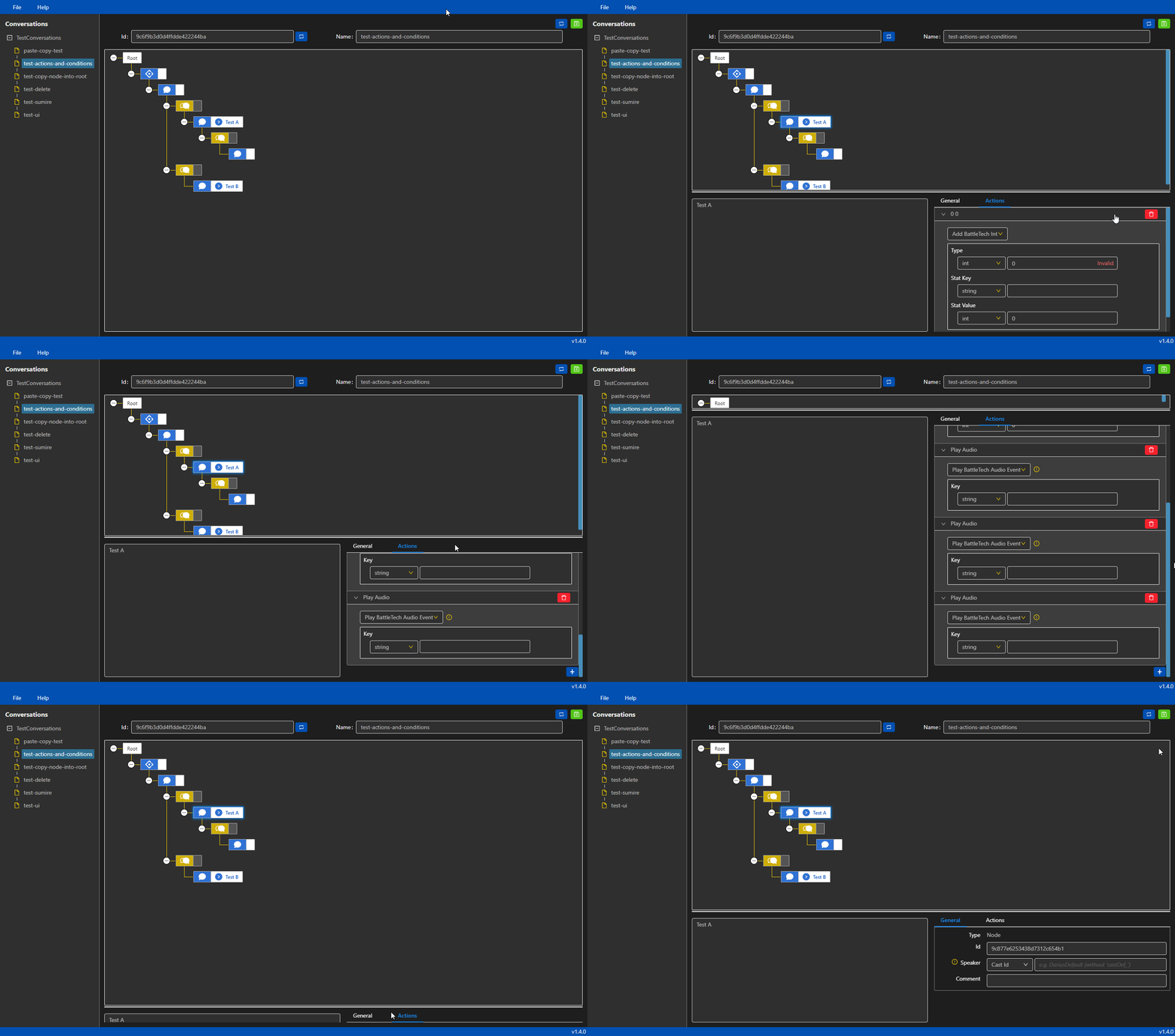
- Create new conversations
- Add actions and conditions to dialog nodes
- Link dialog nodes for conversations that loop back on themselves
- Flexible support for future conditions, actions and value getters
- JSON definition extension support
- Full support for
ExtendedConversationsmod - Flashpoint compatibility
Dialog Tags
BattleTech uses dialog tags which are replaced at runtime with the appropriate text. To access it use the following in your dialog text.
Tooltips
Square brackets will show a short yellow hover-over enabled tooltip. Once mouse overed, the tooltip will display the full text. In this case the full tooltip text is taken from the base descriptions definition file. It checks the DataManager and allows you to select information. For example,
[[DM.BaseDescriptionDefs[LoreThomasCalderon],Protector Calderon's]][[DM.Factions[faction_MagistracyOfCanopus],Canopian]][[DM.CastDefs[...and so on
Replacements
Curly braces enable reflection on the game object registered to the handler. You can access the game variables and properties with this approach. For example,
{COMPANY.DaysPassed}- Gets how many days have passed since the start of the game{COMMANDER.FirstName}- Gets the commander's first name{TGT_SYSTEM.Habitable}- Checks if the current star system is habitable
Author
Richard Griffiths (CWolf)
Related Skills
node-connect
351.2kDiagnose OpenClaw node connection and pairing failures for Android, iOS, and macOS companion apps
frontend-design
110.6kCreate distinctive, production-grade frontend interfaces with high design quality. Use this skill when the user asks to build web components, pages, or applications. Generates creative, polished code that avoids generic AI aesthetics.
openai-whisper-api
351.2kTranscribe audio via OpenAI Audio Transcriptions API (Whisper).
qqbot-media
351.2kQQBot 富媒体收发能力。使用 <qqmedia> 标签,系统根据文件扩展名自动识别类型(图片/语音/视频/文件)。