
RestaurantProject
Restaurant Management System with Website and POS. This system includes a customer-facing website, a POS system for ordering, and the ability to create, store, update, and delete bills, menu items, and more. Uses mainly php.
Install / Use
/learn @BryanTheLai/RestaurantProjectREADME
Restaurant POS and Website

Built with these:
<p align="left"> <a href="#"> <img alt="HTML5" src="https://img.shields.io/badge/html5%20-%23E34F26.svg?&style=for-the-badge&logo=html5&logoColor=white"/> <img alt="CSS3" src="https://img.shields.io/badge/css3%20-%231572B6.svg?&style=for-the-badge&logo=css3&logoColor=white"/> <img alt="MySQL" src="https://img.shields.io/badge/mysql-%2300f.svg?&style=for-the-badge&logo=mysql&logoColor=white"/> <img alt="Php" src="https://img.shields.io/badge/php-474a8a?style=for-the-badge&logo=php&logoColor=white" /> <img alt="JavaScript" src="https://img.shields.io/badge/javascript%20-%23F7DF1E.svg?&style=for-the-badge&logo=javascript&logoColor=black"/> </a> </p>Using: Php 7.4
Features:
- Customer Side (customerSide Folder): Stores the website and allows customers to:
- Make reservations
- Register for accounts
- View profile points
- Staff Side (adminSide Folder): Stores the panels and allows staff to:
- Take orders
- Send orders to the kitchen
- Process payments
- Print receipts
- Manage CRUD operations
- View user preferences
- Download reports
- View charts and graph
Steps to run the project locally for Netbeans Manually:
- Open XAMPP, start Apache and MySQL.
- Create a new project in Netbeans named
RestaurantProject. - Under categories, select PHP, the PHP Application under Projects.
- In Run Configuration, the "Run As" should be Local Web Site. (If your using Xampp).
- Then Finish.
- Delete the
setup_completed.flagfile in the RestaurantProject-main. (Extracted version) - Copy all the folders and files (adminSide, customerSide, index.php, and restaurantDB.txt) from the RestaurantProject-main into the
Source Filesdirectory. - Make sure there is no database named
restaurantdb. - Run the project.
Example accounts
| Role | Email | Password | |---|---|---| | Customer | dadsvawvid@gmail.com | david4pass | | Customer | zoe@gmail.com | passworddef | | Customer | jackie@gmail.com | passwordstu | | Staff | 1 | password123 | | Staff | 10 | davidpa2ss | | Staff | 7 | robertpass | | Admin | 99999 | 12345 |
Screenshots

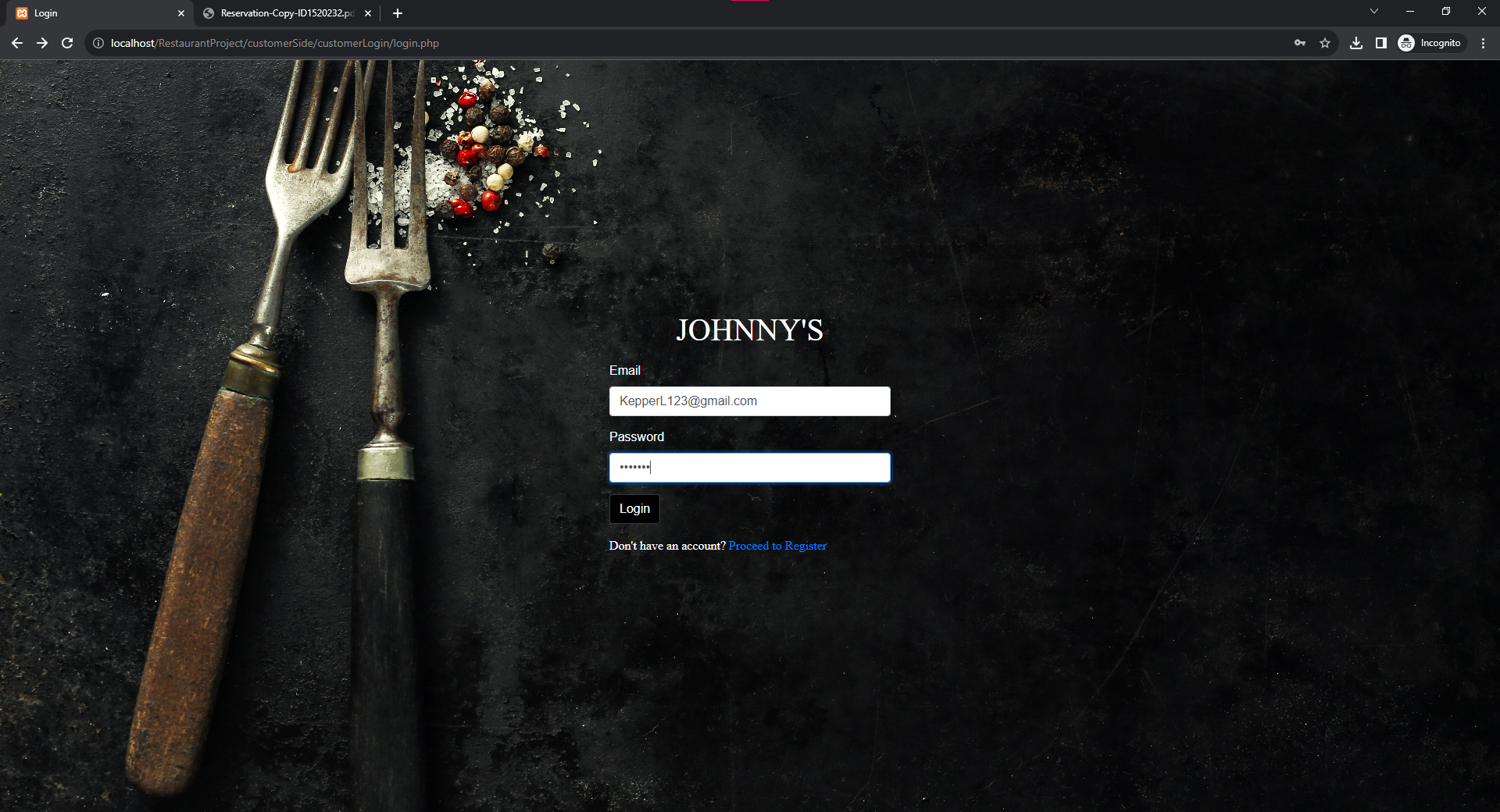


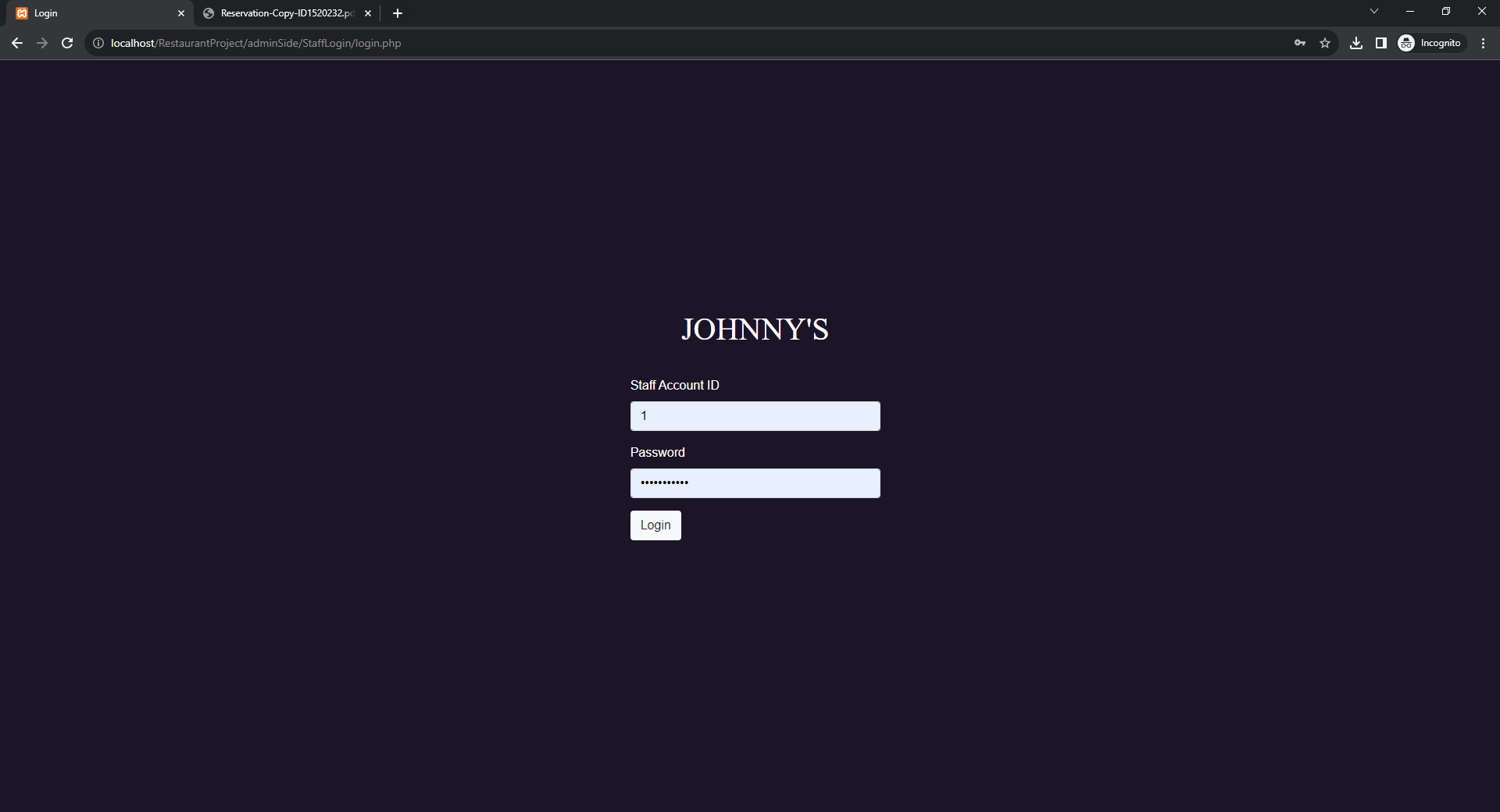
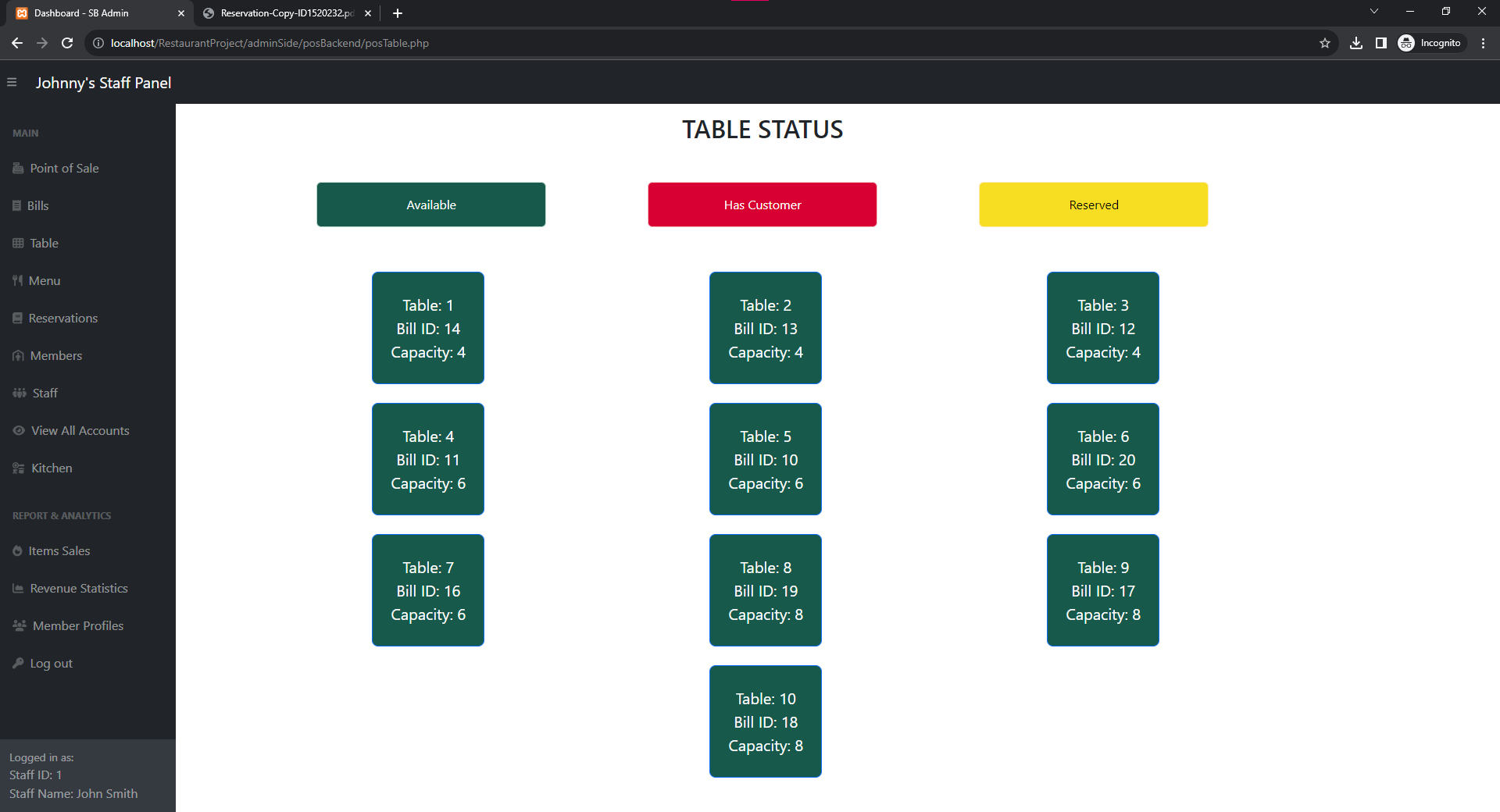


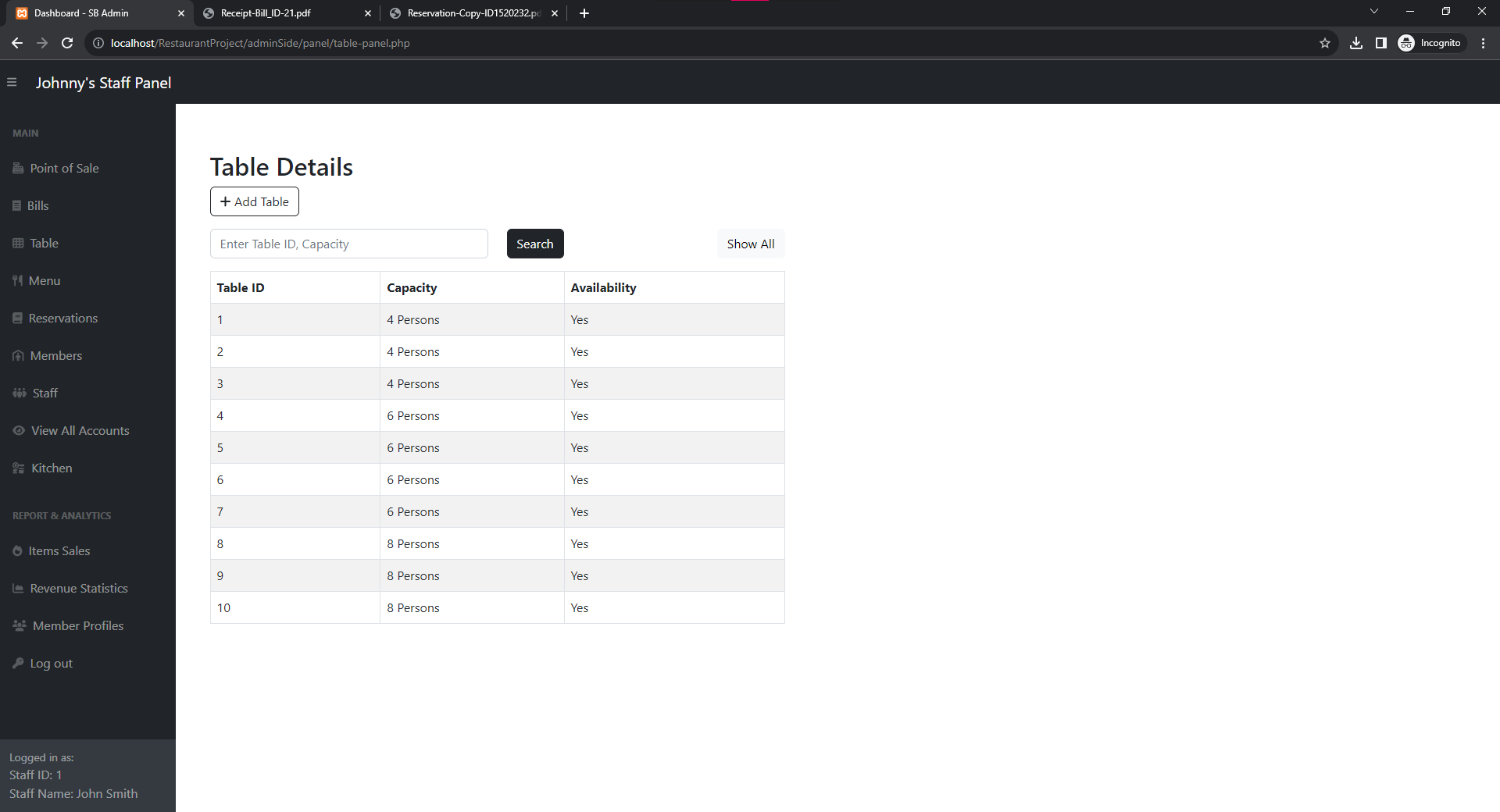
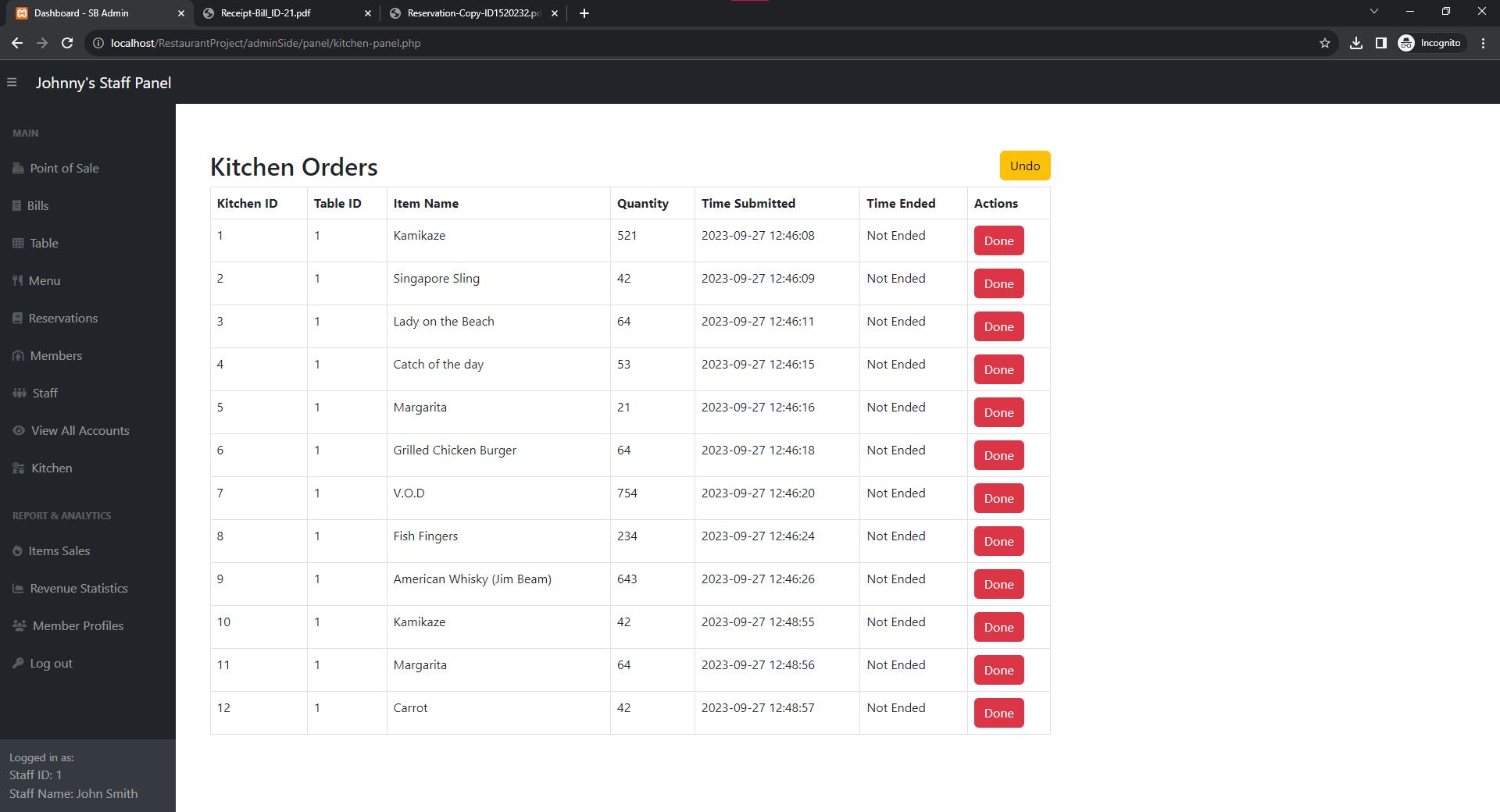

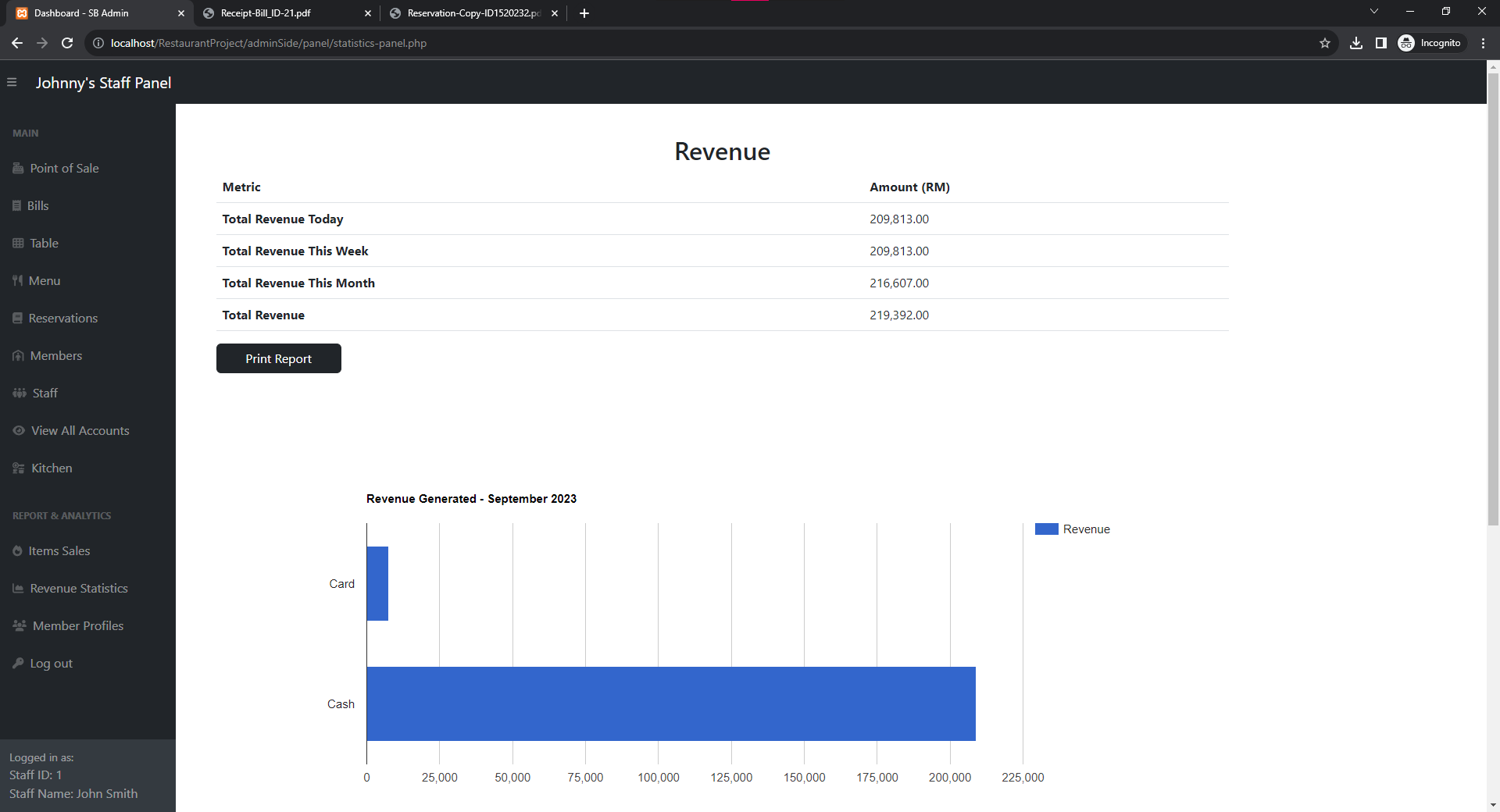

Contributors
| Name | Github | |---|---| | Bryan | https://github.com/BryanTheLai | | Yong | https://github.com/ahhyang | | Kevin | https://github.com/kevin07212004 | | Edzer | https://github.com/edsaur |
