
GlChAoS.P
3D GPUs Strange Attractors and Hypercomplex Fractals explorer - up to 256 Million particles in RealTime
Install / Use
/learn @BrutPitt/GlChAoS.PREADME
<a href="https://www.jetbrains.com/?from=glChAoS.P" target="_blank"><img align="right" width="100" height="100" src="https://michelemorrone.eu/glchaosp/img/jetbrains.svg"/></a>
<p> <br></p> <p align="right"><b><a href="https://www.jetbrains.com/?from=glChAoS.P" target="_blank">JetBrains</a></b> supports <b>glChAoS.P</b> ⋅ <b>wglChAoS.P</b><br><i>many thanks to <b>JetBrains</b> for donating <a href="https://www.jetbrains.com/?from=glChAoS.P" target="_blank">o.s.license</a> for all their excellent products</i></p> <p> <br></p>All available releases ==> Release Notes (what's new)
Desktop - v1.7 (WiP)
- glChAoS.P - DeskTop - binaries available Windows / Linux / MacOS
WebGL - v1.7 (WiP)
- wglChAoS.P - WebG 2 via webAssembly - live / online using your browser - also for mobile devices
- You can select Advanced Mode check box (default) or deselect it (Standard Mode) for low resources devices (mobiles/tablet/smartphones)
- You can also to explore any single attractor, interactively, staring directly from web-page, using Explore button near/below any attractor formula: Attractors Formulas
- WebGL release is a more limited/lightened version, but frequently updated/rebuilt with last commits
To view all "chaotic-objects" currently inserted in current release, follow the link: Attractors Formulas
*any single object can be explored interactively via WebGL/WebAssembly directly from site.
Latest features from ver.1.6
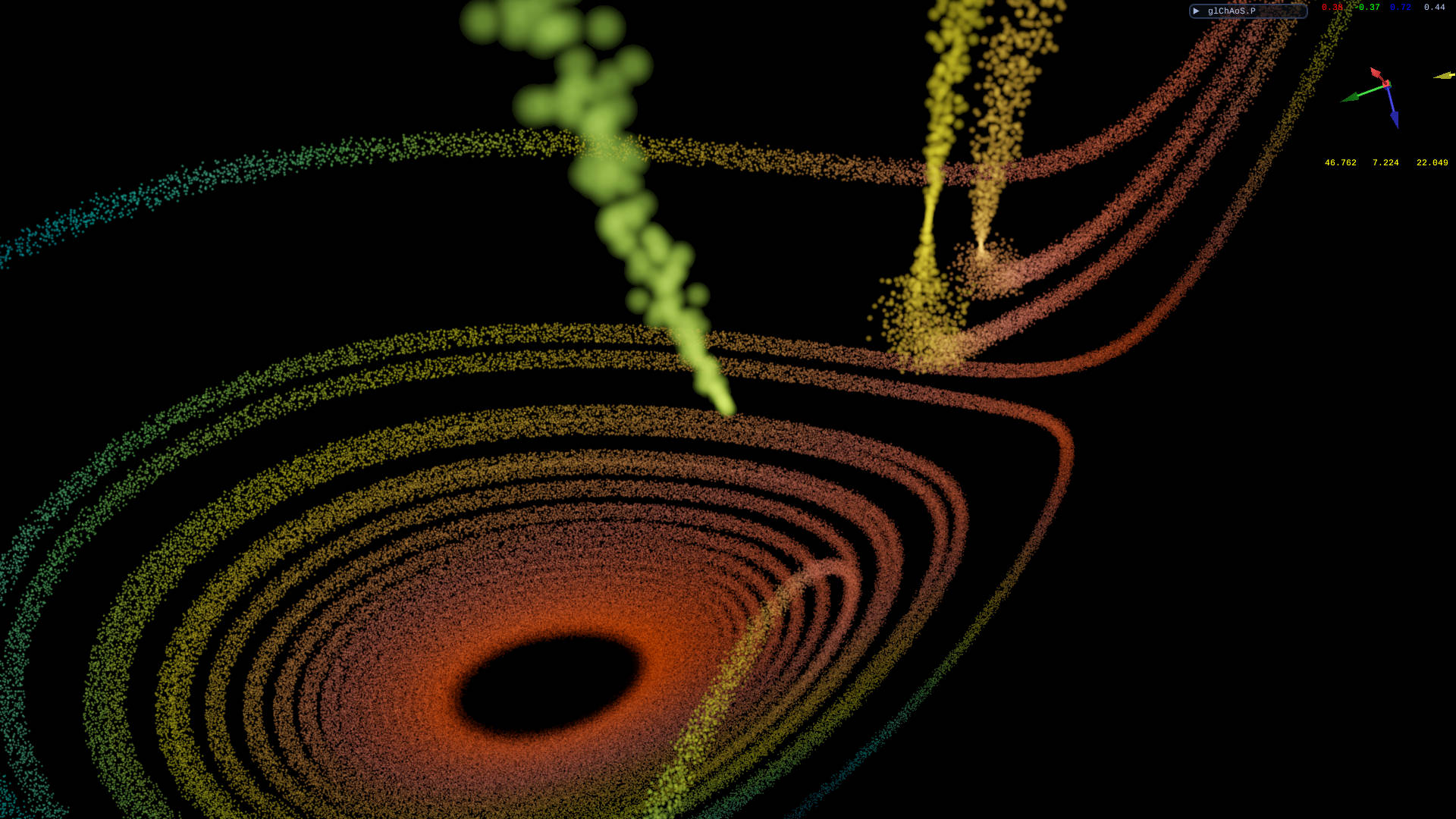
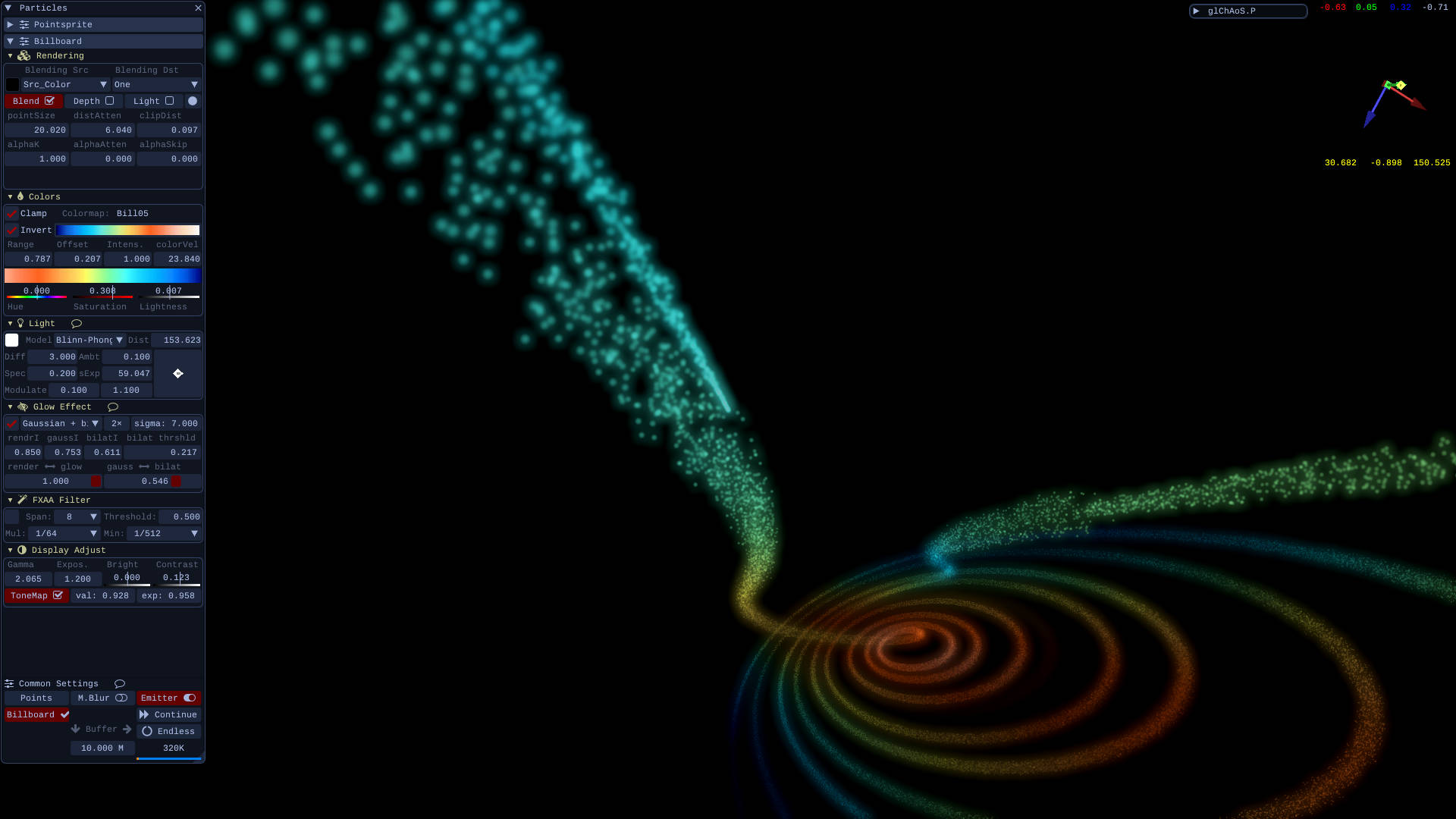
<h3 align="center"> TransformFeedback → multiDot particles emitter </h3> Now all dp/dt attractors (yellow tag) have an additional new emitter type to visualize them in a progressive way and/or with multiDot (spray) effect.\ Is also possible to travel, in first person (cockpit view), within the particles, following the evolution of the attractors.https://github.com/user-attachments/assets/49faf143-8d25-4ba8-a240-4d184491f6a9
Lorenz Attractor - click on image to "explore" it in WebGL
use "v" key or "cockpit" button (from Attractors tools window) to switch to subjective view (on right)
New menu is available to adjust these settings:
1) Panoramic/CockPit dots/s: different emitter speed for any view
2) Number of dots for each step, real dots/s emitted are: dots/s * Emit#
3) Multiplication factor of initial radial random speed
4) Air friction/deceleration
5) Point size: there are 3 different "pointSize" for: singleDot emitter, multiDot emitter and cockpitView
6) Particles LifeTime, in sec.
7) LifeTime attenuation: when the lifeTime ends, in blending mode, the particle attenuates the intensity of this factor, any second
8) Wind direction and intensity (in units/s)
9) Gravity/Acceleration direction and intensity (in units/s)
A) Toggle cockpit view and related settings (following controls)
B) Smoothing distance: in blending mode attenuates the intensity of near dots by distance
C) Clipping distance: skip to draw closer particles
D) PiP (Picture In Picture) feature
E) TagretView is the current emitted dot, PointOfView is positioned on the wake: it adjusts the distance from head (it follows the attractor direction).
F) Move back the PoV: it follows the vector PoV -> TGT
G) Rotate the cam around TagretView, or better: around attractor head (last emitted dot), use reset to reposition the cam
H) Move forward the TagretView position
Youtube Video
| Simulating a comet's journey in Lorenz attractor | Voyage in Multi-Chua II attractor |
| :---: | :---: |
|  |
|  |
|
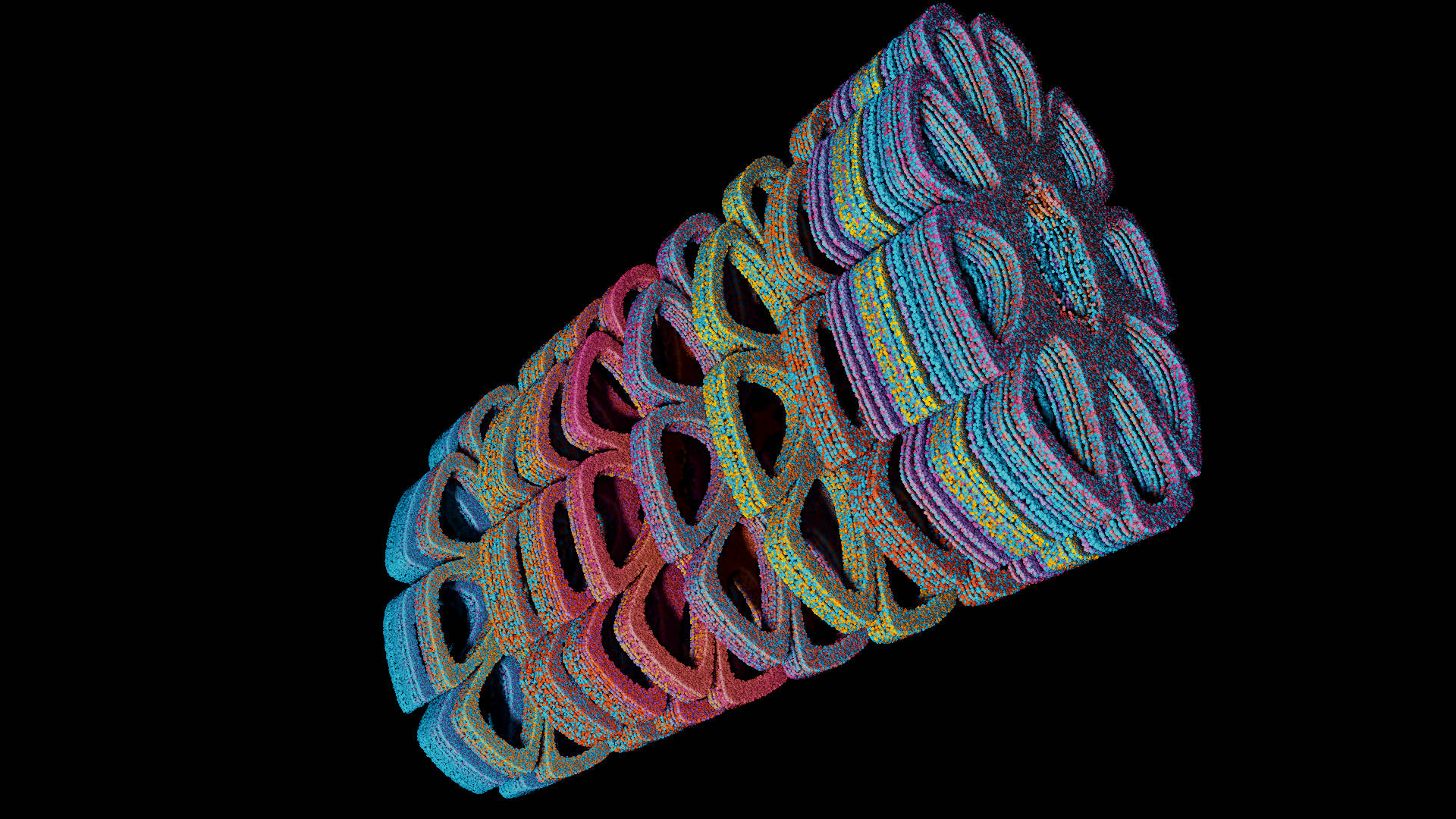
ver.1.4.2 feature: 11 unpublished attractor types: PopCorn, Mira, Hopalong and...
An absolutely personal and original "transformations" in 3D/4D of famous 2D attractors:
| PopCorn, Morrone 4D transf. (ssss) | Martin, Morrone 4D transf.| PopCorn, Morrone 4D transf. (scsc) |
| :---: | :---: | :---: |
|  |
|  |
|  |
| Mira, , Morrone 4D transf. | Mira, Morrone 3D transf. | Hopalong, Morrone 4D transf. |
|
|
| Mira, , Morrone 4D transf. | Mira, Morrone 3D transf. | Hopalong, Morrone 4D transf. |
|  |
|  |
|  |
|
Full descriptions, math formulas and code in the relative webpage: PopCorn, Mira, Hopalong and...
*now any single attractor is also explorable interactively via WebGL/WebAssembly directly from site.
Particle System rendering features
- 100M of particles in minus of 1.6 GByte of VRAM.. up to 265M (4G VRAM): Slight (dot) Particles
- only a vec4 (4-float) per vertex for position and color
- Rendering: RealTime Surface Reconstruction / Shadows / Ambient Occlusion
- Light Models: Phong / Blinn-Phong / GGX
- Glow effects: Gaussian Blur / bilateral deNoise with threshold / Gaussian + deNoise
- Anti-aliasing: FXAA
- Image adjustment: Bright / Contrast / Gamma / Exposure / ToneMapping
With Billboard and PointSprite techniques
3D DLA (Diffusion Limited Aggregation) - DLA3D Video Example
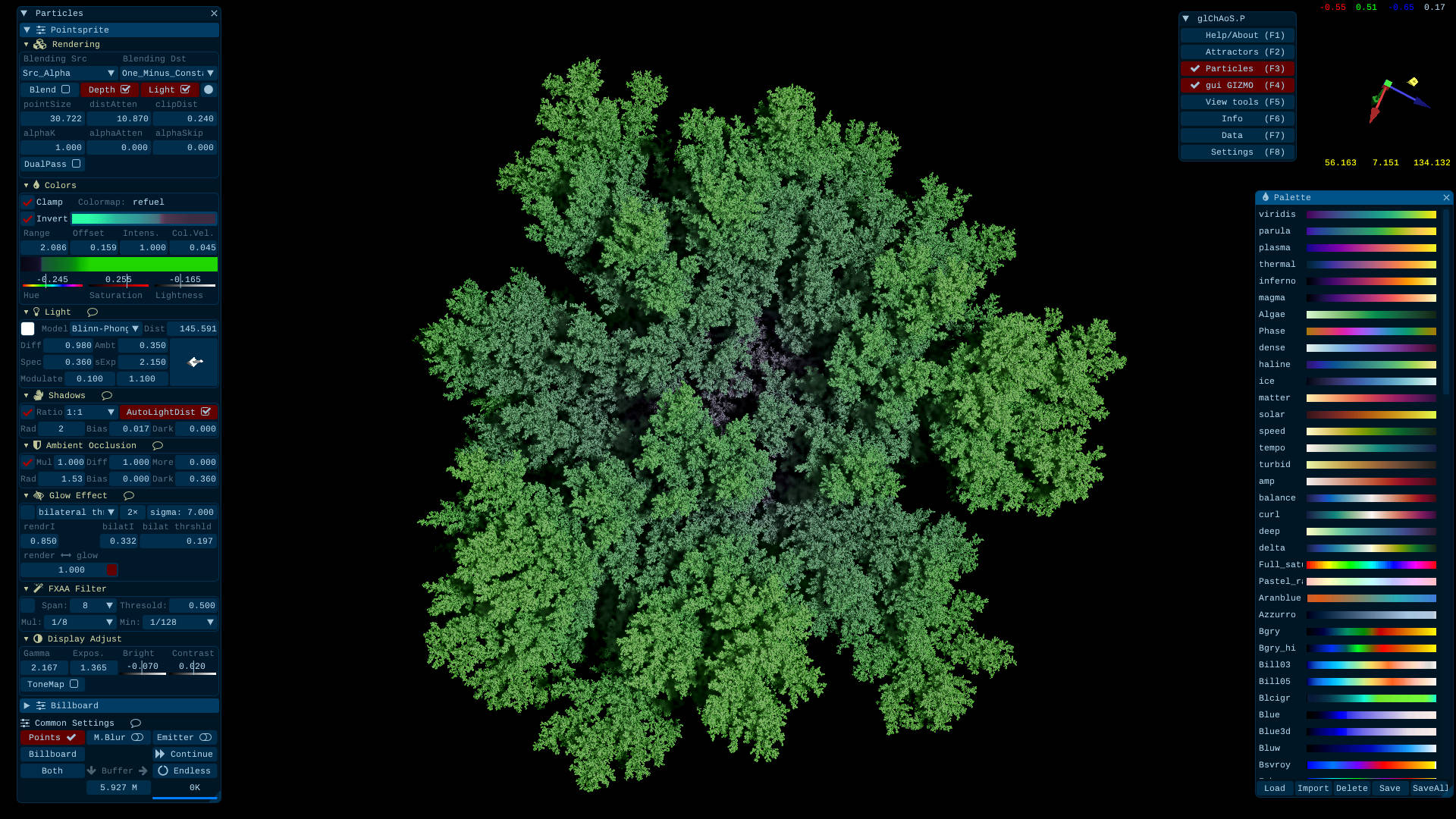 This is an integrated version of more simple my DLAf-optimized repo that I used in glChAoS.P / wglChAoS.P for large-scale DLA3D growth, with possibility to export/import to/from PLY format and to continue a previous rendering.
Rendering models with Aizawa attractor - Video Example
| Alpha Blending | Solid Dots |
| :-----: | :----: |
|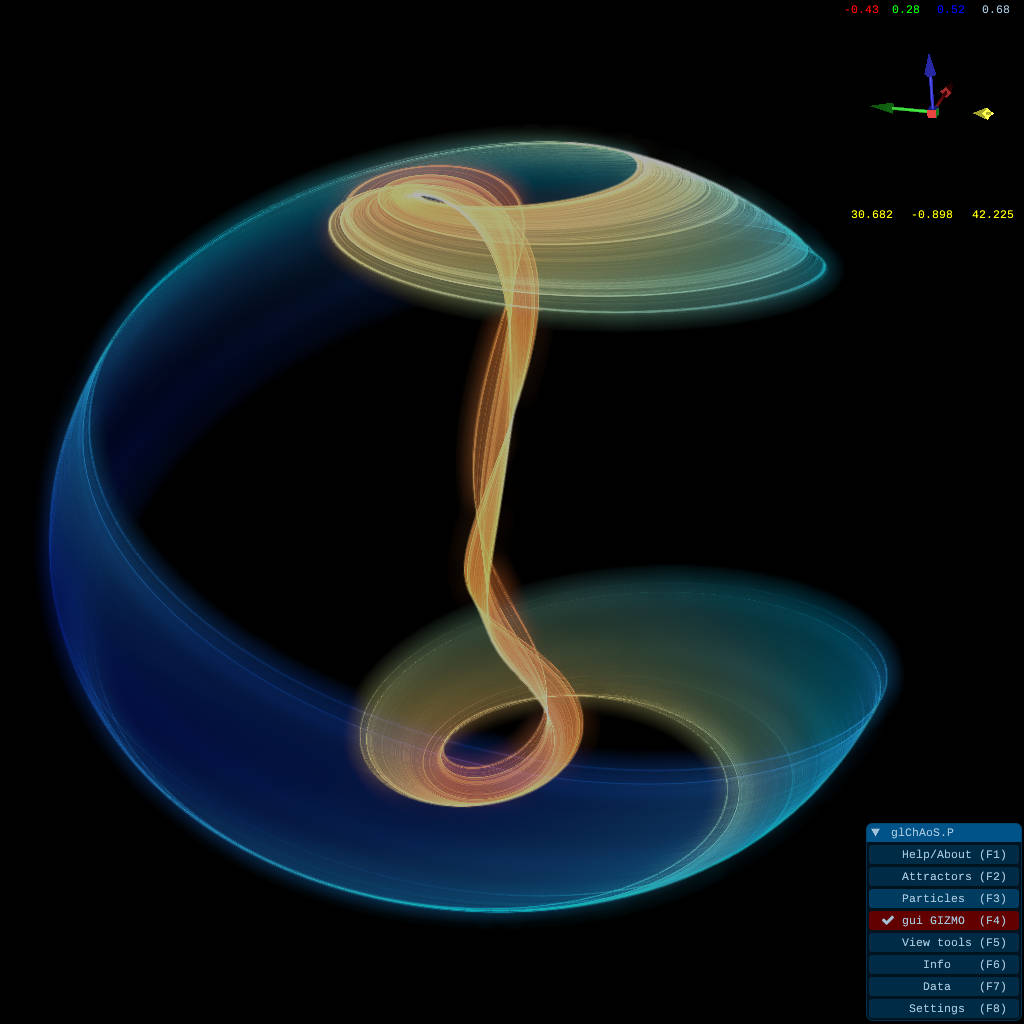 |
|  |
|
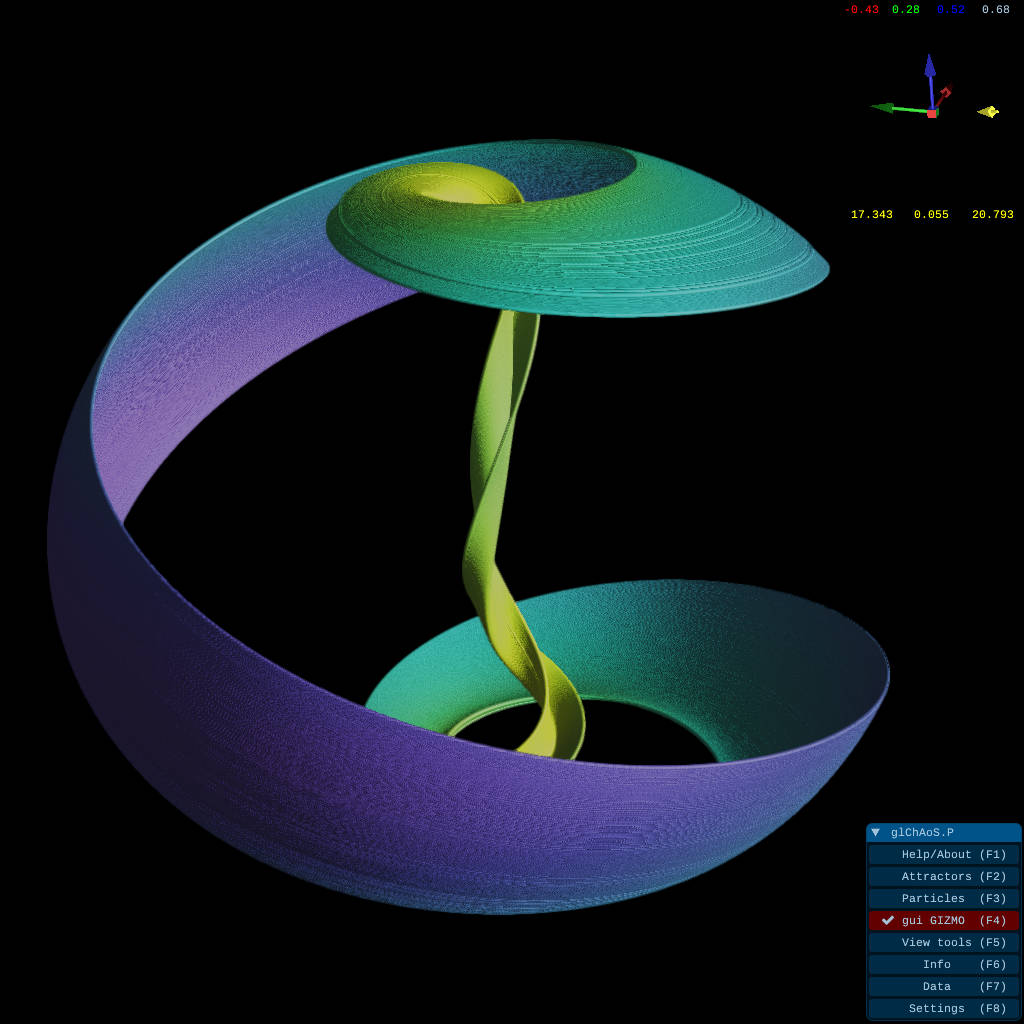
Further rendering engine improvement (from ver. >= 1.3.x) - Rendering Video Example
| DualPass rendering: Z-buffer surface reconstruction | DualPass + Ambient Occlusion |
| :---: | :---: |
| 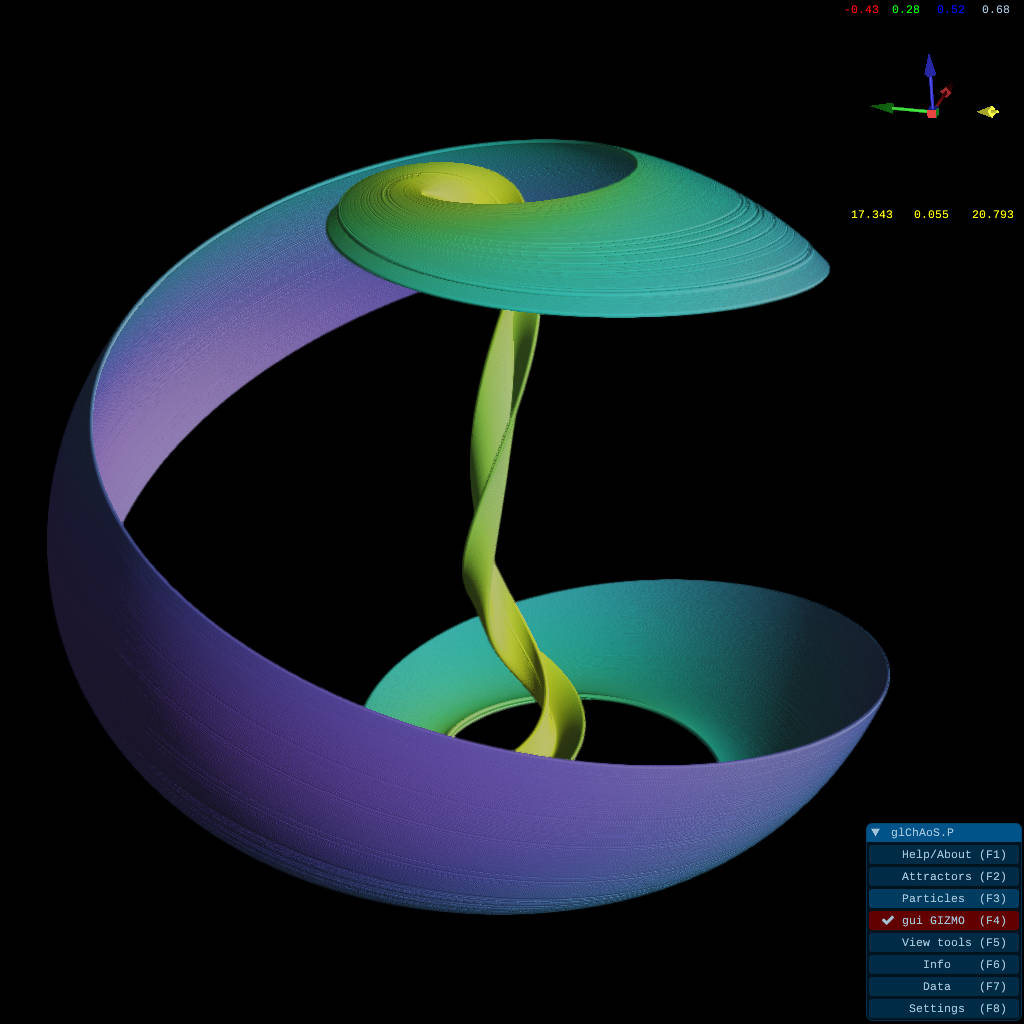 |
| 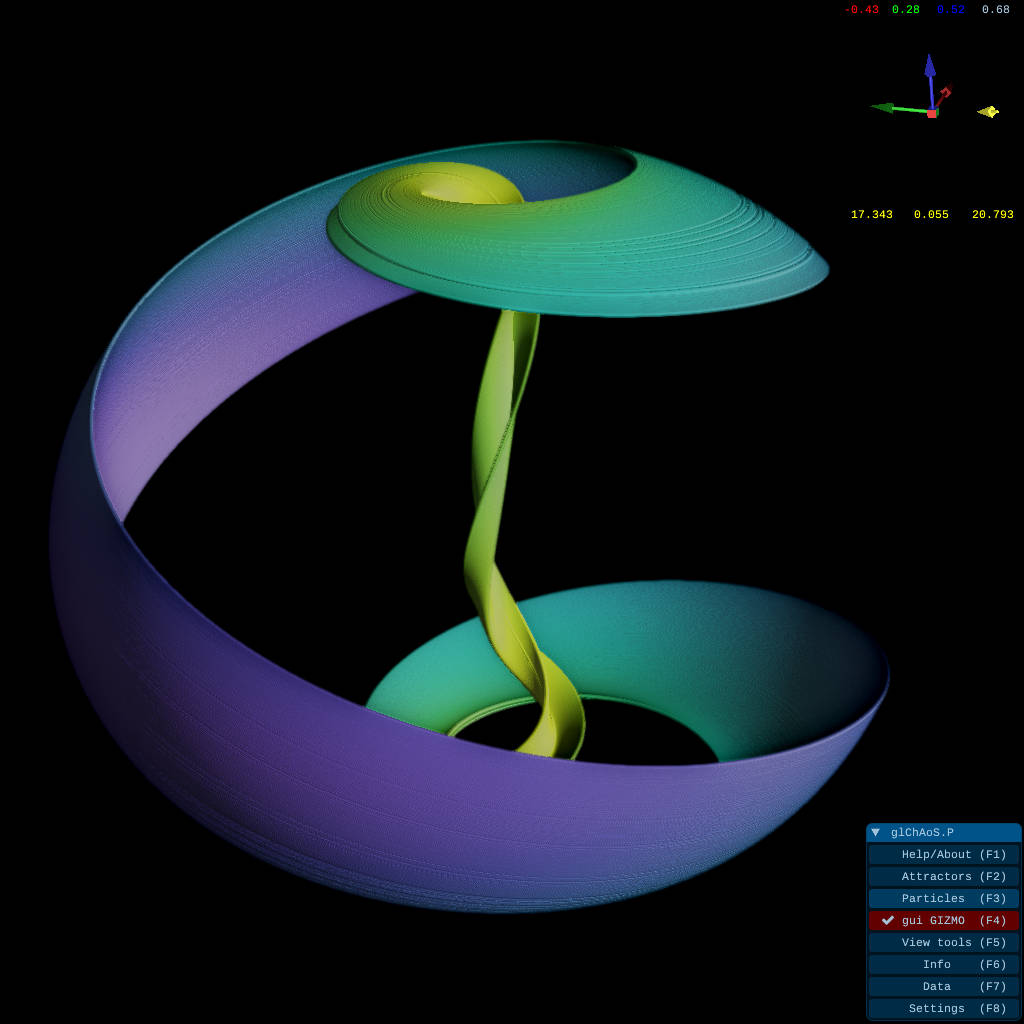 |
| DualPass + AO + Shadows | DualPass + AO + Shadows + mixed AlphaBlending |
|
|
| DualPass + AO + Shadows | DualPass + AO + Shadows + mixed AlphaBlending |
| 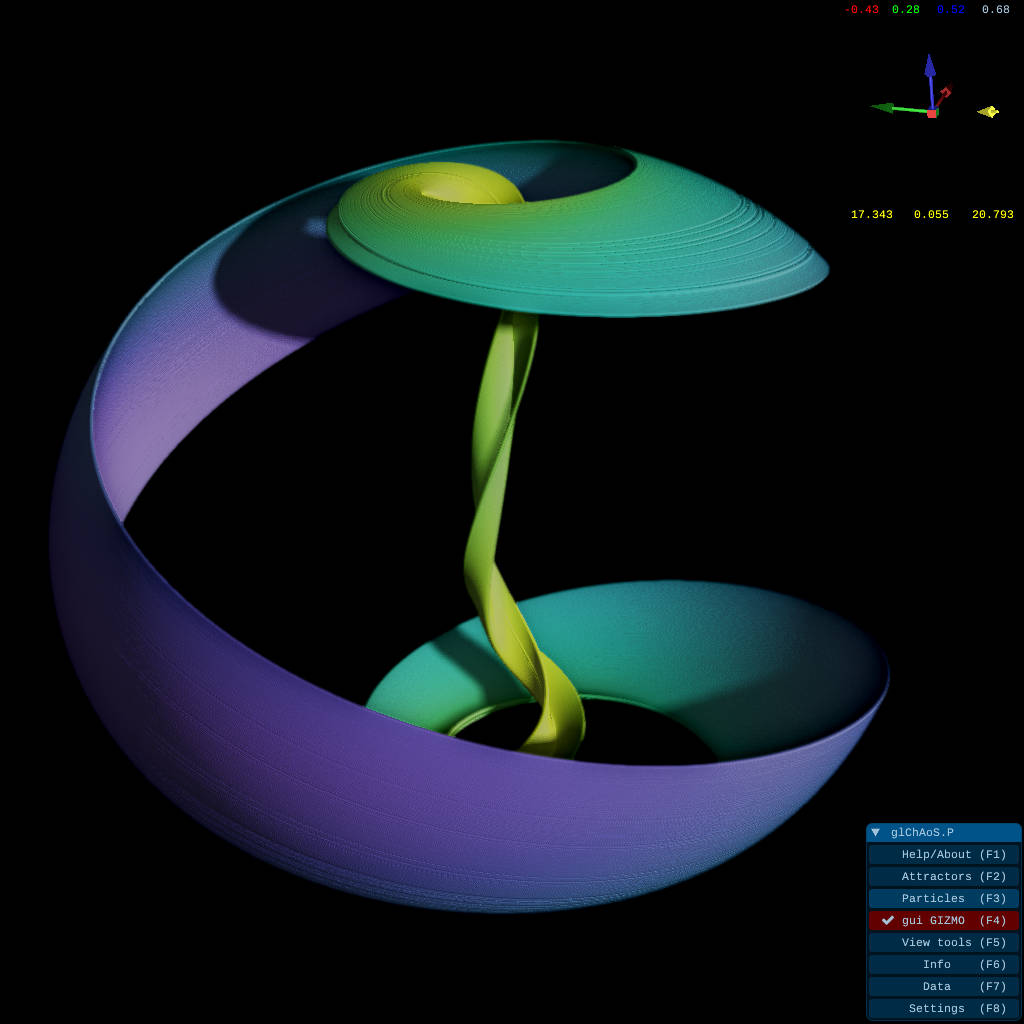 |
|  |
|
*features also available in WebGL advanced version
<p> <br> <br></p>wglChAoS.P - WebGL2 online version
<p align="center"><a href="https://michelemorrone.eu/glchaosp/webGL.html"> <img src="https://raw.githubusercontent.com/BrutPitt/myRepos/master/glChAoSP/screenShots/ssWGLtitle1024.jpg"></a> </p>This is a WebGL2 / WebAssembly lightened LIVE / ONLINE version of glChAoSP and Supports touch screen for mobile devices, smartphones and tablets
<p align="center"><b align="center">Go to <a href="https://michelemorrone.eu/glchaosp/webGL.html">wglChAoS.P - LIVE / ONLINE</a> starting page</b></p> <p> <br></p>wglChAoS.P Advanced Mode - WebGL2 with new rendering engine
Starting from ver 1.3.2, also WebGL have new rendering engine: dual pass accurate rendering, shadows and ambient occlusion
| ![]
Related Skills
node-connect
351.2kDiagnose OpenClaw node connection and pairing failures for Android, iOS, and macOS companion apps
frontend-design
110.6kCreate distinctive, production-grade frontend interfaces with high design quality. Use this skill when the user asks to build web components, pages, or applications. Generates creative, polished code that avoids generic AI aesthetics.
openai-whisper-api
351.2kTranscribe audio via OpenAI Audio Transcriptions API (Whisper).
qqbot-media
351.2kQQBot 富媒体收发能力。使用 <qqmedia> 标签,系统根据文件扩展名自动识别类型(图片/语音/视频/文件)。
