
Hacxgent
An autonomous CLI coding agent with smart memory management and zero provider lock-in.
Install / Use
/learn @BlackTechX011/HacxgentREADME
Hacxgent



The Professional CLI Coding Agent for Precision Engineering.
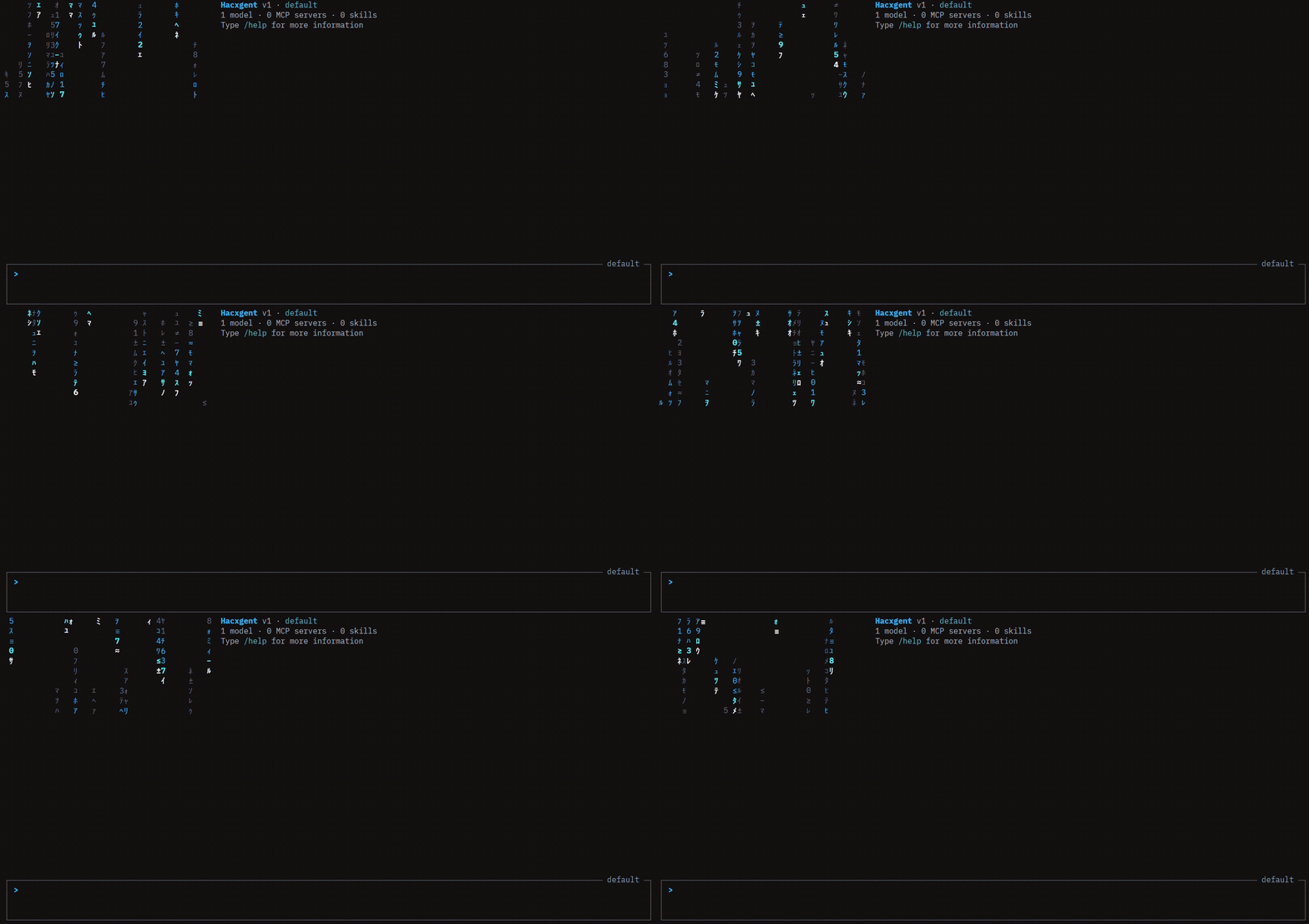
Hacxgent goes beyond simple chat—it is an autonomous agent capable of structural analysis, surgical code modification, and long-horizon task execution with unmatched context efficiency.
</div>🌟 Key Innovations
- 🧠 Smart Context Compaction: Normal agents exhaust memory quickly by leaving massive file outputs in the context window. Hacxgent intelligently compresses these histories. Heavy tool outputs are surgically replaced with tiny memory markers. The agent never forgets its steps, but memory stays infinitely lean.
- 🔓 Zero Provider Lock-In: Complete freedom. Connect to OpenAI, Anthropic, Ollama, Groq, or any OpenAI-compatible local/remote model via a lightweight JSON configuration.
- 💻 Advanced Matrix-Grade CLI: A professional terminal UI featuring auto-completion, collapsible tool outputs, persistent history, and surgical file patching tools.
- ⚙️ JSON-First Configuration: Streamlined, standard, and easy to parse. All configurations (
settings.json,trusted_folders.json) are purely JSON.
<details> <summary><b>📖 Table of Contents</b> (Click to expand)</summary>
- Installation
- Quick Start
- Smart Memory Architecture
- Usage & CLI Features
- Built-in Agents & Subagents
- The Hacxgent Toolset
- Configuration (JSON)
- Skills System
- MCP Server Integration
- Documentation & License
🚀 Installation
Using uv (Recommended)
First, install uv (a fast Python package installer):
# Windows
powershell -ExecutionPolicy ByPass -c "irm https://astral.sh/uv/install.ps1 | iex"

# macOS/Linux
curl -LsSf https://astral.sh/uv/install.sh | sh
Then, install Hacxgent:
uv tool install hacxgent
Using pip
pip install hacxgent
⚡ Quick Start
-
Navigate to your project root:
cd /path/to/your/project -
Launch Hacxgent:
hacxgent -
First Run Setup: Hacxgent will create a default configuration at
~/.hacxgent/settings.json. It will prompt you to enter your preferred API provider and keys (saved securely to~/.hacxgent/.env). -
Start Coding:
> Find all instances of the word "TODO" and summarize what needs to be done.
🧠 Smart Memory Architecture
Hacxgent solves the Context Exhaustion problem that plagues standard coding agents.
❌ The Problem: Agents read a 2,000-line file, and that 8k+ token output sits in the chat history permanently. After 4-5 file reads, the LLM hallucinates or hits token limits.
✅ The Hacxgent Solution: Utilizing a Rolling Compaction Middleware, Hacxgent dynamically strips out massive text blocks after they are read, replacing them with optimized markers (e.g.,
[REDACTED: Output of read_file (5,400 chars). Key context: src/core/loop.py.]). Result: Essentially infinite context horizons.
🖥️ Usage & CLI Features
Interactive Mode
Run hacxgent to enter the heavily optimized interactive chat loop:
@Autocomplete: Type@to get smart autocompletion for files in your project (e.g.,> Read @src/agent.py)./Slash Commands: Type/to access meta-actions (/help,/clear,/compact,/status).!Shell Passthrough: Prefix with!to run standard terminal commands (e.g.,> !npm run build).
Pro Keyboard Shortcuts:
- <kbd>Ctrl</kbd> + <kbd>G</kbd> : Write your prompt in an external editor (Vim/VSCode).
- <kbd>Ctrl</kbd> + <kbd>O</kbd> : Collapse or Expand raw tool outputs.
- <kbd>Ctrl</kbd> + <kbd>T</kbd> : Toggle the internal Todo list view.
- <kbd>Shift</kbd> + <kbd>Tab</kbd> : Toggle Auto-Approve mode on/off.
Programmatic Mode (CI/CD)
Run Hacxgent non-interactively for scripting pipelines:
hacxgent --prompt "Refactor main() in cli.py to be modular." --max-turns 5 --output json
🤖 Built-in Agents & Subagents
Hacxgent ships with specialized profiles tailored for different risk levels:
| Agent | Description |
|---|---|
| default | Standard agent. Requires manual approval for risky tool executions (writes, deletes). |
| plan | Read-only exploration and architecture mapping. |
| accept-edits| Automatically approves code modifications (write_file), but asks for shell commands. |
| auto-approve| Full autonomy. Use only in trusted, version-controlled environments. |
Select an agent via CLI:
hacxgent --agent plan
Subagent Delegation
Hacxgent can parallelize work by delegating tasks to subagents without cluttering your main context window:
> Can you explore the codebase structure while I work on something else?
🤖 I'll delegate this to the explore subagent.
> task(task="Analyze the project architecture", agent="explore")
🛠️ The Hacxgent Toolset
Designed for surgical precision, replacing fragile search/replace mechanisms with smart file patching:
- 📁 File Operations:
read_lines,write_file,replace_lines(1-indexed, surgical swapping),file_meta(Knowledge Map generation). - 💻 System Tools:
bash(stateful terminal),grep(recursive fast search). - 🧠 Agentic Tools:
todo: Allows the agent to self-manage complex, multi-step tasks.ask_user_question: Pauses execution to render an interactive prompt to the user.impact_analyzer: Maps symbol dependencies project-wide before refactoring.
⚙️ Configuration (JSON)
Hacxgent uses strictly standard .json files. The main configuration is located at ~/.hacxgent/settings.json.
👉 Full Configuration Reference (DOCS/SETTINGS.md)
Bring Your Own LLM (Provider Agnostic)
Configure any OpenAI-compatible endpoint. Example settings.json:
{
  "system_prompt_id": "cli",
  "active_model": "llama3",
  "providers": [
    {
      "name": "LocalOpenAI",
      "api_base": "http://localhost:11434/v1",
      "api_key_env_var": "OLLAMA_API_KEY"
    },
    {
      "name": "Groq",
      "api_base": "https://api.groq.com/openai/v1",
      "api_key_env_var": "GROQ_API_KEY"
    }
  ],
  "enable_auto_update": true
}
API Keys are stored safely in ~/.hacxgent/.env:
OLLAMA_API_KEY=your_key_here
GROQ_API_KEY=gsk_...
🧩 Skills System & MCP Integration
Skills System
Extend Hacxgent with reusable capabilities conforming to the Agent Skills specification.
- Create a skill directory:
~/.hacxgent/skills/code-review/ - Create a
SKILL.mdfile with YAML frontmatter. - Enable it in your
settings.jsonunder"enabled_skills".
MCP Server Integration
Hacxgent natively supports the Model Context Protocol (MCP) to connect to external databases and tools seamlessly via settings.json:
{
  "mcp_servers": [
    {
      "name": "postgres_db",
      "transport": "stdio",
      "command": "uvx",
      "args": ["mcp-server-postgres", "postgresql://localhost/mydb"]
    }
  ]
}
📚 Documentation
For comprehensive guides and advanced setups, please refer to the following:
- Configuration Reference: Exhaustive guide to settings, providers, and tweaks.
- Memory Management: Deep dive into Hacxgent's unique context compaction architecture.
- Contribution Guidelines: How to get involved and extend Hacxgent.
📄 License
Hacxgent is released under the Apache-2.0 License. See LICENSE for details.
<div align="center"> <i>Core architecture inspired by Mistral Vibe. Re-engineered by BlackTechX for universal provider support and advanced memory management.</i> </div>
Related Skills
node-connect
346.8kDiagnose OpenClaw node connection and pairing failures for Android, iOS, and macOS companion apps
frontend-design
107.6kCreate distinctive, production-grade frontend interfaces with high design quality. Use this skill when the user asks to build web components, pages, or applications. Generates creative, polished code that avoids generic AI aesthetics.
openai-whisper-api
346.8kTranscribe audio via OpenAI Audio Transcriptions API (Whisper).
qqbot-media
346.8kQQBot 富媒体收发能力。使用 <qqmedia> 标签,系统根据文件扩展名自动识别类型(图片/语音/视频/文件)。
