
LottieXamarin
Render After Effects animations natively on Android, iOS, MacOS and TvOS for Xamarin
Install / Use
/learn @Baseflow/LottieXamarinREADME
LottieXamarin
Lottie is a mobile library for Android and iOS that parses Adobe After Effects animations exported as json with Bodymovin and renders them natively on mobile!
Support
- Feel free to open an issue. Make sure to use one of the templates!
- Commercial support is available. Integration with your app or services, samples, feature request, etc. Email: hello@baseflow.com
- Powered by: baseflow.com
Download
Android:
iOS:
Xamarin.Forms:
For the first time, designers can create and ship beautiful animations without an engineer painstakingly recreating it by hand. They say a picture is worth 1,000 words so here are 13,000:
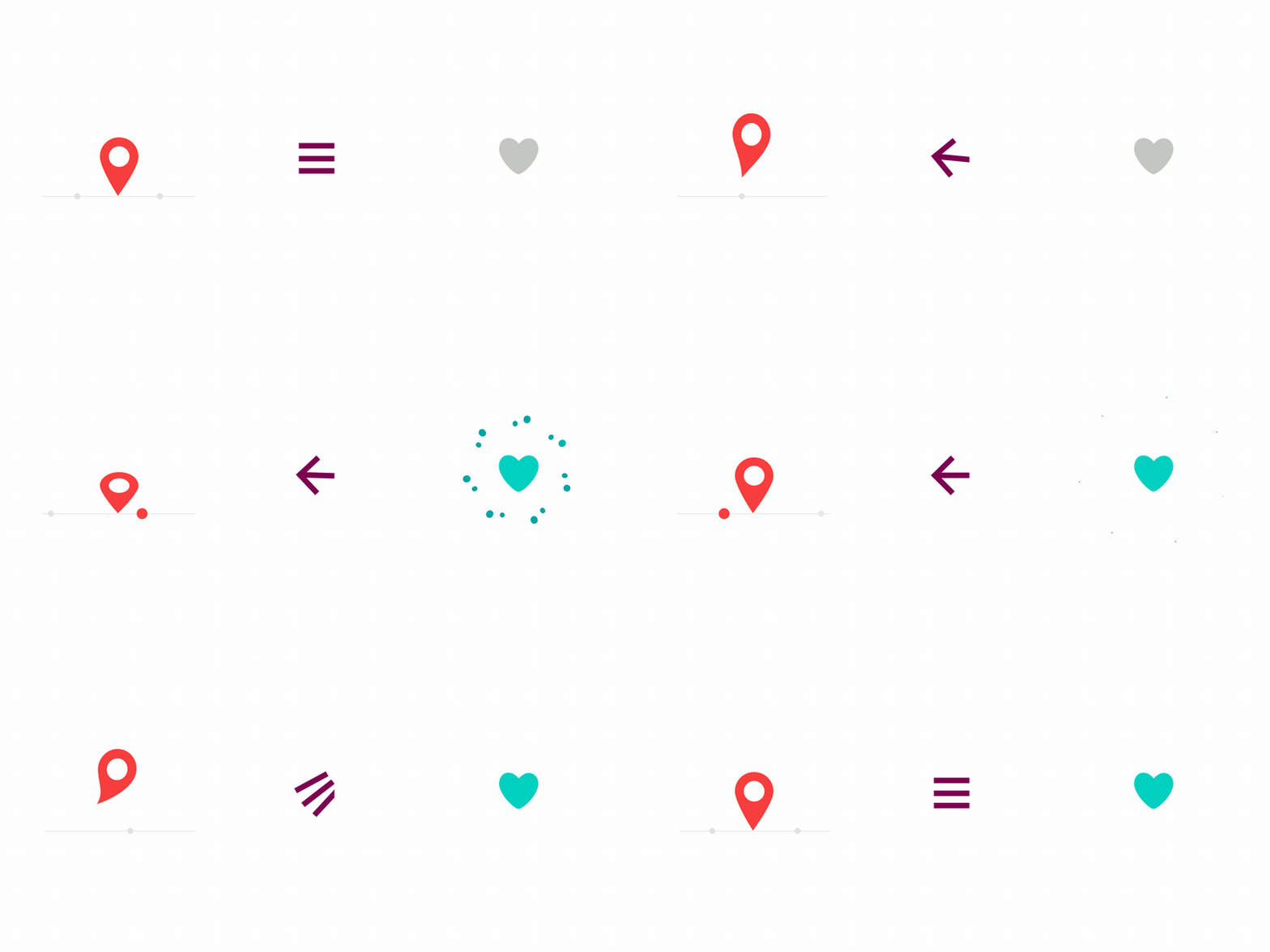
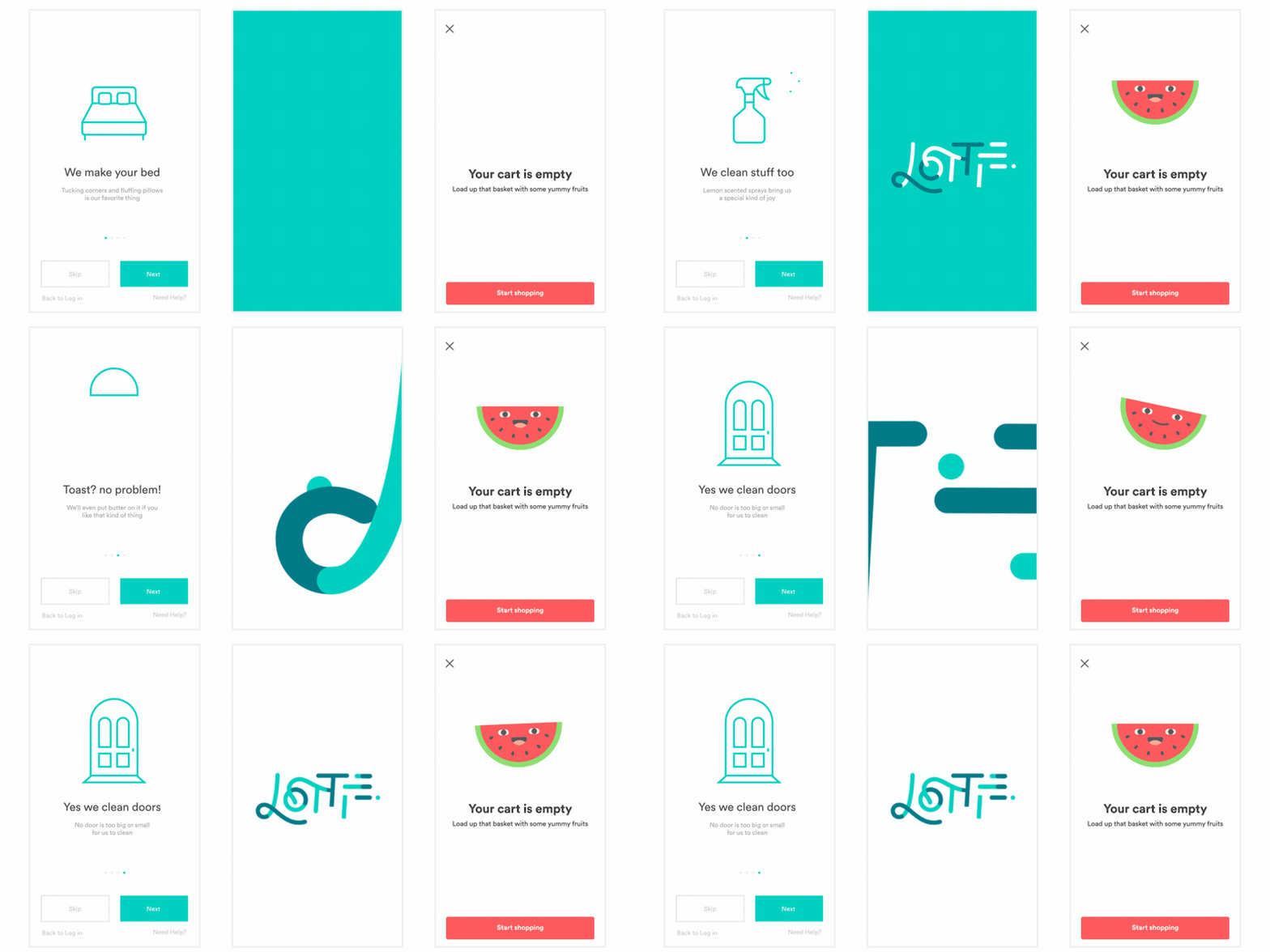
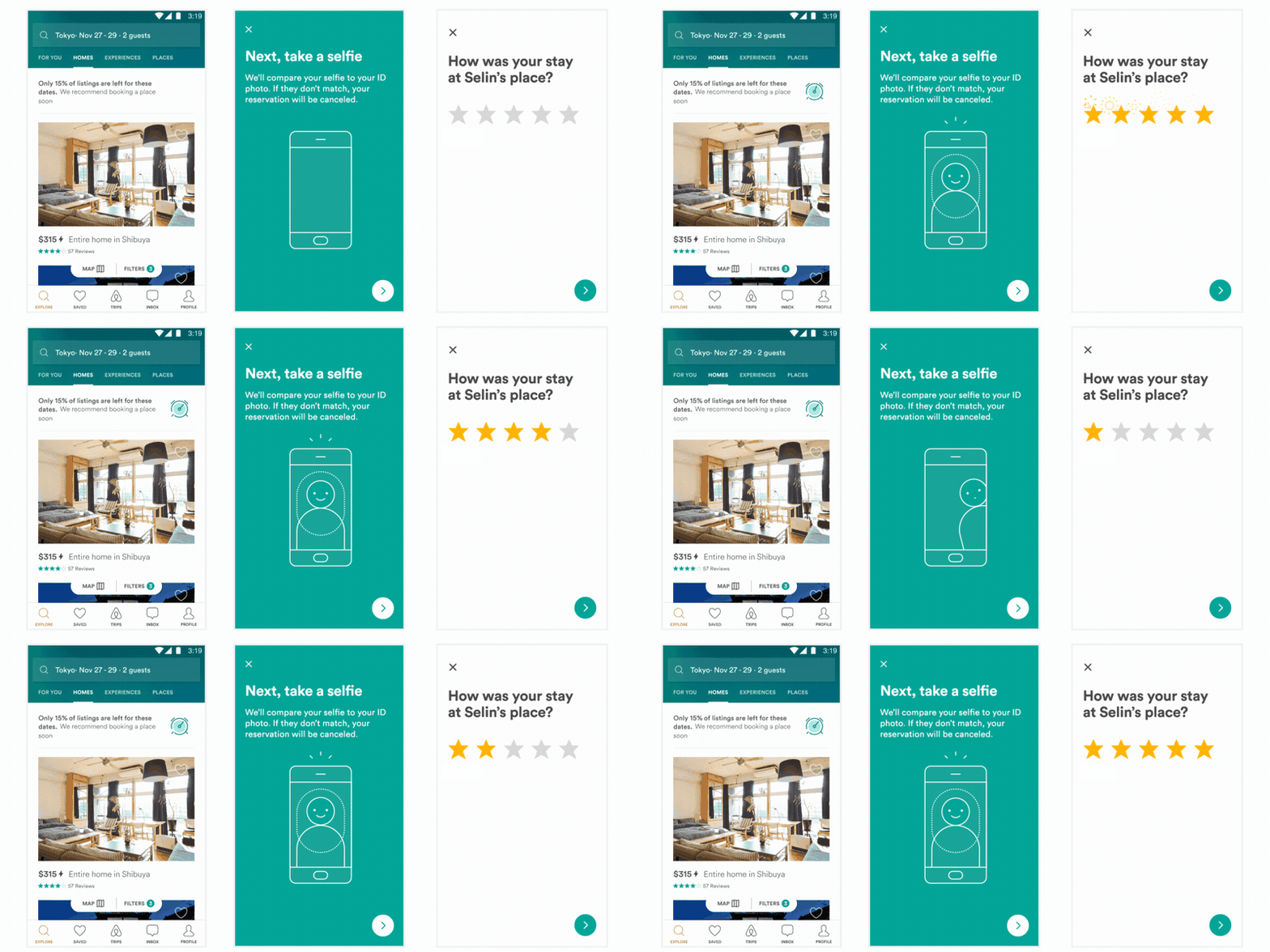
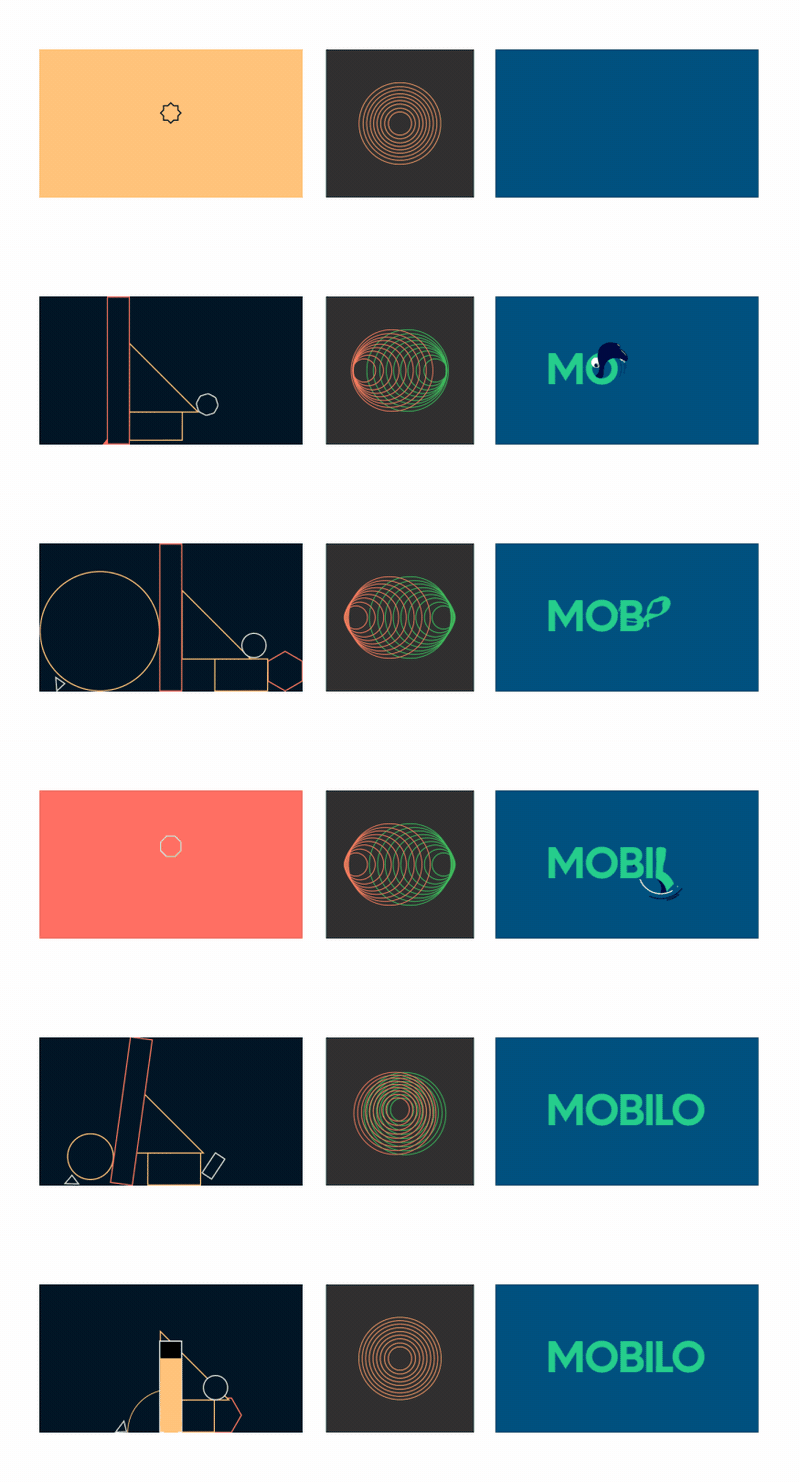

All of these animations were created in After Effects, exported with Bodymovin, and rendered natively with no additional engineering effort.
Bodymovin is an After Effects plugin created by Hernan Torrisi that exports After effects files as json and includes a javascript web player. We've built on top of his great work to extend its usage to Android, iOS, and React Native.
Read more about it on our blog post Or get in touch on Twitter (gpeal8) or via lottie@airbnb.com
Sample App
You can build the sample app yourself or download it from the Play Store. The sample app includes some built in animations but also allows you to load an animation from internal storage or from a url.
Using Lottie for Xamarin.Forms
A normal sample is:
<forms:AnimationView
    x:Name="animationView"
    Animation="LottieLogo1.json"
    AnimationSource="AssetOrBundle"
    Command="{Binding ClickCommand}"
    VerticalOptions="FillAndExpand"
    HorizontalOptions="FillAndExpand" />
All possible options are:
<forms:AnimationView
    x:Name="animationView"
    Animation="LottieLogo1.json"
    AnimationSource="AssetOrBundle"
    AutoPlay="True"
    CacheComposition="True"
    Clicked="animationView_Clicked"
    Command="{Binding ClickCommand}"
    FallbackResource="{Binding Image}"
    ImageAssetsFolder="Assets/lottie"
    IsAnimating="{Binding IsAnimating}"
    MaxFrame="100"
    MaxProgress="100"
    MinFrame="0"
    MinProgress="0"
    OnAnimationLoaded="animationView_OnAnimationLoaded"
    OnAnimationUpdate="animationView_OnAnimationUpdate"
    OnFailure="animationView_OnFailure"
    OnFinishedAnimation="animationView_OnFinishedAnimation"
    OnPauseAnimation="animationView_OnPauseAnimation"
    OnPlayAnimation="animationView_OnPlayAnimation"
    OnRepeatAnimation="animationView_OnRepeatAnimation"
    OnResumeAnimation="animationView_OnResumeAnimation"
    OnStopAnimation="animationView_OnStopAnimation"
    Progress="{Binding Progress}"
    RepeatCount="3"
    RepeatMode="Restart"
    Scale="1"
    Speed="1"
    VerticalOptions="FillAndExpand"
    HorizontalOptions="FillAndExpand" />
Using Lottie for Xamarin Android
Lottie supports Ice Cream Sandwich (API 14) and above. The simplest way to use it is with LottieAnimationView:
<com.airbnb.lottie.LottieAnimationView
        android:id="@+id/animation_view"
        android:layout_width="wrap_content"
        android:layout_height="wrap_content"
        app:lottie_fileName="hello-world.json"
        app:lottie_loop="true"
        app:lottie_autoPlay="true" />
Or you can load it programatically in multiple ways. From a json asset in app/src/main/assets:
LottieAnimationView animationView = FindViewById<LottieAnimationView>(Resource.Id.animation_view);
animationView.SetAnimation("hello-world.json");
animationView.Loop = true;
This method will load the file and parse the animation in the background and asynchronously start rendering once completed.
If you want to reuse an animation such as in each item of a list or load it from a network request JSONObject:
 LottieAnimationView animationView = FindViewById<LottieAnimationView>(Resource.Id.animation_view);
 ...
 LottieComposition composition = LottieComposition.Factory.FromJson(Resources, jsonObject, (composition) =>
 {
     animationView.SetComposition(composition);
     animationView.PlayAnimation();
 });
You can then control the animation or add listeners:
animationView.AddAnimatorUpdateListener(animationListener);
animationView.PlayAnimation();
...
if (animationView.IsAnimating)
{
    // Do something.
}
...
animationView.Progress = 0.5f;
...
// Custom animation speed or duration.
ValueAnimator animator = ValueAnimator.OfFloat(0f, 1f).SetDuration(500);
animator.Update += (sender, e) => animationView.Progress = (float)e.Animation.AnimatedValue;
animator.Start();
...
animationView.CancelAnimation();
Under the hood, LottieAnimationView uses LottieDrawable to render its animations. If you need to, you can use the the drawable form directly:
LottieDrawable drawable = new LottieDrawable();
LottieComposition.Factory.FromAssetFileName(Context, "hello-world.json", (composition) => {
    drawable.SetComposition(composition);
});
If your animation will be frequently reused, LottieAnimationView has an optional caching strategy built in. Use LottieAnimationView#SetAnimation(String, CacheStrategy). CacheStrategy can be Strong, Weak, or None to have LottieAnimationView hold a strong or weak reference to the loaded and parsed animation.
You can also use the awaitable version of LottieComposition's asynchronous methods:
var composition = await LottieComposition.Factory.FromAssetFileNameAsync(this.Context, assetName);
..
var composition = await LottieComposition.Factory.FromJsonAsync(Resources, jsonObject);
...
var composition = await LottieComposition.Factory.FromInputStreamAsync(this.Context, stream);
Image Support
You can animate images if your animation is loaded from assets and your image file is in a
subdirectory of assets. Just call SetImageAssetsFolder on LottieAnimationView or
LottieDrawable with the relative folder inside of assets and make sure that the images that
bodymovin export are in that folder with their names unchanged (should be img_#).
If you use LottieDrawable directly, you must call RecycleBitmaps when you are done with it.
If you need to provide your own bitmaps if you downloaded them from the network or something, you can provide a delegate to do that:
animationView.SetImageAssetDelegate((LottieImageAsset asset) =>
{
   retun GetBitmap(asset);
});
Using Lottie for Xamarin iOS
Lottie supports iOS 8 and above. Lottie animations can be loaded from bundled JSON or from a URL
The simplest way to use it is with LOTAnimationView:
LOTAnimationView animation = LOTAnimationView.AnimationNamed("LottieLogo1");
this.View.AddSubview(animation);
animation.PlayWithCompletion((animationFinished) => {
  // Do Something
});
//You can also use the awaitable version
//var animationFinished = await animation.PlayAsync();
Or you can load it programmatically from a NSUrl
LOTAnimationView animation = new LOTAnimationView(new NSUrl(url));
this.View.AddSubview(animation);
Lottie supports the iOS UIViewContentModes ScaleAspectFit and ScaleAspectFill
You can also set the animation progress interactively.
CGPoint translation = gesture.GetTranslationInView(this.View);
nfloat progress = translation.Y / this.View.Bounds.Size.Height;
animationView.AnimationProgress = progress;
Want to mask arbitrary views to animation layers in a Lottie View? Easy-peasy as long as you know the name of the layer from After Effects
UIView snapshot = this.View.SnapshotView(afterScreenUpdates: true);
lottieAnimation.AddSubview(snapshot, layer: "AfterEffectsLayerName");
Lottie comes with a UIViewController animation-controller for making custom viewController transitions!
#region View Controller Transitioning
public class LOTAnimationTransitionDelegate : UIViewControllerTransitioningDelegate
{
    public override IUIViewControllerAnimatedTransitioning GetAnimationControllerForPresentedController(UIViewController presented, UIViewController presenting, UIViewController source)
    {
        LOTAnimationTransitionController animationController =
            new LOTAnimationTransitionController(
            animation: "vcTransition1",
            fromLayer: "outLayer",
            toLayer: "inLayer");

        return animationController;
    }

    public override IUIViewControllerAnimatedTransitioning GetAnimationControllerForDismissedController(UIViewController dismissed)
    {
        LOTAnimationTransitionController animationController =
            new LOTAnimationTransitionController(
                animation: "vcTransition2",
                fromLayer: "outLayer",
                toLayer: "inLayer");

        return animationController;
    }
}
#endregion
If your animation will be frequently reused, LOTAnimationView has an b
Related Skills
node-connect
346.8kDiagnose OpenClaw node connection and pairing failures for Android, iOS, and macOS companion apps
frontend-design
107.6kCreate distinctive, production-grade frontend interfaces with high design quality. Use this skill when the user asks to build web components, pages, or applications. Generates creative, polished code that avoids generic AI aesthetics.
openai-whisper-api
346.8kTranscribe audio via OpenAI Audio Transcriptions API (Whisper).
qqbot-media
346.8kQQBot 富媒体收发能力。使用 <qqmedia> 标签,系统根据文件扩展名自动识别类型(图片/语音/视频/文件)。
