
Pomo
Customizable TUI Pomodoro timer with ASCII art, progress bar, desktop notifications, and productivity statistics.
Install / Use
/learn @Bahaaio/PomoREADME
pomo — Terminal Pomodoro Timer
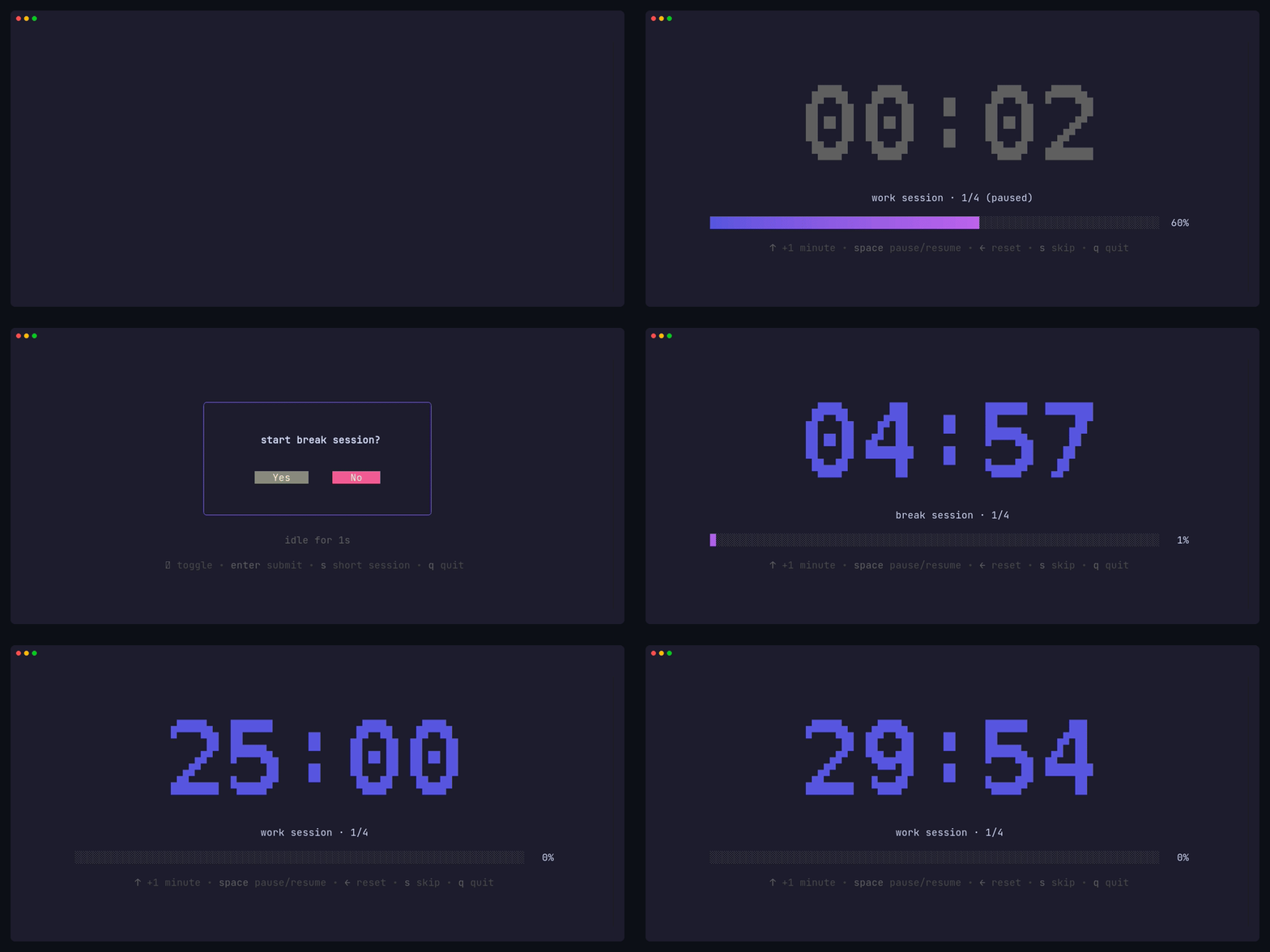


A simple, customizable Pomodoro timer for your terminal, built with Bubble Tea.
Features
- 🍅 Work and break timer sessions
- 🔄 Pomodoro cycles with long break
- 🔗 Task chaining with user confirmation prompts
- 📊 Real-time progress bar visualization
- ⌨️ Keyboard shortcuts to adjust time mid-session
- ⏸️ Pause and resume sessions
- ⏭️ Skip to next session
- 🔔 Cross-platform desktop notifications
- 🎨 Clean, minimal terminal UI with ASCII art timer fonts
- 🛠️ Custom commands when timers complete
Statistics
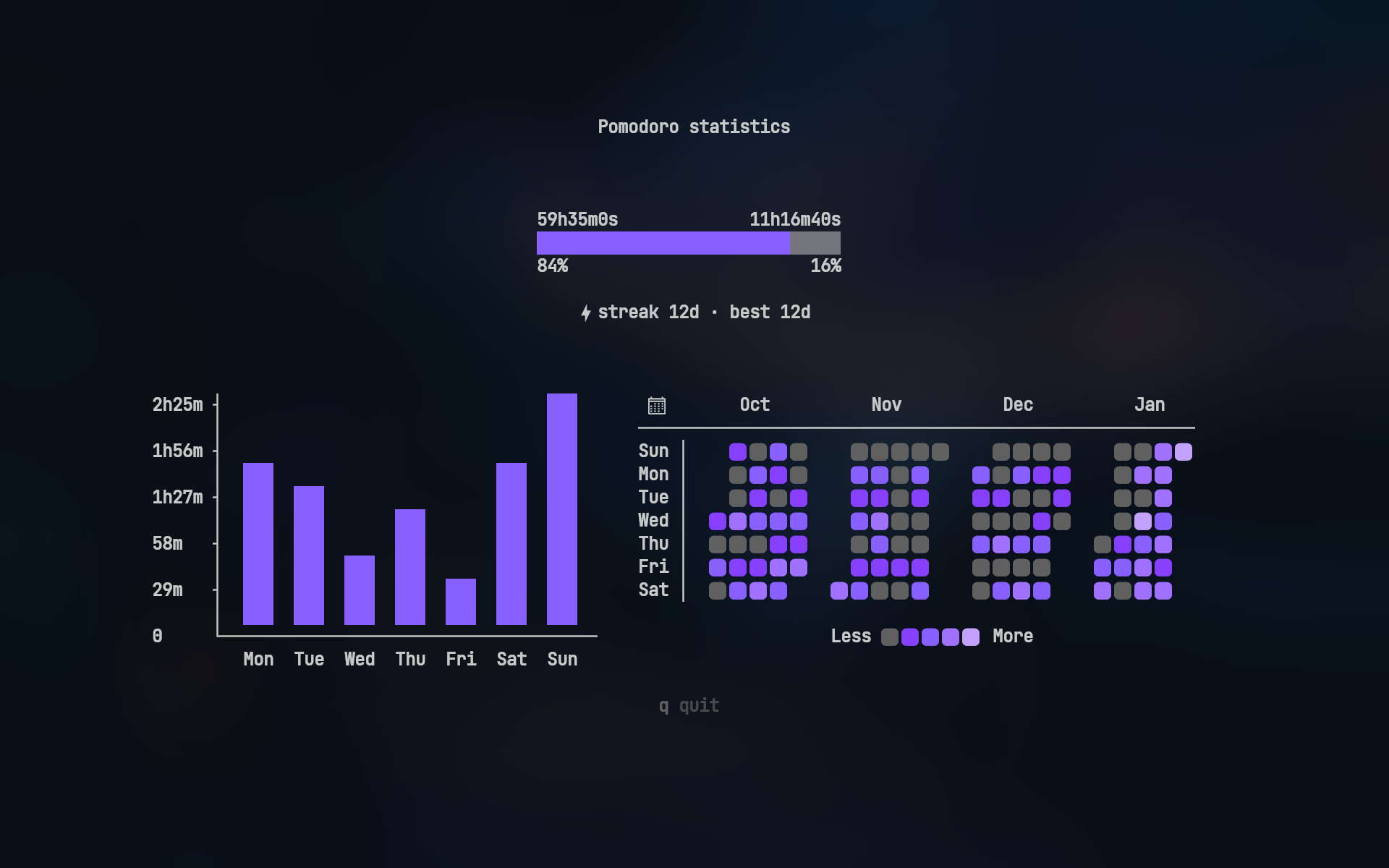
Track your productivity with pomo stats:
- Duration ratio — total work vs break time
- Weekly bar chart — daily work hours for the past 7 days
- 4-month heatmap — GitHub-style activity visualization
Heatmap icons require a Nerd Font
Desktop Notifications
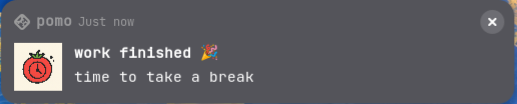
pomo sends native desktop notifications when sessions complete
<details> <summary>🔔 View notification examples</summary>Linux (GNOME)
Windows
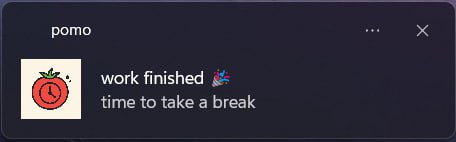
Note: Actual notification appearance varies by operating system and desktop environment
</details>Timer Fonts
<!-- prettier-ignore -->| mono12 | rebel |
| :----------------------------------: | :------------------------------------------: |
| 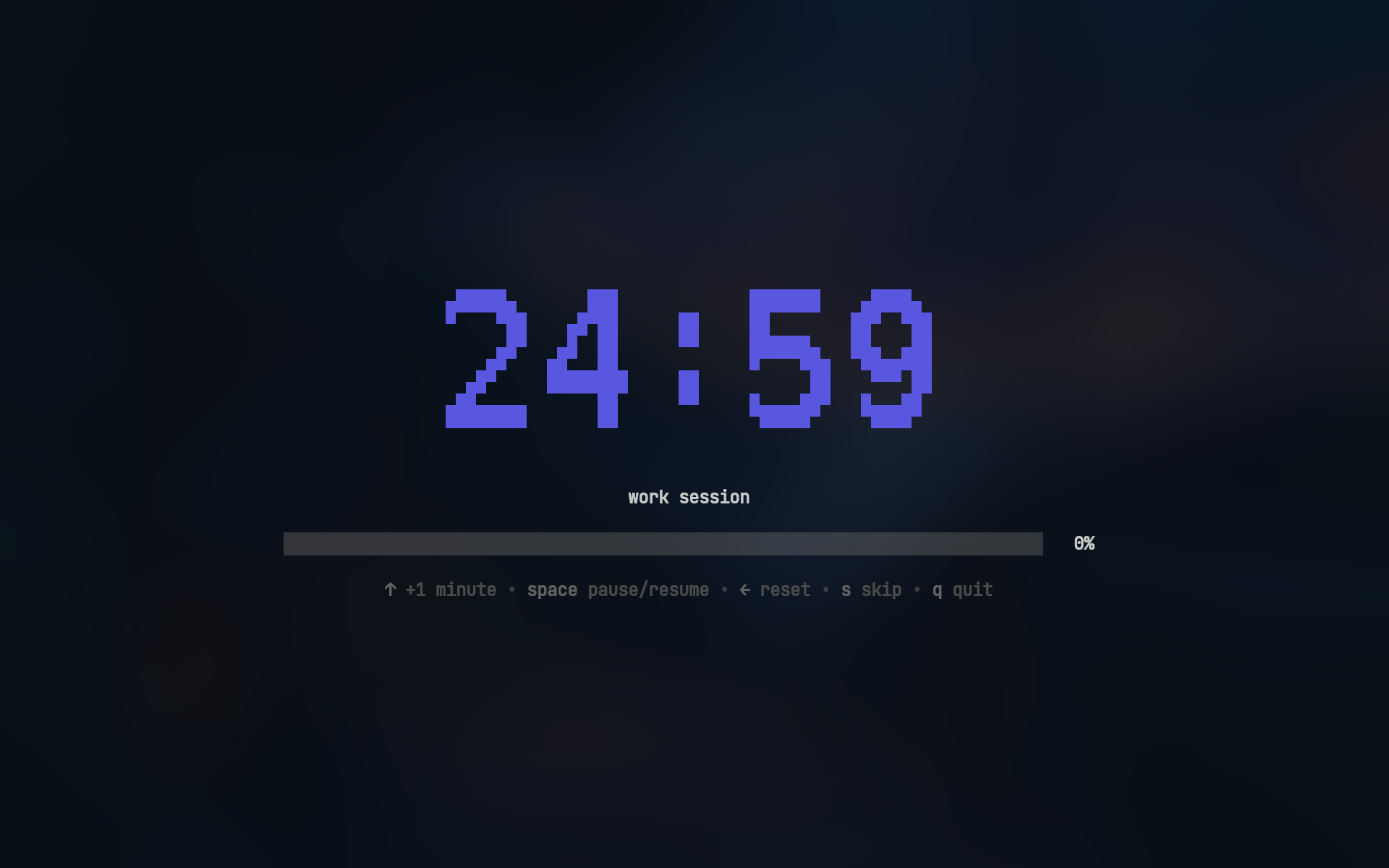 |
| 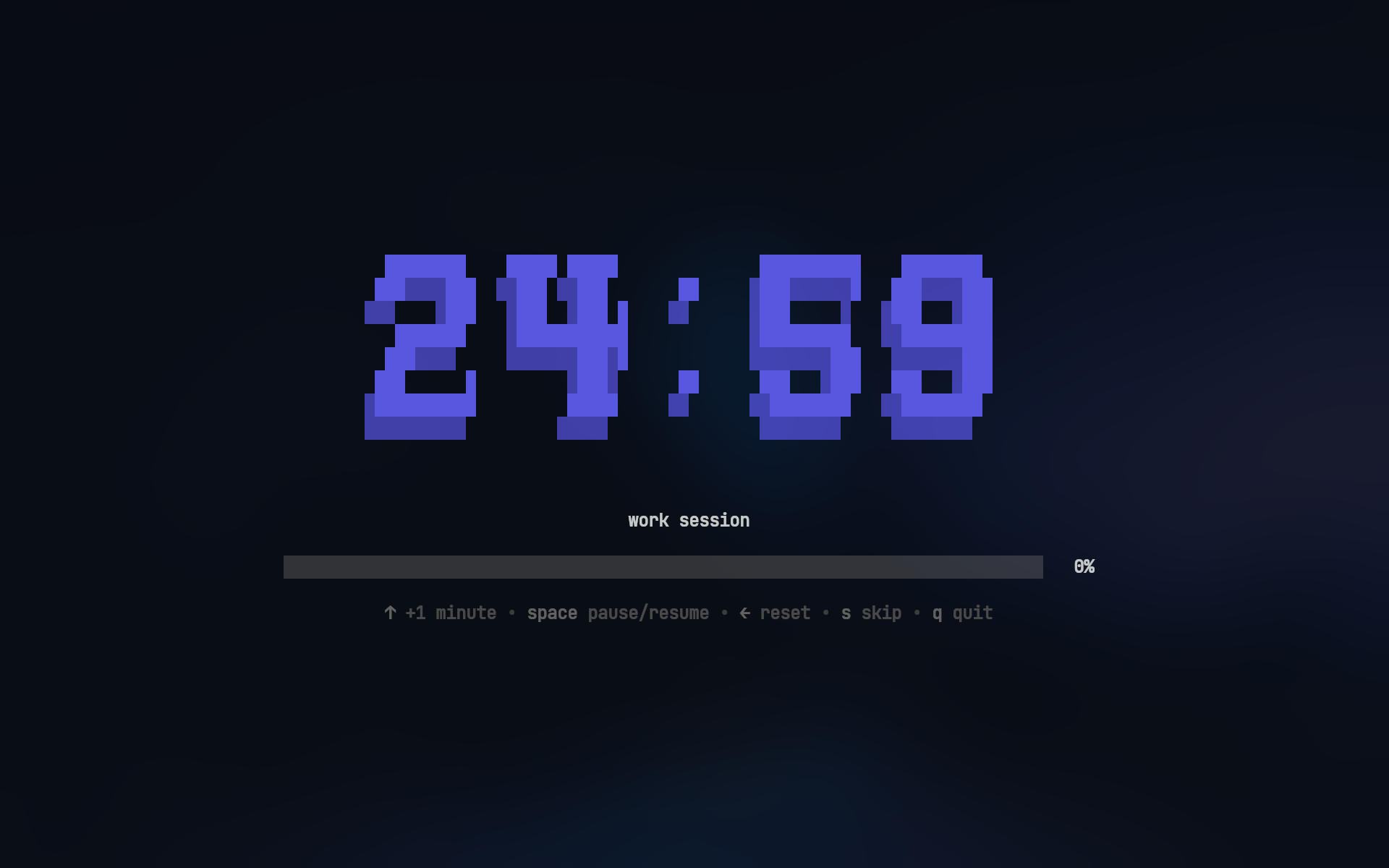 |
| ansi | ansiShadow |
|
|
| ansi | ansiShadow |
| 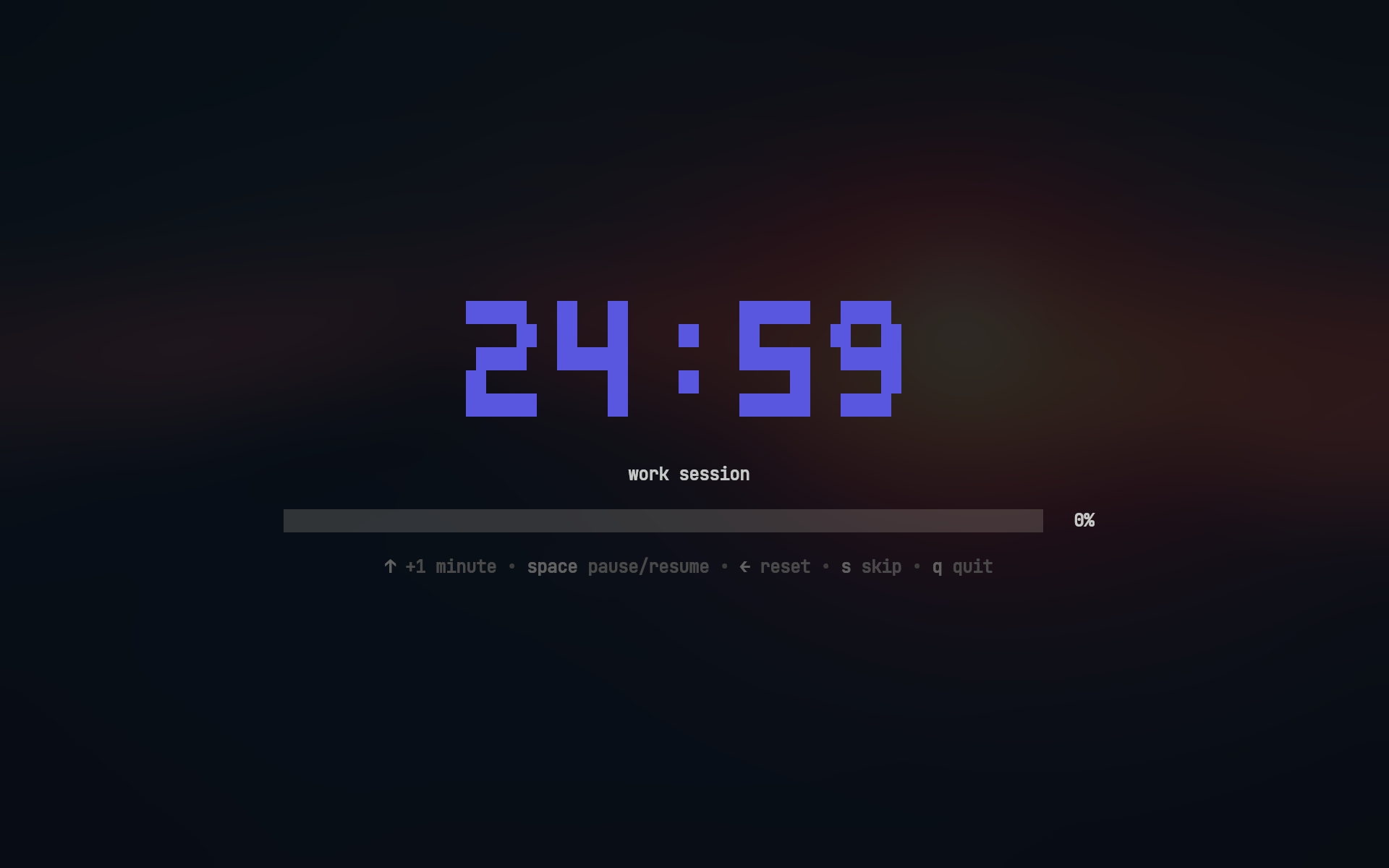 |
| 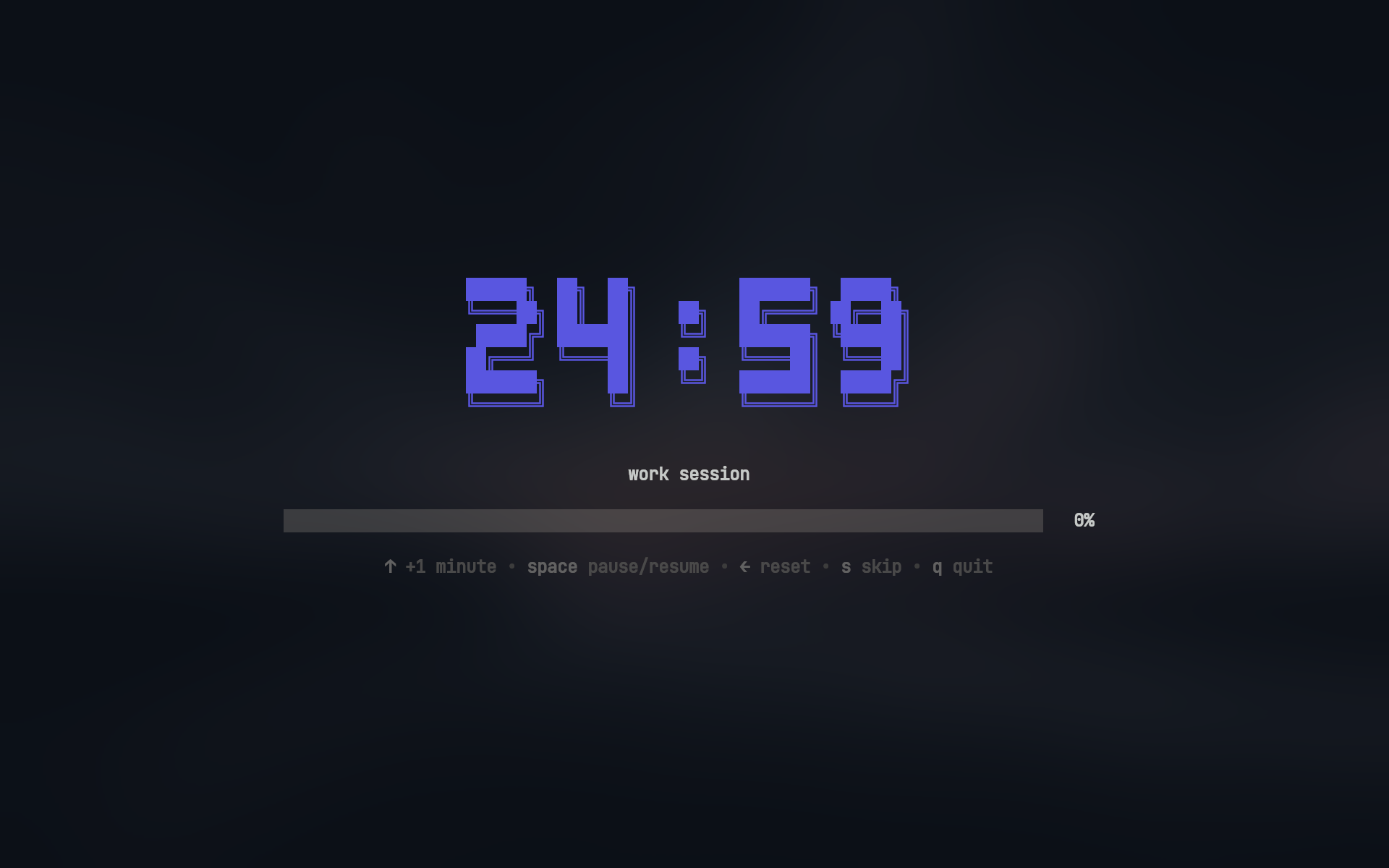 |
|
Usage
Work sessions:
pomo                    # work session
pomo 30m                # 30m work session
pomo 45m 15m            # 45m work with 15m break
pomo -t "write report"  # work session with custom title (or --title)
Break sessions:
pomo break              # break session
pomo break 10m          # 10m break session
View statistics:
pomo stats # View your productivity stats
Installation
Homebrew (macOS)
brew install --cask bahaaio/pomo/pomo
Winget (Windows)
winget install Bahaaio.pomo
Go
go install github.com/Bahaaio/pomo@latest
Build from Source
git clone https://github.com/Bahaaio/pomo
cd pomo
go build .
Pre-built Binaries
Download pre-built binaries from the releases page.
Configuration
<details> <summary>📁 Config file search order</summary>pomo looks for its config file in the following order:
- Current directory:
pomo.yaml(highest priority) - System config directory:
- Linux/macOS:
~/.config/pomo/pomo.yaml - Windows:
%APPDATA%\pomo\pomo.yaml
- Linux/macOS:
- Built-in defaults if no config file is found
Example pomo.yaml:
# action to take after session completion
# options: "ask" | "start" | "quit"
onSessionEnd: "ask"

asciiArt:
  # use ASCII art for timer display
  enabled: true

  # available fonts: "mono12" | "rebel" | "ansi" | "ansiShadow"
  # default: mono12
  font: ansiShadow

  # color of the ASCII art timer
  # hex color or "none"
  color: "#5A56E0"

work:
  duration: 25m
  title: work session

  # cross-platform notifications
  notification:
    enabled: true
    urgent: true # persistent notification with alert sound (platform-dependent)
    title: work finished 🎉
    message: time to take a break
    icon: ~/my/icon.png

break:
  duration: 5m

  # will run after the session ends
  then:
    - [spd-say, "Back to work!"]

longBreak:
  # enable long break after a certain number of work sessions
  enabled: true

  # number of work sessions before long break
  after: 4

  # long break duration
  duration: 15m
Check out pomo.yaml for a full example with all options.
Sound Notifications
You can play sounds when sessions complete by running commands in the then section.
work:
  then:
    - [paplay, ~/sounds/work-done.mp3] # Linux
    # - [afplay, ~/sounds/work-done.mp3] # macOS
    # - [powershell, start, work-done.mp3] # Windows
Commands run with a 5 second timeout and are automatically cancelled when starting the next session.
Key Bindings
Timer Controls
| Key | Action |
| -------------- | ------------------------- |
| ↑ / k | Increase time by 1 minute |
| Space | Pause/Resume timer |
| ← / h | Reset to initial duration |
| s | Skip to next session |
| q / Ctrl+C | Quit |
Skip button skips directly to the next session, bypassing any prompts
Confirmation Dialog
| Key | Action |
| -------------- | ------------------------------- |
| y | Confirm (Yes) |
| n | Cancel (No) |
| s | Start short session (2 minutes) |
| Tab | Toggle selection |
| Enter | Submit choice |
| q / Ctrl+C | Quit |
Short sessions extend the current session by 2 minutes, useful when you need a bit more time
License
This project is licensed under the MIT License. See the LICENSE file for details.
Related Skills
node-connect
339.3kDiagnose OpenClaw node connection and pairing failures for Android, iOS, and macOS companion apps
xurl
339.3kA CLI tool for making authenticated requests to the X (Twitter) API. Use this skill when you need to post tweets, reply, quote, search, read posts, manage followers, send DMs, upload media, or interact with any X API v2 endpoint.
frontend-design
83.9kCreate distinctive, production-grade frontend interfaces with high design quality. Use this skill when the user asks to build web components, pages, or applications. Generates creative, polished code that avoids generic AI aesthetics.
openai-whisper-api
339.3kTranscribe audio via OpenAI Audio Transcriptions API (Whisper).
