
AutoApplyMax
AutoApplyMax — AI-powered Chrome extension. Auto-apply to jobs on LinkedIn, Indeed & more. AI Resume Generator, Cover Letters, ATS Score Checker & Dashboard.
Install / Use
/learn @Azoo92i/AutoApplyMaxREADME
AutoApplyMax
The #1 AI-powered Chrome extension for automated job applications. Auto-apply to 50+ jobs/day across LinkedIn, Indeed, Glassdoor, WTTJ & Monster — with AI Resume Generation, Cover Letters, ATS Scoring & a full tracking Dashboard.
<div align="center">


Install from Chrome Web Store to get the full experience with automatic updates, AI features & dashboard access.
</div>See It In Action
<div align="center">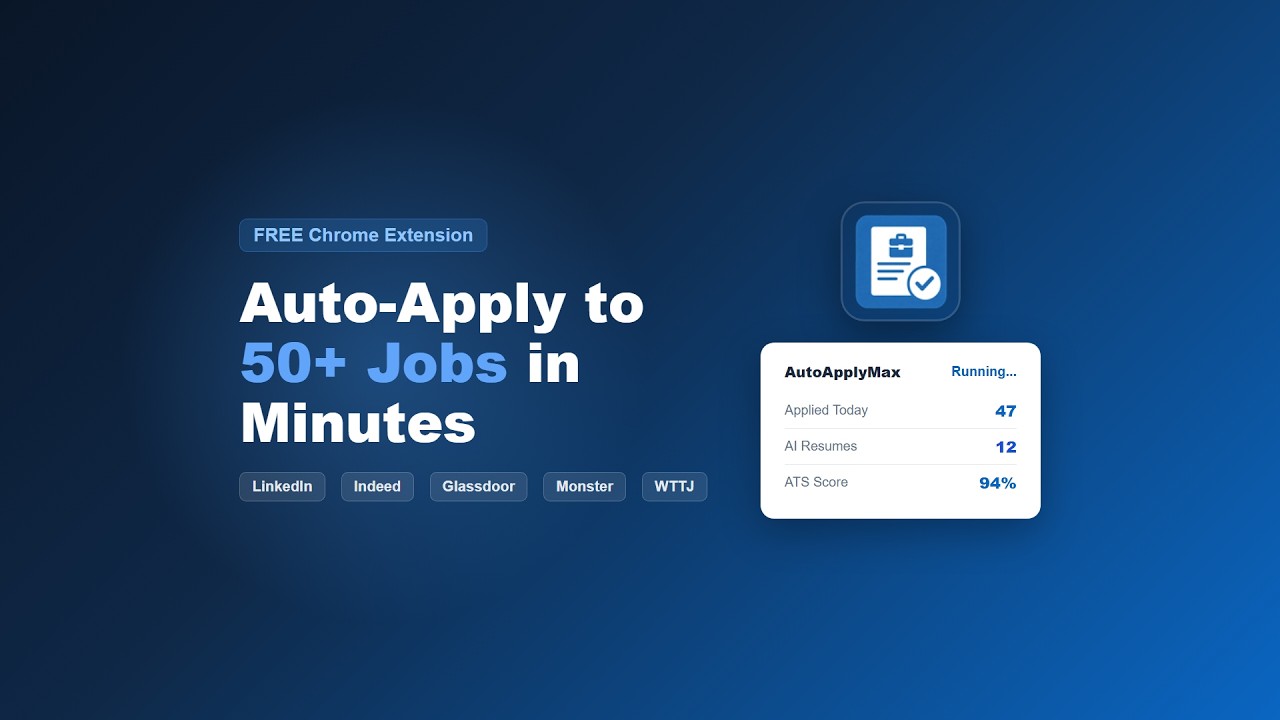
Watch the 40s demo on YouTube
</div>Why AutoApplyMax?
| Without AutoApplyMax | With AutoApplyMax | |---------------------|-------------------| | 3-4 hours/day filling forms | 5 minutes — set it and go | | 5-10 applications/day | 50+ applications/day | | Same resume for every job | AI-tailored resume per job | | No cover letters (too tedious) | AI cover letter in 1 click | | Forget where you applied | Full dashboard with analytics | | No idea if your CV passes ATS | ATS score checker (target 90%+) |
Full Feature Suite
1. Multi-Platform Auto-Apply
One-click automation across 5+ job platforms with human-like behavior:
| Platform | What AutoApplyMax Does | |----------|----------------------| | LinkedIn | Easy Apply automation — fills every field, clicks Submit | | Indeed | SmartApply multi-step form navigation | | Glassdoor | One-click application submission | | WTTJ | Full form completion | | Monster | Automated form filling & submission | | Any site | Universal Autofill for any job application form |
2. AI Resume Generator (NEW)
Generate a tailored, ATS-optimized resume for each job in seconds:
- 3 professional templates — Modern, Consulting & Harvard
- Job-specific keyword matching — extracts requirements and adapts your resume
- ATS compatibility scoring — target 90%+ to pass Applicant Tracking Systems
- Before/After comparison — see exactly what changed and why
- Edit & download — manual editing, PDF export
Available on the AutoApplyMax Dashboard — sign up free at autoapplymax.com
3. AI Cover Letter Generator (NEW)
Personalized cover letters matched to each job description:
- Company-specific personalization based on mission & values
- Multiple professional tones
- Job requirement matching
- 1-click generation from the dashboard
Available on the AutoApplyMax Dashboard — sign up free at autoapplymax.com
4. ATS Score Checker (FREE)
Check your resume's ATS compatibility score instantly:
- Upload your CV + paste job description
- Get keyword match analysis
- Actionable tips to improve your score
- 100% free, no login required — try it now at autoapplymax.com/tools/ats-score-checker
5. Real-Time Dashboard & Analytics
Track every application in one place at autoapplymax.com/dashboard:
- Application history — every job you applied to
- Status tracking — Applied > Screening > Interview > Offer
- Performance analytics — weekly/monthly stats, response rates
- CSV export — download all your data
- Document history — all generated resumes & cover letters saved
6. Smart Form Filling
- Human-like behavior with random delays (avoids detection)
- Multi-selector detection (XPath + CSS) for robust element finding
- Auto-retry on failed actions
- Stuck detection with auto-recovery
- Session persistence — resume where you left off
Install
For the best experience, install from the Chrome Web Store. You'll get automatic updates, AI features, dashboard access, and support.
Option A: Chrome Web Store (Recommended)

- Click the link above
- Click "Add to Chrome"
- Sign up at autoapplymax.com to unlock AI features & dashboard
Option B: Developer Mode (this repo)
- Clone this repo:
git clone https://github.com/Azoo92i/AutoApplyMax.git - Go to
chrome://extensions/→ Enable "Developer mode" - Click "Load unpacked" → Select the cloned folder
- Note: Developer installs don't auto-update. For AI resume/cover letter features and the tracking dashboard, sign up at autoapplymax.com
How It Works
Install extension → Fill your profile once
        ↓
Open LinkedIn/Indeed/etc → Click "Start" in the popup
        ↓
AutoApplyMax auto-fills & submits applications
        ↓
AI generates tailored resume + cover letter per job
        ↓
Dashboard tracks everything in real-time
Job Search Tips
Based on data from thousands of automated applications:
- Apply within 24 hours of posting. Jobs posted <24h have 3x higher response rates.
- Keep your resume ATS-simple. Single column, standard fonts, no graphics. Target 70%+ keyword match.
- Volume + quality is the formula. 40-50 properly formatted applications/day with automation changes the math entirely.
- Use AI to tailor each resume. A generic resume gets ignored. AutoApplyMax's AI adapts your CV to each job description automatically.
- Track everything. Use the dashboard to see which platforms get the best response rates.
Links
| | | |---|---| | Website | autoapplymax.com | | Dashboard | autoapplymax.com/dashboard | | ATS Checker | autoapplymax.com/tools/ats-score-checker | | Blog | autoapplymax.com/blog | | Chrome Extension | Chrome Web Store | | Discord | Join Community | | Twitter/X | @autoapplymax |
Security & Privacy
- All data stored locally in your browser (chrome.storage)
- Open source — fully transparent code
- No tracking, no data collection
- Resume processing uses secure API calls — your data is never stored on external servers
Contributing
We welcome contributions! See CONTRIBUTING.md for guidelines.
License
Licensed under GNU Affero General Public License v3.0 (AGPL-3.0) — see LICENSE.
<div align="center">
AutoApplyMax — Go from 5 to 50+ job applications per day.
</div>