
FTXUI
:computer: C++ Functional Terminal User Interface. :heart:
Install / Use
/learn @ArthurSonzogni/FTXUIREADME
FTXUI
<i>Functional Terminal (X) User interface</i>
A simple cross-platform C++ library for terminal based user interfaces!
Feature
- Functional style. Inspired by 1 and React
- Simple and elegant syntax (in my opinion)
- Keyboard & mouse navigation.
- Support for UTF8 and fullwidth chars (→ 测试)
- Support for animations. Demo 1, Demo 2
- Support for drawing. Demo
- No dependencies.
- C++20 Module support
- Cross platform: Linux/MacOS (main target), WebAssembly, Windows (Thanks to contributors!).
- Learn by examples, and tutorials
- Multiple packages:
- CMake FetchContent (preferred)
- Bazel
- vcpkg
- Conan Debian package
- Ubuntu package
- Arch Linux
- OpenSUSE
- XMake repository package
- Nix
- Good practices: documentation, tests, fuzzers, performance tests, automated CI, automated packaging, etc...
Documentation
- Starter CMake
- Starter Bazel
- Documentation
- Examples (WebAssembly)
- Build using CMake
- Build using Bazel
Example
    vbox({
      hbox({
        text("one") | border,
        text("two") | border | flex,
        text("three") | border | flex,
      }),

      gauge(0.25) | color(Color::Red),
      gauge(0.50) | color(Color::White),
      gauge(0.75) | color(Color::Blue),
    });
Short gallery
DOM
This module defines a hierarchical set of Element. An Element manages layout and can be responsive to the terminal dimensions.
They are declared in <ftxui/dom/elements.hpp>
<details><summary>Layout</summary>Element can be arranged together:
- horizontally with
hbox - vertically with
vbox - inside a grid with
gridbox - wrap along one direction using the
flexbox.
Element can become flexible using the flex decorator.
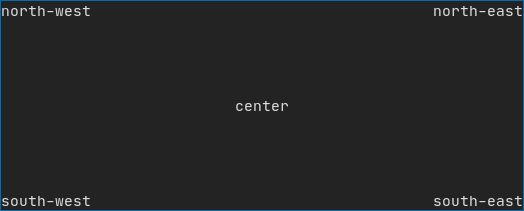
Example using hbox, vbox and filler.
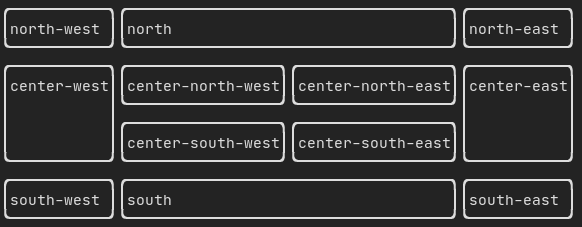
Example using gridbox:
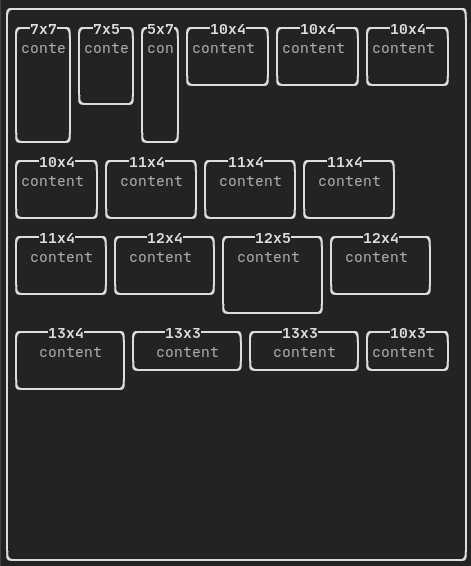
Example using flexbox:
An element can be decorated using the functions:
bolditalicdiminvertedunderlinedunderlinedDoubleblinkstrikethroughcolorbgcolorhyperlink

FTXUI supports the pipe operator. It means: decorator1(decorator2(element)) and element | decorator1 | decorator2 can be used.
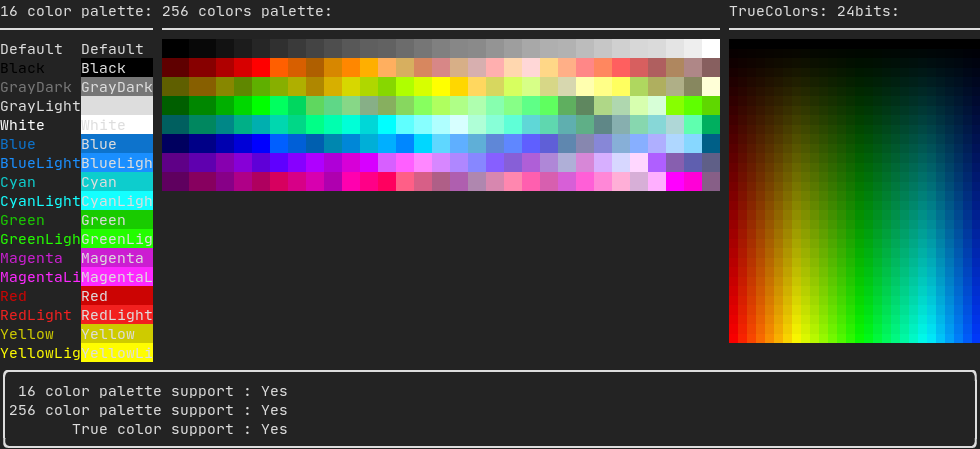
FTXUI support every color palette:
Color gallery:
Use decorator border and element separator() to subdivide your UI:
auto document = vbox({
    text("top"),
    separator(),
    text("bottom"),
}) | border;
Demo:

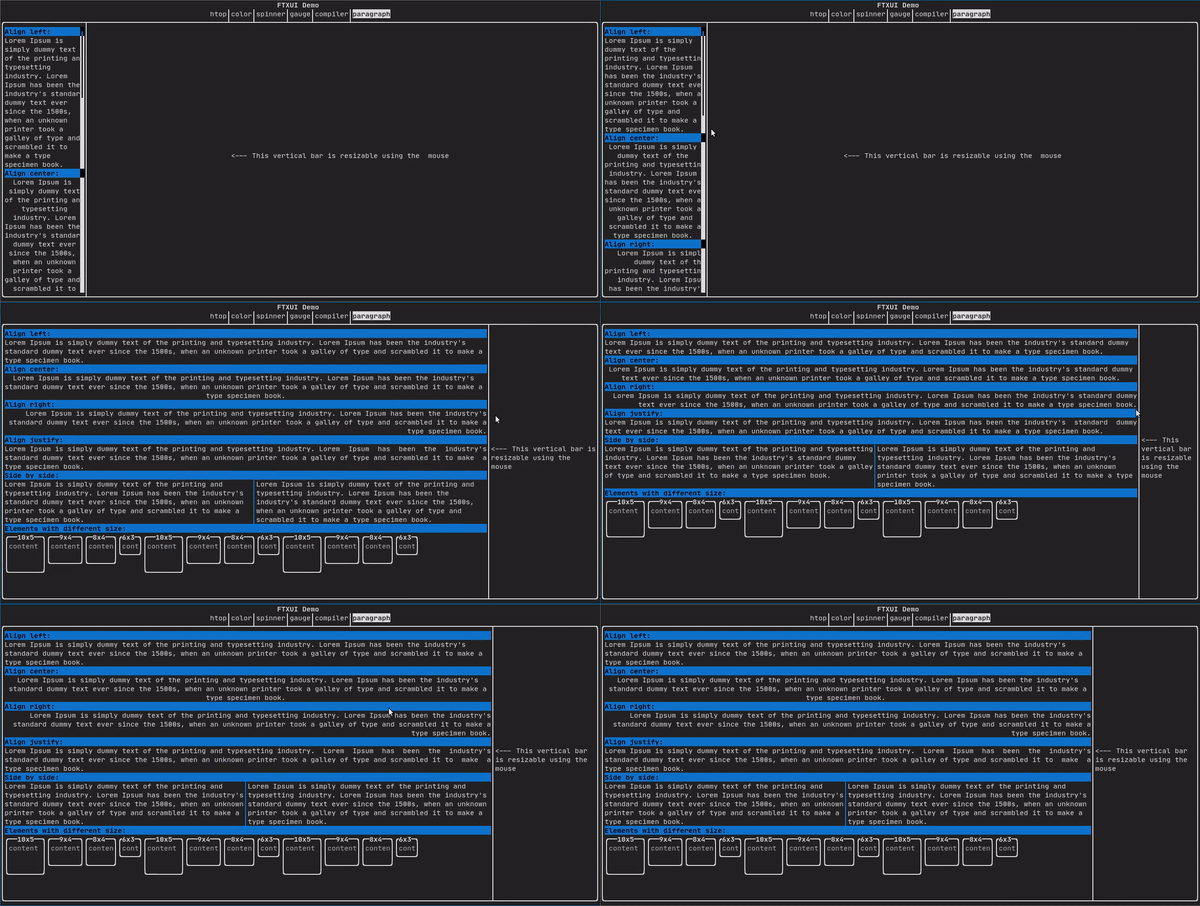
A simple piece of text is represented using text("content").
To support text wrapping following spaces the following functions are provided:
Element paragraph(std::string text);
Element paragraphAlignLeft(std::string text);
Element paragraphAlignRight(std::string text);
Element paragraphAlignCenter(std::string text);
Element paragraphAlignJustify(std::string text);
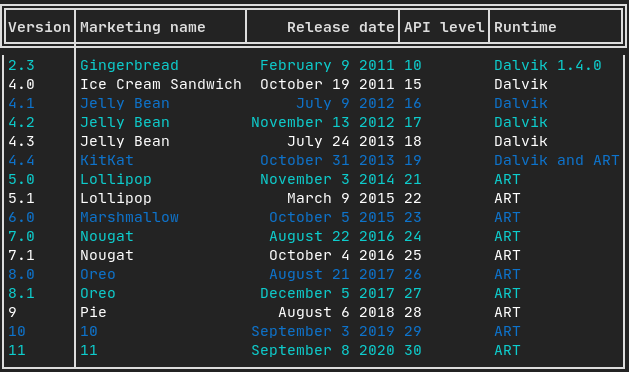
A class to easily style a table of data.
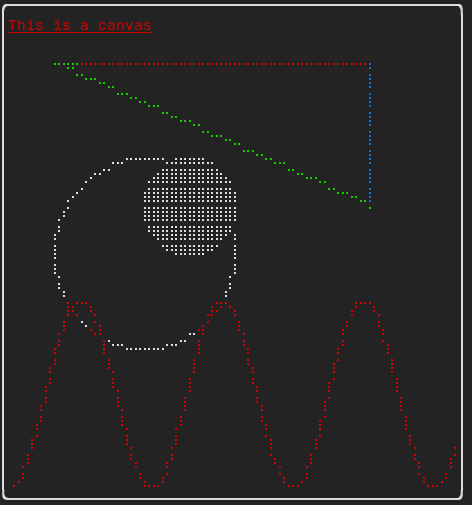
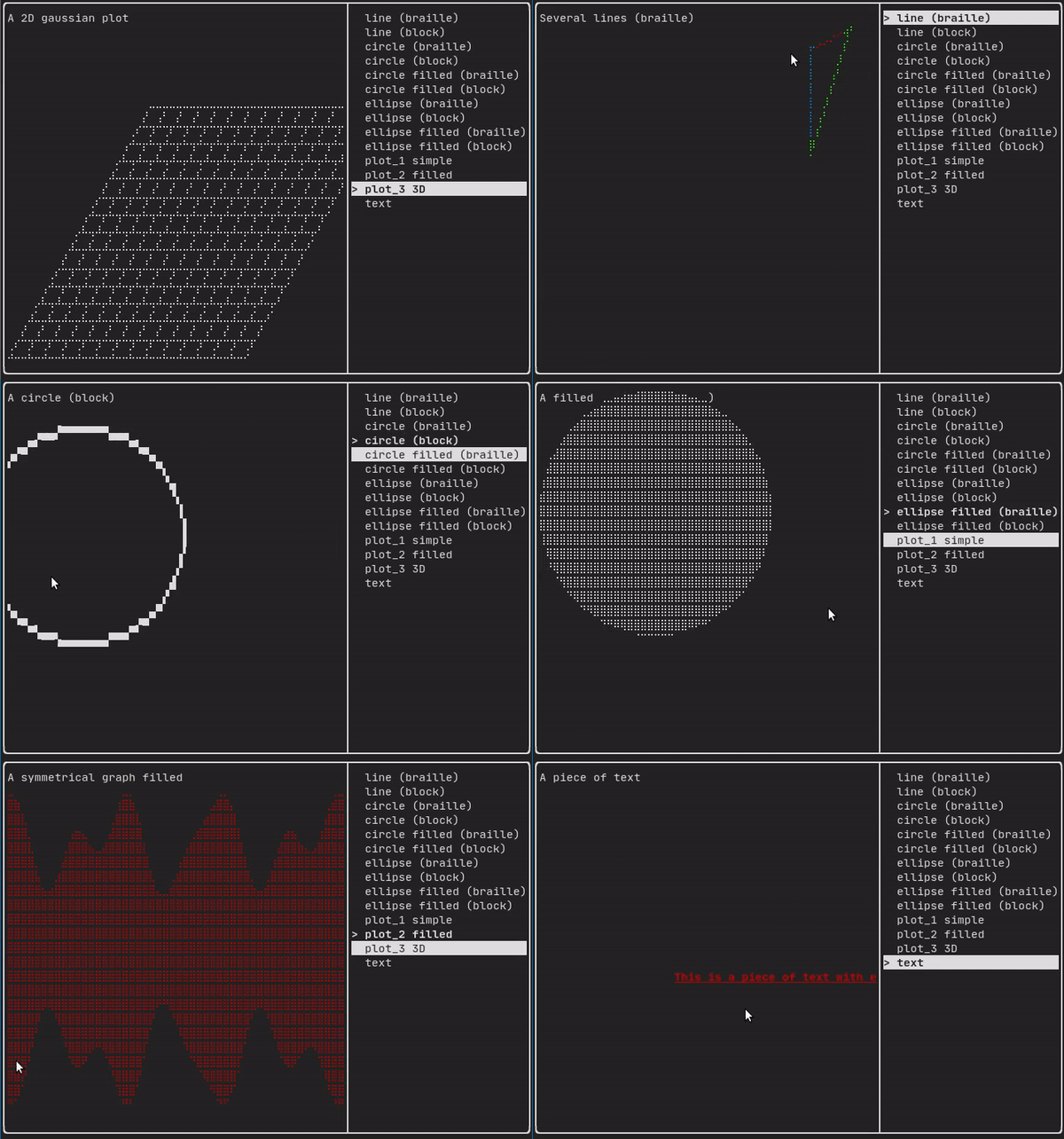
Drawing can be made on a Canvas, using braille, block, or simple characters:
Simple example:
Complex examples:
Component
ftxui/component produces dynamic UI, reactive to the user's input. It defines a set of ftxui::Component. A component reacts to Events (keyboard, mouse, resize, ...) and Renders as an Element (see previous section).
Prebuilt components are declared in <ftxui/component/component.hpp>
<details><summary>Gallery</summary>Gallery of multiple components. ([demo]
Related Skills
node-connect
337.4kDiagnose OpenClaw node connection and pairing failures for Android, iOS, and macOS companion apps
frontend-design
83.2kCreate distinctive, production-grade frontend interfaces with high design quality. Use this skill when the user asks to build web components, pages, or applications. Generates creative, polished code that avoids generic AI aesthetics.
openai-whisper-api
337.4kTranscribe audio via OpenAI Audio Transcriptions API (Whisper).
commit-push-pr
83.2kCommit, push, and open a PR
