
Doctra
📄🔍 Parse, extract, and analyze documents with ease 📄🔍
Install / Use
/learn @AdemBoukhris457/DoctraREADME
🚀 Doctra - Document Parser Library 📑🔎





📋 Table of Contents
- Installation
- Quick Start
- Core Components
- Web UI (Gradio)
- Command Line Interface
- Visualization
- Usage Examples
- Features
🛠️ Installation
From PyPI (recommended)
pip install doctra
From source
git clone https://github.com/AdemBoukhris457/Doctra.git
cd Doctra
pip install .
System Dependencies
Doctra requires Poppler for PDF processing. Install it based on your operating system:
Ubuntu/Debian
sudo apt install poppler-utils
macOS
brew install poppler
Windows
Download and install from Poppler for Windows or use conda:
conda install -c conda-forge poppler
Google Colab
!sudo apt install poppler-utils
⚡ Quick Start
from doctra.parsers.structured_pdf_parser import StructuredPDFParser

# Initialize the parser
parser = StructuredPDFParser()

# Parse a PDF document
parser.parse("path/to/your/document.pdf")
🔧 Core Components
StructuredPDFParser
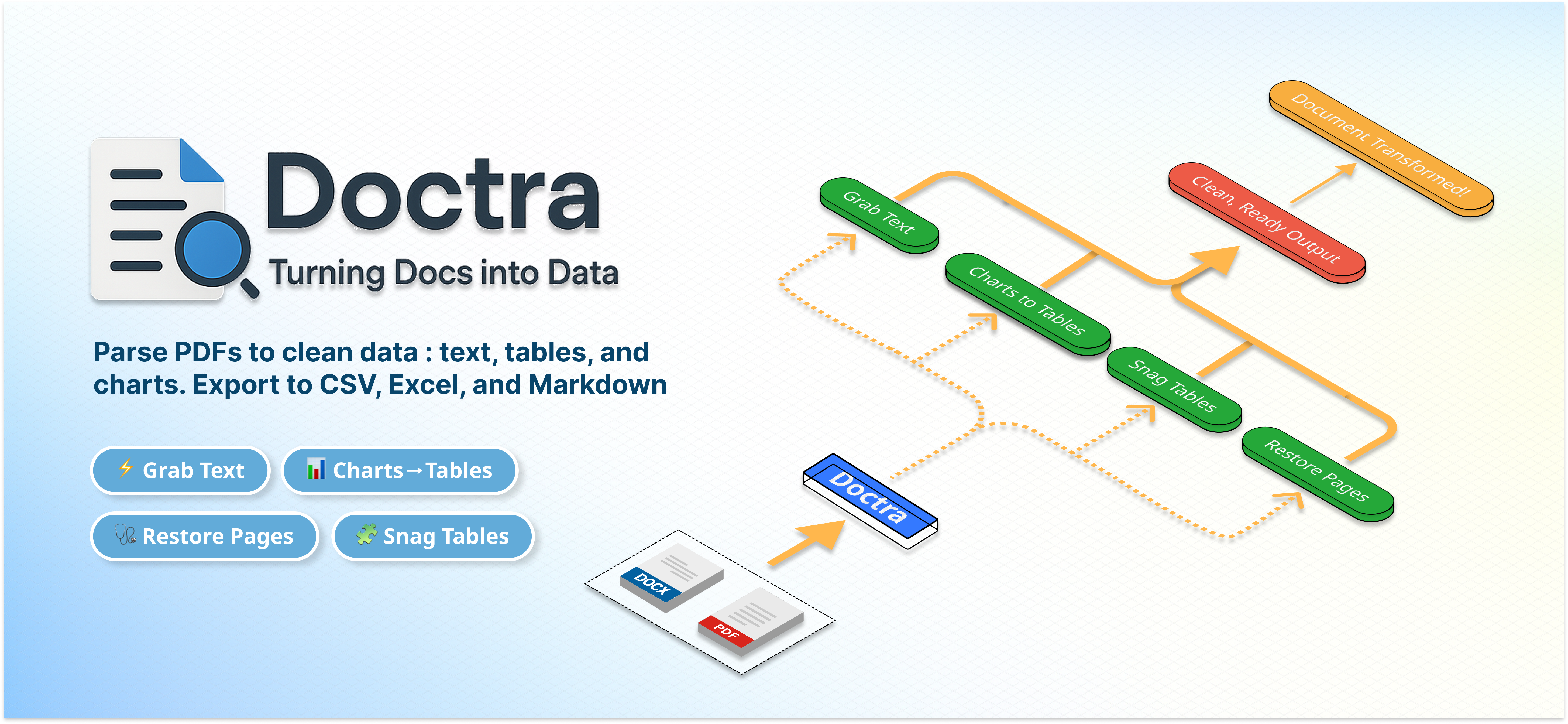
The StructuredPDFParser is a comprehensive PDF parser that extracts all types of content from PDF documents. It processes PDFs through layout detection, extracts text using OCR, saves images for visual elements, and optionally converts charts/tables to structured data using Vision Language Models (VLM).
Key Features:
- Layout Detection: Uses PaddleOCR for accurate document layout analysis
- OCR Processing: Supports both PyTesseract (default) and PaddleOCR PP-OCRv5_server for text extraction
- Visual Element Extraction: Saves figures, charts, and tables as images
- VLM Integration: Optional conversion of visual elements to structured data
- Multiple Output Formats: Generates Markdown, Excel, and structured JSON
Basic Usage:
from doctra.parsers.structured_pdf_parser import StructuredPDFParser

# Basic parser without VLM (uses default PyTesseract OCR engine)
parser = StructuredPDFParser()

# Parser with VLM for structured data extraction
from doctra.engines.vlm.service import VLMStructuredExtractor

# Initialize VLM engine
vlm_engine = VLMStructuredExtractor(
    vlm_provider="openai",  # or "gemini", "anthropic", "openrouter", "qianfan", "ollama"
    api_key="your_api_key_here"
)

# Pass VLM engine to parser
parser = StructuredPDFParser(vlm=vlm_engine)

# Parse document
parser.parse("document.pdf")
OCR Engine Configuration:
Doctra uses a dependency injection pattern for OCR engines. You initialize the OCR engine externally and pass it to the parser:
from doctra.parsers.structured_pdf_parser import StructuredPDFParser
from doctra.engines.ocr import PytesseractOCREngine, PaddleOCREngine

# Option 1: Use default PyTesseract (automatic if ocr_engine=None)
parser = StructuredPDFParser()  # Creates default PyTesseractOCREngine internally

# Option 2: Explicitly configure PyTesseract
tesseract_ocr = PytesseractOCREngine(
    lang="eng",      # Language code
    psm=4,           # Page segmentation mode
    oem=3,           # OCR engine mode
    extra_config=""  # Additional Tesseract config
)
parser = StructuredPDFParser(ocr_engine=tesseract_ocr)

# Option 3: Use PaddleOCR for better accuracy
paddle_ocr = PaddleOCREngine(
    device="gpu",                          # "gpu" or "cpu"
    use_doc_orientation_classify=False,    # Document orientation detection
    use_doc_unwarping=False,              # Text image rectification
    use_textline_orientation=False        # Text line orientation
)
parser = StructuredPDFParser(ocr_engine=paddle_ocr)

# Option 4: Reuse OCR engine across multiple parsers
shared_ocr = PytesseractOCREngine(lang="eng", psm=6, oem=3)
parser1 = StructuredPDFParser(ocr_engine=shared_ocr)
parser2 = EnhancedPDFParser(ocr_engine=shared_ocr)  # Reuse same instance
VLM Engine Configuration:
Doctra uses the same dependency injection pattern for VLM engines. You initialize the VLM engine externally and pass it to the parser:
from doctra.parsers.structured_pdf_parser import StructuredPDFParser
from doctra.engines.vlm.service import VLMStructuredExtractor

# Option 1: No VLM (default)
parser = StructuredPDFParser()  # VLM processing disabled

# Option 2: Initialize VLM engine and pass to parser
vlm_engine = VLMStructuredExtractor(
    vlm_provider="openai",  # or "gemini", "anthropic", "openrouter", "qianfan", "ollama"
    vlm_model="gpt-5",      # Optional, uses default if None
    api_key="your_api_key"
)
parser = StructuredPDFParser(vlm=vlm_engine)

# Option 3: Reuse VLM engine across multiple parsers
shared_vlm = VLMStructuredExtractor(
    vlm_provider="gemini",
    api_key="your_api_key"
)
parser1 = StructuredPDFParser(vlm=shared_vlm)
parser2 = EnhancedPDFParser(vlm=shared_vlm)  # Reuse same instance
parser3 = ChartTablePDFParser(vlm=shared_vlm)  # Reuse same instance
Advanced Configuration:
from doctra.engines.ocr import PytesseractOCREngine, PaddleOCREngine

# Option 1: Using PyTesseract (default)
ocr_engine = PytesseractOCREngine(
    lang="eng",
    psm=4,
    oem=3,
    extra_config=""
)

# Initialize VLM engine
from doctra.engines.vlm.service import VLMStructuredExtractor

vlm_engine = VLMStructuredExtractor(
    vlm_provider="openai",
    vlm_model="gpt-5",  # Optional, uses default if None
    api_key="your_api_key"
)

parser = StructuredPDFParser(
    # VLM Engine (pass the initialized engine)
    vlm=vlm_engine,  # or None to disable VLM

    # Layout Detection Settings
    layout_model_name="PP-DocLayout_plus-L",
    dpi=200,
    min_score=0.0,

    # OCR Engine (pass the initialized engine)
    ocr_engine=ocr_engine,  # or None for default PyTesseract

    # Output Settings
    box_separator="\n"
)

# Option 2: Using PaddleOCR for better accuracy
paddle_ocr = PaddleOCREngine(
    device="gpu",  # Use "cpu" if no GPU available
    use_doc_orientation_classify=False,
    use_doc_unwarping=False,
    use_textline_orientation=False
)

parser = StructuredPDFParser(
    ocr_engine=paddle_ocr,
    # ... other settings
)
EnhancedPDFParser
The EnhancedPDFParser extends the StructuredPDFParser with advanced image restoration capabilities using DocRes. This parser is ideal for processing scanned documents, low-quality PDFs, or documents with visual distortions that need enhancement before parsing.
Key Features:
- Image Restoration: Uses DocRes for document enhancement before processing
- Multiple Restoration Tasks: Supports dewarping, deshadowing, appearance enhancement, deblurring, binarization, and end-to-end restoration
- Enhanced Quality: Improves document quality for better OCR and layout detection
- All StructuredPDFParser Features: Inherits all capabilities of the base parser
- Flexible Configuration: Extensive options for restoration and processing
Basic Usage:
from doctra.parsers.enhanced_pdf_parser import EnhancedPDFParser

# Basic enhanced parser with image restoration
parser = EnhancedPDFParser(
    use_image_restoration=True,
    restoration_task="appearance"  # Default restoration task
)

# Parse document with enhancement
parser.parse("scanned_document.pdf")
Advanced Configuration:
from doctra.engines.ocr import PytesseractOCREngine, PaddleOCREngine

# Initialize OCR engine (PyTesseract or PaddleOCR)
ocr_engine = PytesseractOCREngine(
    lang="eng",
    psm=6,
    oem=3
)

# Initialize VLM engine
from doctra.engines.vlm.service import VLMStructuredExtractor

vlm_engine = VLMStructuredExtractor(
    vlm_provider="openai",
    vlm_model="gpt-4-vision",  # Optional, uses default if None
    api_key="your_api_key"
)

parser = EnhancedPDFParser(
    # Image Restoration Settings
    use_image_restoration=True,
    restoration_task="dewarping",      # Correct perspective distortion
    restoration_device="cuda",         # Use GPU for faster processing
    restoration_dpi=300,               # Higher DPI for better quality

    # VLM Engine (pass the initialized engine)
    vlm=vlm_engine,  # or None to disable VLM

    # Layout Detection Settings
    layout_model_name="PP-DocLayout_plus-L",
    dpi=200,
    min_score=0.5,

    # OCR Engine (pass the initialized engine)
    ocr_engine=ocr_engine,  # or None for default PyTesseract
)
DocRes Restoration Tasks:
| Task | Description | Best For |
|------|-------------|----------|
| appearance | General appearance enhancement |
Related Skills
node-connect
335.8kDiagnose OpenClaw node connection and pairing failures for Android, iOS, and macOS companion apps
claude-opus-4-5-migration
82.7kMigrate prompts and code from Claude Sonnet 4.0, Sonnet 4.5, or Opus 4.1 to Opus 4.5
frontend-design
82.7kCreate distinctive, production-grade frontend interfaces with high design quality. Use this skill when the user asks to build web components, pages, or applications. Generates creative, polished code that avoids generic AI aesthetics.
async-pr-review
99.1kTrigger this skill when the user wants to start an asynchronous PR review, run background checks on a PR, or check the status of a previously started async PR review.
