
ActivityIndicator
some indicator Demo
Install / Use
/learn @Ace09/ActivityIndicatorREADME
NVActivityIndicatorView


Introduction
NVActivityIndicatorView is a collection of nice loading animations.
This is original a fork from DGActivityIndicatorView, inspired by Loaders.css, written in Swift with full implementation of animations.
You can also find Objective-C version of this here.
Demo
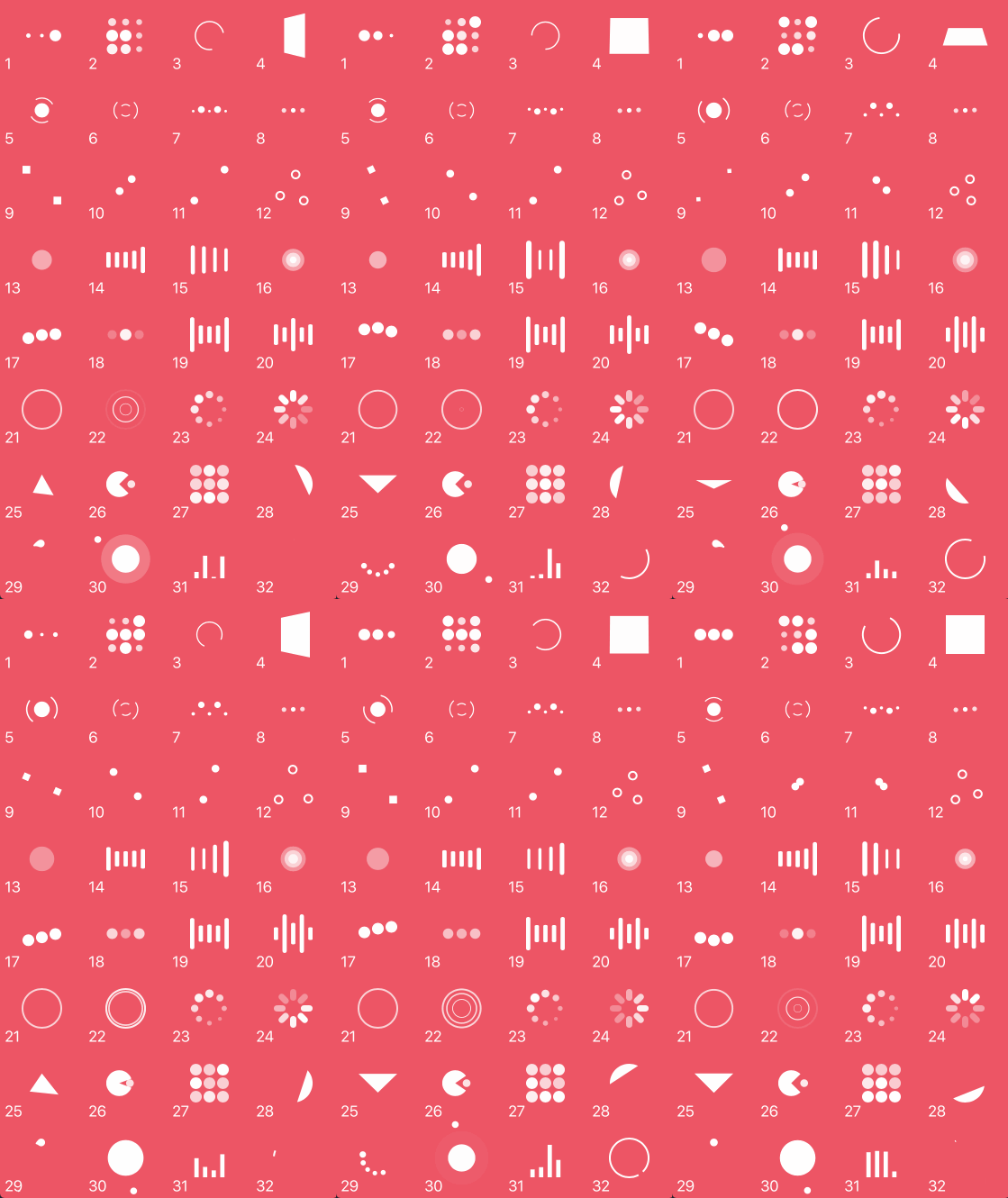
For first-hand experience, just open the project and run it.
Installation
Cocoapods
Install Cocoapods if need be
$ gem install cocoapods
Add NVActivityIndicatorView in your Podfile
use_frameworks!

pod 'NVActivityIndicatorView'
Then, run the following command
$ pod install
Carthage
Install Carthage if need be
$ brew update
$ brew install carthage
Add NVActivityIndicatorView in your Cartfile
github "ninjaprox/NVActivityIndicatorView"
Run carthage to build the framework and drag the built NVActivityIndicatorView.framework into your Xcode project.
Manual
Copy NVActivityIndicatorView folder to your project. That's it.
Usage
Firstly, import NVActivityIndicatorView
import NVActivityIndicatorView
Initialization
Then, there are multiple ways you can create NVActivityIndicatorView:
-
Use it in storyboard by changing class of any
UIViewtoNVActivityIndicatorViewThis will use default values 40, white, .Pacman for size, color and type respectively. -
Create with specified type, color and size
NVActivityIndicatorView(frame: frame, type: type, color: color, size: size)
Any of the last three arguments can be omitted. If an argument is omitted it will use the default values which are 40, white, .Pacman for size, color and type respectively. Therefore, you can also create NVActivityIndicatorView using any of the following:
- Specify only frame, type and color
NVActivityIndicatorView(frame: frame, type: type, color: color)
- Specify only frame, type and size
NVActivityIndicatorView(frame: frame, type: type, size: size)
- Specify only frame, size and color
NVActivityIndicatorView(frame: frame, size: size, color: color)
- Specify only frame and type
NVActivityIndicatorView(frame: frame, type: type)
- Specify only frame and color
NVActivityIndicatorView(frame: frame, color: color)
- Specify only frame and size
NVActivityIndicatorView(frame: frame, size: size)
- Specify only frame
NVActivityIndicatorView(frame: frame)
Start/Stop animation
Start animation
activityIndicatorView.startAnimation()
Stop animation
activityIndicatorView.stopAnimation()
Change properties
Specify individual properties after initialization:
- Specify type
activityIndicatorView.type = .LineScale
- Specify color
activityIndicatorView.color = UIColor.redColor()
- Specify size
activityIndicatorView.size = CGSize(width: 100, height: 100)
Specify whether activity indicator view should hide once stopped
activityIndicatorView.hidesWhenStopped = true
Get current status of animation
animation = activityIndicatorView.animating
Acknowledgment
Thanks Connor Atherton for great loaders and Danil Gontovnik for kick-start.
License
The MIT License (MIT)
Copyright (c) 2015 Nguyen Vinh @ninjaprox
Related Skills
node-connect
354.3kDiagnose OpenClaw node connection and pairing failures for Android, iOS, and macOS companion apps
frontend-design
112.3kCreate distinctive, production-grade frontend interfaces with high design quality. Use this skill when the user asks to build web components, pages, or applications. Generates creative, polished code that avoids generic AI aesthetics.
openai-whisper-api
354.3kTranscribe audio via OpenAI Audio Transcriptions API (Whisper).
qqbot-media
354.3kQQBot 富媒体收发能力。使用 <qqmedia> 标签,系统根据文件扩展名自动识别类型(图片/语音/视频/文件)。
