
HttpCanary
The GitHub repository ak-alien/HttpCanary provides a guide for installing HttpCanary on non-rooted Android 11/12 devices. HttpCanary is a powerful packet capture and analysis tool for Android, supporting protocols like HTTP, HTTPS, HTTP2, WebSocket, TCP, and UDP. It enables users to inspect and debug network traffic without requiring root access.
Install / Use
/learn @AK-ALiEN/HttpCanaryREADME
HttpCanary Installation Guide for Non-Rooted Android 11/12 Devices
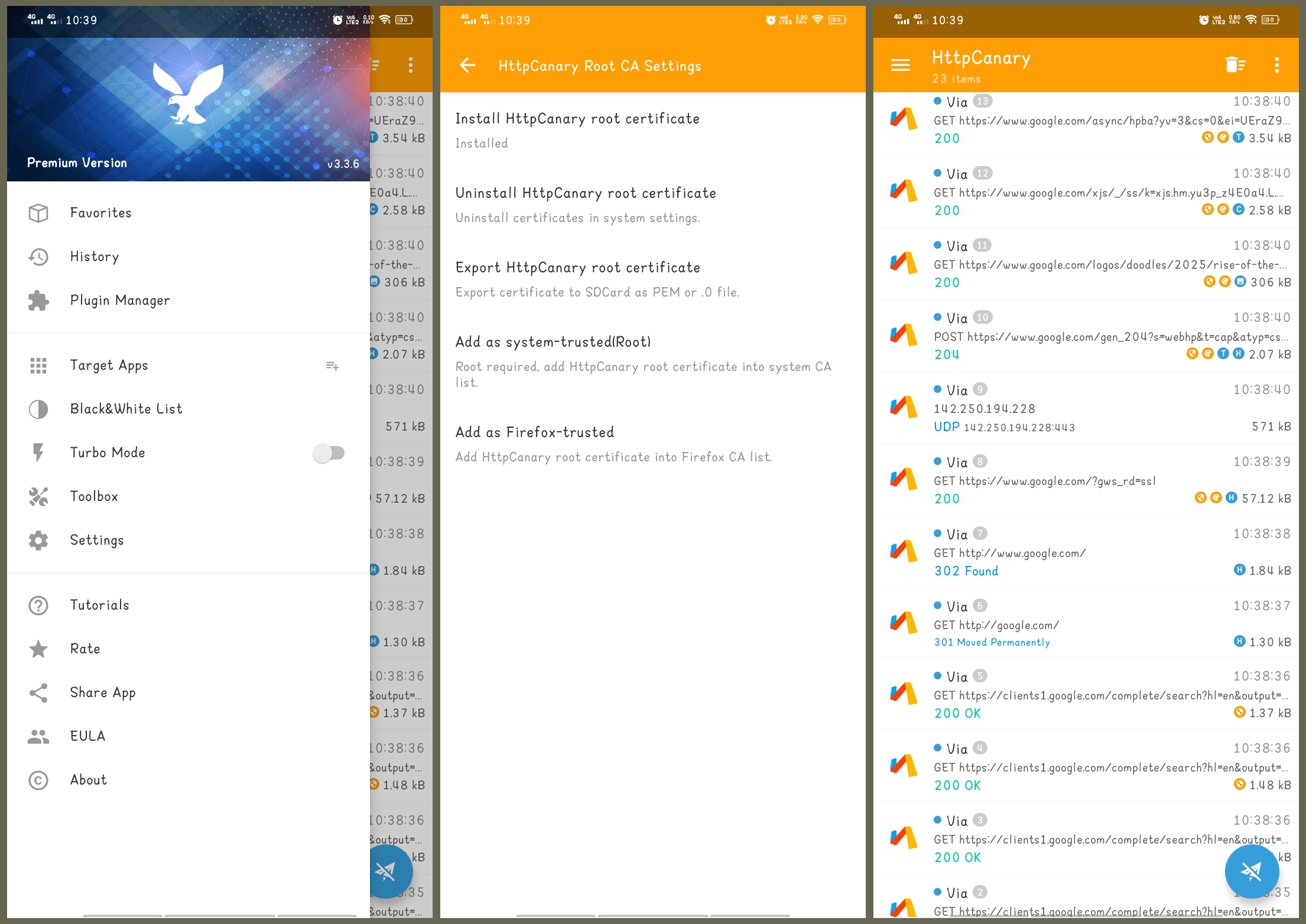
This guide provides step-by-step instructions to install HttpCanary with the necessary certificates on non-rooted Android devices running versions 11 or 12.
Prerequisites
- Ensure any previous installations of HttpCanary are uninstalled.
- Download the required files and extract them to your device.
Installation Steps
1. Install the Provided Application
- Locate and install the
HttpCanary v2.7.0application from the extracted files. - Open the app; upon seeing "Successfully Imported App Data," exit the application.
2. Install CA Certificate
- Navigate to your device's Settings > Security > Credentials Storage.
If unavailable, search for "certificate" in Settings. - Select "Install Certificate From Storage".
- Choose the "CA Certificate" option.
- Confirm by clicking "Install Anyway".
- From the extracted HttpCanary folder, go to the Certificate directory and select the
HttpCanary.pemfile.
3. Install VPN & App User Certificate
- Return to the Credentials Storage section and select "VPN & app user certificate".
- Navigate to the Certificate folder and select the
HttpCanary.p12file. - Enter the password: HttpCanary.
- Name the certificate as "Http Canary" and confirm.
4. Install Wi-Fi Certificate
- In the Credentials Storage, select "Wi-Fi Certificate".
- Again, choose the
HttpCanary.p12file. - Enter the password: HttpCanary.
- Name the certificate as "Http Canary" and confirm.
5. Install HttpCanary Application v3.3.6
- From the extracted folder, install the
HttpCanary V3.3.6application. - Open the app and accept the terms to complete the setup.
Following these steps will successfully set up HttpCanary with the necessary certificates on your non-rooted Android 11/12 device.
View on GitHub80/100

Security Score
Audited on Mar 23, 2026
No findings