
JianYingSrtServer
部署剪映到 Win Server 上.,使其能转换字幕 用于Asdb字幕库. 仅供学习使用.
Install / Use
/learn @A-Soul-Database/JianYingSrtServerREADME
JianYingSrtServer
部署剪映到 Win Server 上
Develop Announcement 开发公告
Asdb 技术栈已经切换为基于 GithubActionsGui 的字幕转换工具. 该版本的 Web端,停止维护。但是ui.py及点击脚本将会作为ActionsGui的模块继续维护
需要相关服务,请使用 GithubActionsGui
Support version : =>2.5.1 tested
1.安装必要依赖
pip install -r requirements.txt -i https://pypi.douban.com/simple/
2.修改 config.json 和 components/ui.py 中的文件
远程调用运行 (不推荐 Departed)
运行 flask run 或 py app.py
单独运行(不通过Web调用,仅本地)
配置好components/ui.py 中的CONFIG后运行 components/ui.py
调用方法
GET /addItem?token=(optional)&bv=BV号&p=分P数目(1,2,3) 执行任务
GET /download?name=BV号.srt 下载生成的字幕
GET / 查看服务器日志
GET /ping 查看服务器运行状态
GET /forceKill 强制清除缓存并重启剪映客户端(这并不会清除剪映缓存和srt文件,仅用于清理下载的视频和转换的音频)
GET /all 列出已经解析的字幕文件
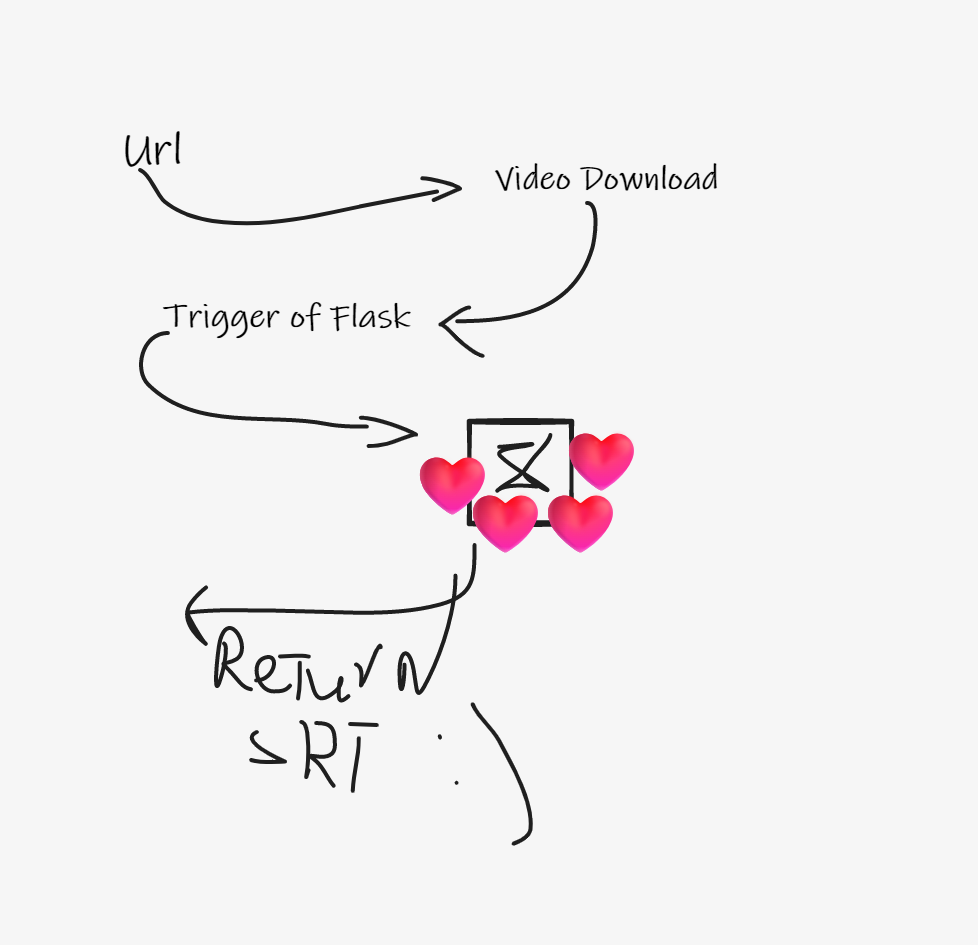
Mind Map
保持winserver rdp connection
tscon %sessionname% /dest:console
在远程计算机中创建为.bat 文件执行即可
License
GPL-V3.0
Libirary
Jianying-to-srt MIT License
UiAutomation Apache-2.0 License
Related Skills
node-connect
333.3kDiagnose OpenClaw node connection and pairing failures for Android, iOS, and macOS companion apps
claude-opus-4-5-migration
82.0kMigrate prompts and code from Claude Sonnet 4.0, Sonnet 4.5, or Opus 4.1 to Opus 4.5
frontend-design
82.0kCreate distinctive, production-grade frontend interfaces with high design quality. Use this skill when the user asks to build web components, pages, or applications. Generates creative, polished code that avoids generic AI aesthetics.
model-usage
333.3kUse CodexBar CLI local cost usage to summarize per-model usage for Codex or Claude, including the current (most recent) model or a full model breakdown. Trigger when asked for model-level usage/cost data from codexbar, or when you need a scriptable per-model summary from codexbar cost JSON.
