
Dots
Nothing here but Dotfiles & Customization 💫
Install / Use
/learn @1amSimp1e/DotsREADME



Contents 📚:
👻 Don't blindly use my setup. Use at your own risk!!!
Overview 🎑
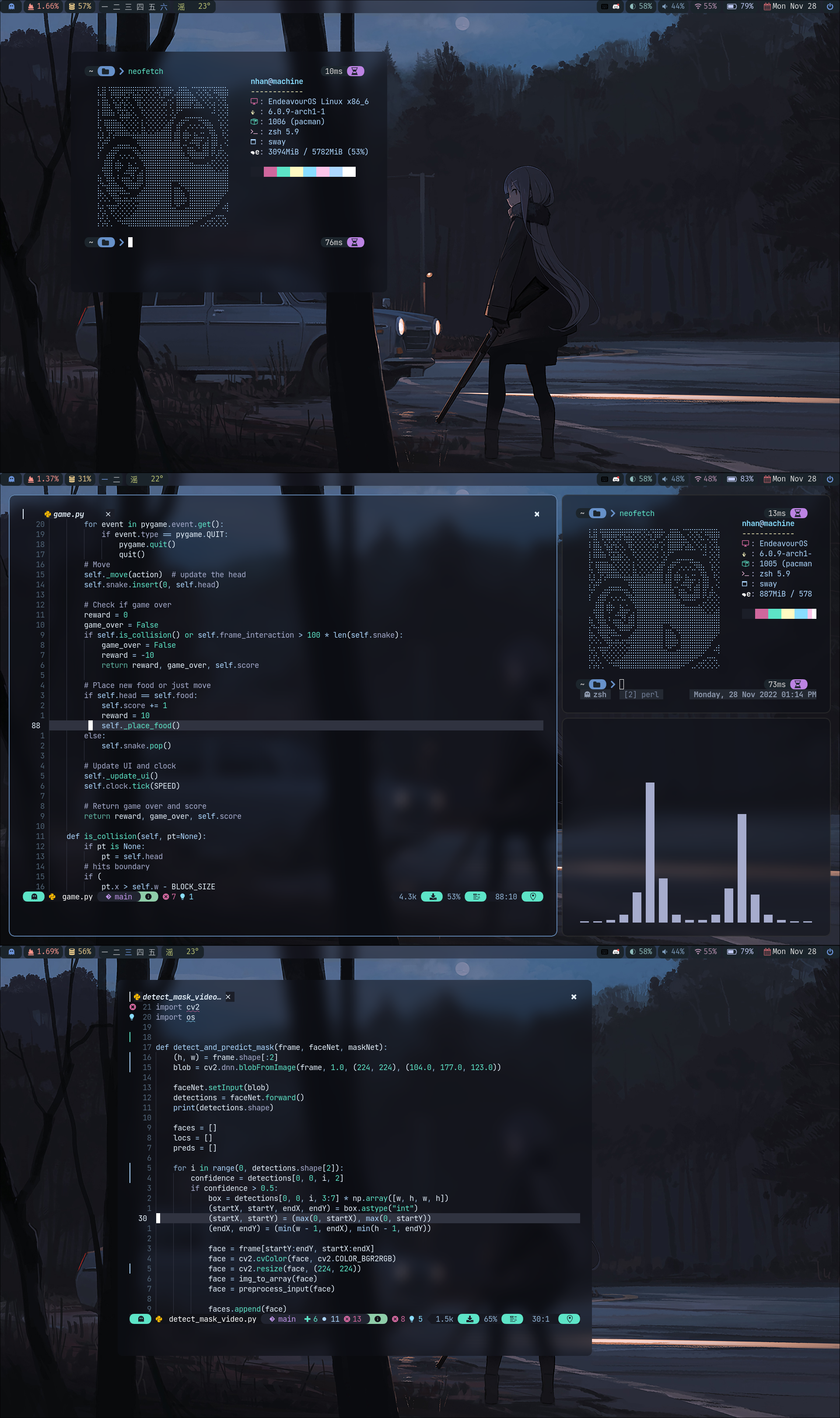
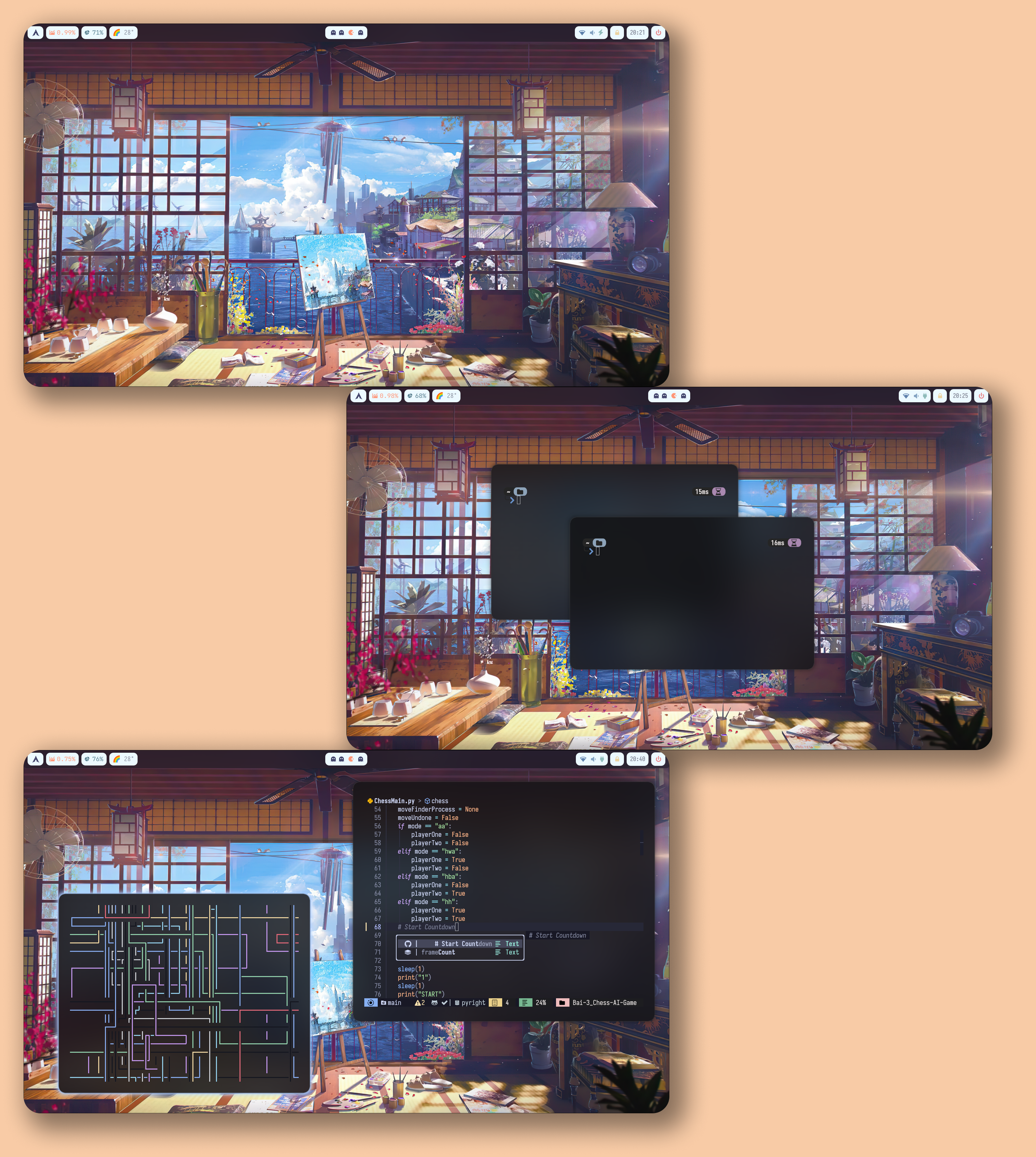
Hyprland 🍚<a name = "hypr"></a>:
Late Night🌃
Balcony🚊

Summer☀️
Credits
Thanks to:
</blockquote></details>GNOME 🍙<a name = "gnome"></a>:
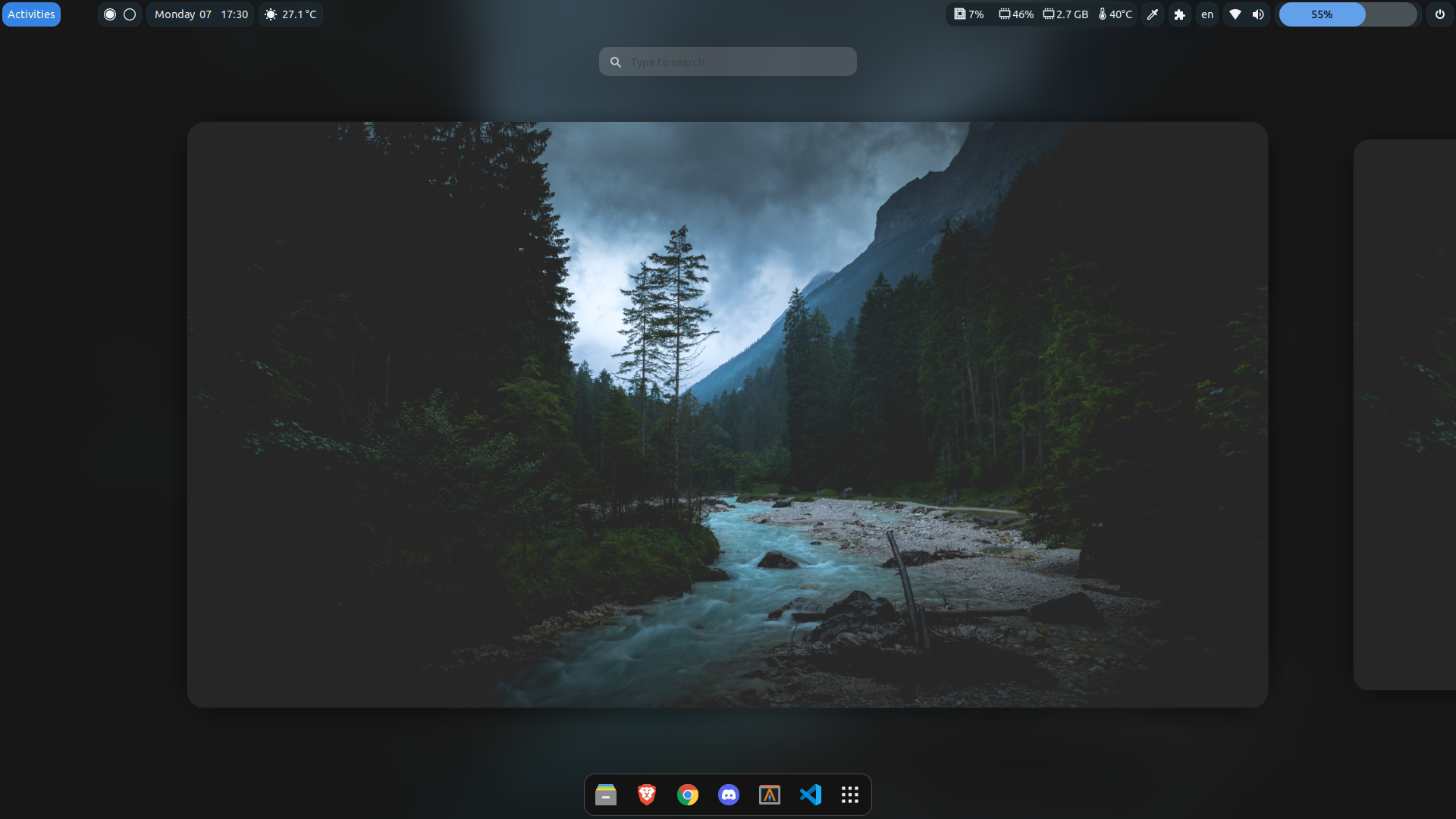
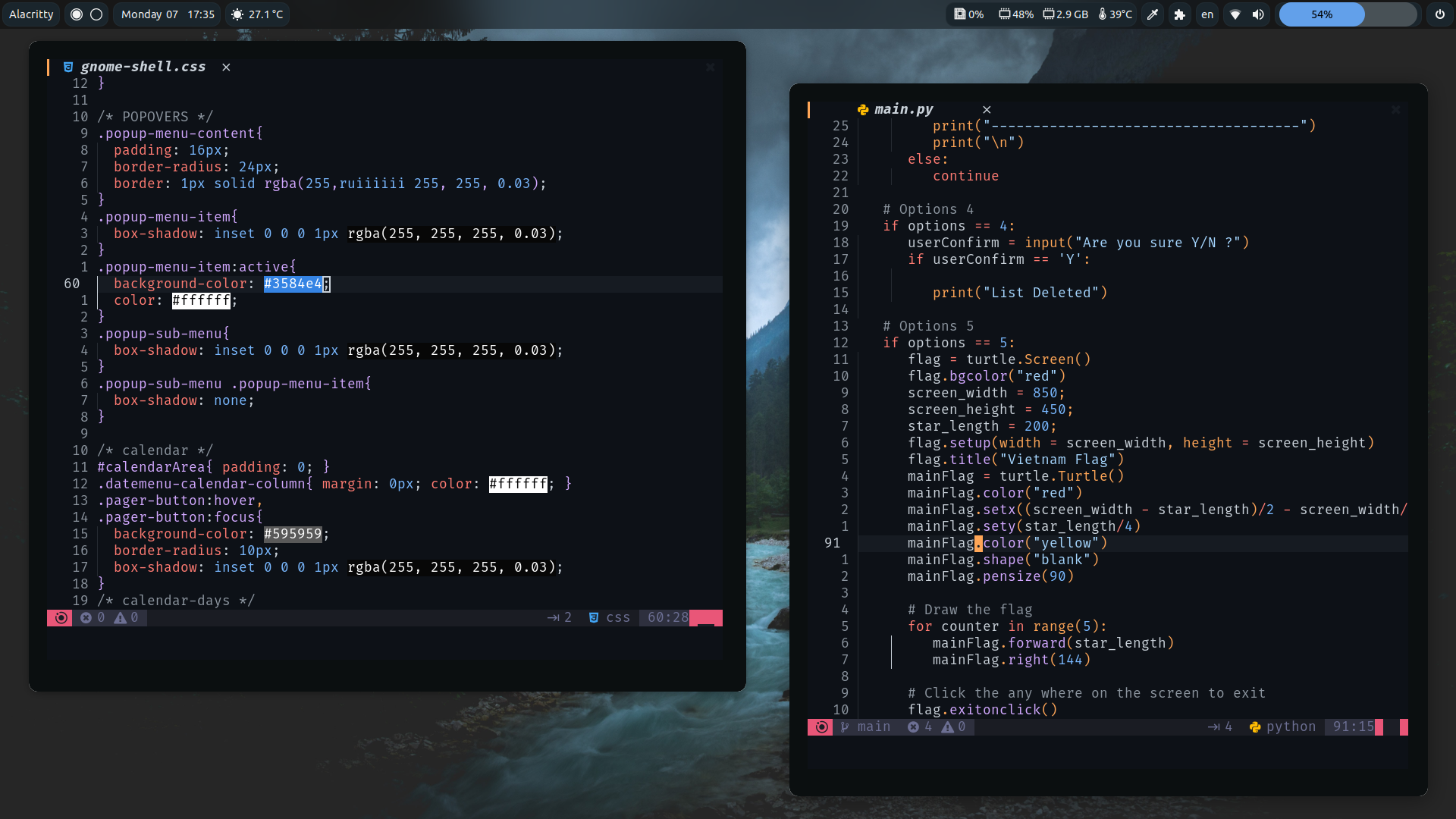
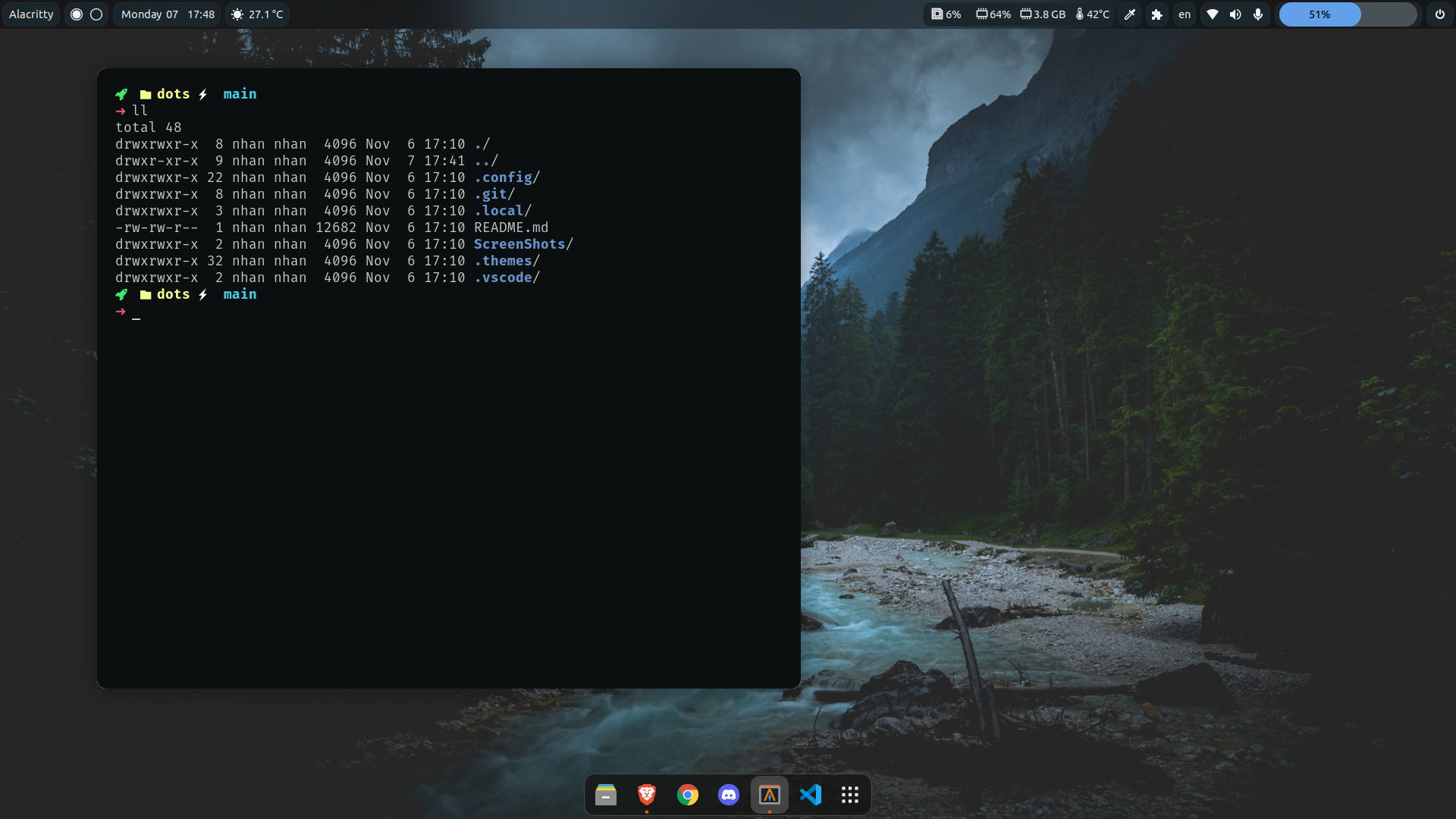
-
GTK Themes: Based on AestheticStuff by Rxyhn
-
GTK Icons:Papirus icons
-
Mutter Rounded (Optional): Windows manager for GNOME (for blur windows effect)
-
-
Aylur's Widget: Beautiful Plugins with customizable bar
-
Blur My Shell: Blur the gnome shell
-
User Themes: Load shell themes from user directories
-
Color Picker: The simple color picker for gnome shell
-
Compiz alike magic lamp effect: Magic lamp effect alike the macOS minimize effect
-
Extension List: A Simple Gnome shell extension manager in the top panel
-
Just Perfection: SImple tweak tools to customize the gnome shell and disable some UI Features
-
Open Weather: A simple weather app for gnome shell
-
Sound Input & Output Device Chooser:Shows a list of sound output and input devices (similar to gnome sound settings) in the status menu below the volume slider.
-
Unite: Remove the title bars of the windows for the minimalist in windows
-
Vitals: A simple system monitor on the top bar
-
gtk title bar:remove title bar for non-gtk apps with minimal inference
-
Rounded Window Corners: Rounded corners for all windows
-
Bar (based on smooth by Aylur Themes ):
DISCLAIMER ⚠️: This bar color mod is still in progress and some color sections may not appear correctly if you want to contribute really grateful about that !
- Install all of the Extensions above then copy .themes to ~/.themes
- Open Gnome tweaks -> Appearance -> Shell -> Choose Smooth
-
-
Gnome tweaks (for apply themes and icons ) installation:
</blockquote></details> </blockquote></details>sudo apt update && sudo apt upgrade sudo apt install gnome-tweaks
Related Skills
node-connect
335.4kDiagnose OpenClaw node connection and pairing failures for Android, iOS, and macOS companion apps
frontend-design
82.5kCreate distinctive, production-grade frontend interfaces with high design quality. Use this skill when the user asks to build web components, pages, or applications. Generates creative, polished code that avoids generic AI aesthetics.
openai-whisper-api
335.4kTranscribe audio via OpenAI Audio Transcriptions API (Whisper).
commit-push-pr
82.5kCommit, push, and open a PR
