121 skills found · Page 5 of 5
 sirmamedical / Diabetes M Addon Example
This is an example for how to use the add-on API of Diabetes:M for Android application
 Rohit27389 / Retrofit
Android Tutorial 1. Android Studio Tutorial 2. Android Studio Overview 3. Android Intent 4. Android Spinner 5. Android ListView 6. Android Fragment Lifecycle 7. Android Passing Data between Fragments 8. Android WebView 9. Android ActionBar 10. Android Custom ActionBar 11. Android Animation 12. Android Capture Image 13. Android Custom Fonts 14. Android Location API GPS Tracking 15. Android Location Google Play Services 16. Android Increase Gradle Build Speed 17. Android NavigationView 18. Android SearchView 19. Android GridLayoutManager 20. Android MVP 21. Android Picasso 22. Android Internal Storage 23. Android External Storage 24. Android Shared Preferences 25. Android SQLite 26. Android Notification 27. Android AlertDialog 28. Android GridView 29. Android Gallery View 30. Android ProgressDialog 31. Android AsyncTask 32. Android BroadcastReceiver 33. Android ListView Custom Adapter 34. Android ViewFlipper 35. Android ButterKnife 36. Android Non Scrollable ListView 37. Android JSONObject 38. Android XML Parser 39. Android Runtime Permissions 40. Android Data Binding 41. Android Data Binding Advanced 42. Retrofit Android 43. OkHttp Android 44. Android Login Registration App 45. Android Interview Questions 46. Android Multi Search 47. Android Layout LinearLayout 48. Android FrameLayout AbsoluteLayout 49. Android ScrollView TableLayout 50. Android Navigation Drawer 51. Android CollapsingToolbarLayout 52. Android ImageView 53. Android TextSwitcher ImageSwitcher 54. Android AutoCompleteTextView 55. Android ProgressBar 56. Android SeekBar RatingBar 57. Android Toggle Button, Switch 58. Android Countdown Timer 59. Android ExpandableListView 60. Android Date Time Picker 61. Android Radio Button 62. Android Floating Widget 63. Android Checkbox 64. Android CardView RecyclerView 65. Android RecyclerView with Dividers 66. Android ViewPager 67. Android Drag Drop 68. Android Floating Action Button 69. Android SnackBar 70. Android Swipe Refresh 71. Android Shared Element Transition Animation 72. Android ConstraintLayout 73. Android ConstraintLayout Example 74. Android TextInputLayout 75. Android Percent Layout 76. Android Google Maps 77. Android Google Maps Example Tutorial 78. Google Static Maps 79. Android Google Maps Current Location 80. Android Google Map Route Drawing 81. Google Places API Welcome to Retrofit Android Example Tutorial. Today we’ll use the Retrofit library developed by Square to handle REST API calls in our android application. Table of Contents [ hide ] 1 Retrofit Android 2 OkHttp Interceptors 3 Setting Up the Retrofit Interface 4 Retrofit Android Example Project Structure Retrofit Android Retrofit is type-safe REST client for Android and Java which aims to make it easier to consume RESTful web services.
 BITalinoWorld / Revolution Android Api
Android API and application example for BITalino (r)evolution
 luca992 / Kotlin Multiplatform Clean Example
Example Clean Architecture project with Android and SwiftUi which loads gifs from the giphy api
 cyeksan / CMakeProject
An example Android project showing how to protect API keys or some other secret variables from decompilation
 noties / Requirements
Small utility library for Android to evaluate requirements in order for some action to proceed. For example: network connection, permissions (API 23), system services (location, bluetooth, ...), etc.
 Bibhuti5 / Potato Disease Classification
Potato Disease Classification Setup for Python: Install Python (Setup instructions) Install Python packages pip3 install -r training/requirements.txt pip3 install -r api/requirements.txt Install Tensorflow Serving (Setup instructions) Setup for ReactJS Install Nodejs (Setup instructions) Install NPM (Setup instructions) Install dependencies cd frontend npm install --from-lock-json npm audit fix Copy .env.example as .env. Change API url in .env. Setup for React-Native app Initial setup for React-Native app(Setup instructions) Install dependencies cd mobile-app yarn install cd ios && pod install && cd ../ Copy .env.example as .env. Change API url in .env. Training the Model Download the data from kaggle. Only keep folders related to Potatoes. Run Jupyter Notebook in Browser. jupyter notebook Open training/potato-disease-training.ipynb in Jupyter Notebook. In cell #2, update the path to dataset. Run all the Cells one by one. Copy the model generated and save it with the version number in the models folder. Running the API Using FastAPI Get inside api folder cd api Run the FastAPI Server using uvicorn uvicorn main:app --reload --host 0.0.0.0 Your API is now running at 0.0.0.0:8000 Using FastAPI & TF Serve Get inside api folder cd api Copy the models.config.example as models.config and update the paths in file. Run the TF Serve (Update config file path below) docker run -t --rm -p 8501:8501 -v C:/Code/potato-disease-classification:/potato-disease-classification tensorflow/serving --rest_api_port=8501 --model_config_file=/potato-disease-classification/models.config Run the FastAPI Server using uvicorn For this you can directly run it from your main.py or main-tf-serving.py using pycharm run option (as shown in the video tutorial) OR you can run it from command prompt as shown below, uvicorn main-tf-serving:app --reload --host 0.0.0.0 Your API is now running at 0.0.0.0:8000 Running the Frontend Get inside api folder cd frontend Copy the .env.example as .env and update REACT_APP_API_URL to API URL if needed. Run the frontend npm run start Running the app Get inside mobile-app folder cd mobile-app Copy the .env.example as .env and update URL to API URL if needed. Run the app (android/iOS) npm run android or npm run ios Creating the TF Lite Model Run Jupyter Notebook in Browser. jupyter notebook Open training/tf-lite-converter.ipynb in Jupyter Notebook. In cell #2, update the path to dataset. Run all the Cells one by one. Model would be saved in tf-lite-models folder. Deploying the TF Lite on GCP Create a GCP account. Create a Project on GCP (Keep note of the project id). Create a GCP bucket. Upload the tf-lite model generate in the bucket in the path models/potato-model.tflite. Install Google Cloud SDK (Setup instructions). Authenticate with Google Cloud SDK. gcloud auth login Run the deployment script. cd gcp gcloud functions deploy predict_lite --runtime python38 --trigger-http --memory 512 --project project_id Your model is now deployed. Use Postman to test the GCF using the Trigger URL. Inspiration: https://cloud.google.com/blog/products/ai-machine-learning/how-to-serve-deep-learning-models-using-tensorflow-2-0-with-cloud-functions Deploying the TF Model (.h5) on GCP Create a GCP account. Create a Project on GCP (Keep note of the project id). Create a GCP bucket. Upload the tf .h5 model generate in the bucket in the path models/potato-model.h5. Install Google Cloud SDK (Setup instructions). Authenticate with Google Cloud SDK. gcloud auth login Run the deployment script. cd gcp gcloud functions deploy predict --runtime python38 --trigger-http --memory 512 --project project_id Your model is now deployed. Use Postman to test the GCF using the Trigger URL. Inspiration: https://cloud.google.com/blog/products/ai-machine-learning/how-to-serve-deep-learning-models-using-tensorflow-2-0-with-cloud-functions
 AnimeshMondol / CSE299 Project
# SU19CSE299S02G05 <p align="center"> <img width="200" height="200" src="https://media.licdn.com/dms/image/C560BAQEFJPl7DXD1Dg/company-logo_200_200/0?e=2159024400&v=beta&t=4wzyvb7GBsvMovoet_LGS9uj_Gso_kmfWqCXnqydCDI"> </p> <h1 style="text-align: center">         North South University</h1> #        Project Name: Stop Food Waste **                      CSE299: JUNIOR DESIGN** **                        SEC: 02, Group: 05** **                Instructor:** **SHAIKH SHAWON AREFIN SHIMON (SAS3)** **                      Semester:** **Summer 2019** <br> **                        GROUP MEMBERS**                        1. **Animesh Mondol**                          **ID: 1611971042** **                   Email: animesh.sarkar02@northsouth.edu**                        2. **Shamsunnar Sumi**                          **ID: 1621762042**                    **Email: shamsunnar.sumi@northsouth.edu**           **GitHub Repository Link:** **https://github.com/AnimeshMondol/SU19CSE299S02G05NSU**                       **Date Prepared: 19/06/2019** <br><br><br><br><br> **Project Details:** Our project idea is Stop Food Waste. In our country during different program there are some large amount of food are being wasted. So we want to make a web app where people can donate that food to the poor needy people. With this web app we are trying to solve the problem of food faced by a certain amount of people in our country. We also want to use mobile phone access to the users so that they can use mobile phone to access the web page. **Features:** <br> **Login:** The system provides security features through email-password matching where only authorized user can access the system. **Admin Login:** In this part the manager will keep up the donated elements and donor details. He/ She will be able to know all the information and edit them. He/ She can assign people where to pick up the food from which will be shown in Google Map. 1. Add user 2. Remove user 3. View user 4. View request 5. Remove request 6. View donation 7. Confirm pickup location 8. Logout **User Login:** In this part user will be able to login and he/she will be able to see all the donor and there will be an option where user can be a donor. He/ She can also see the place in the map where to go, to pick up the food. **User Login:** 1. Donate food 2. Sign In 3. Become a donor 4. Send request 5. View request 6. About us 7. Contact us 8. Logout **Donate food:** In this part user can donote food by seeing the request id send by the other user. It will also contain a form where donor needs to add his name, mobile, email, req_id, quntity. By submitting the form it will take it to the user map for setup the location in the map. **Request for food:** In this part user can request for food to the website so that other user(donor) can donote food to them for donotion. **Donote Us** In this part user will have a option to donote us money if they want for the development purpose. In this part there will be Bkash and Rocket no where donors can donate us. It will contain a form where name,mobile,amount and transaction id will be asked to stored on DB. **View requests** Here user can see the pending requests for food. **About Us:** In this section there will be information about the program. **Contact Us** In this part there will be information about how to contact us and also there will be a part where user can poot comments and ask for help directly to the admin. **Technology:** HTML, PHP, CSS, Bootstrap template, My SQL Server, Google Map API. **Business Plan:** It is mainly a free to use for everyone. There will be no need for any amount of money to create an account in this webpage. But through Google AdSense we want to monetize the webpage. Also if any donor wants to donate some amount of money they can do it through Bkash , Rocket . <br><br> **Design:** We used the template of Bootstrap containing all the CSS and JS files downloaded from their website. We don't use any extra design in the webpage. But we used some image files to make the website look a little good. **Planning:** After selecting the project, we started our work by creating a UML diagram to make our work easy and it helped us to understand what we need to add or not in our website. Then we created issues in the project board. Then by weekly submission we tried to solve those issues. The project contains total of 43 closed issues which was used to make this website. All the details are shown in the project bord https://github.com/AnimeshMondol/SU19CSE299S02G05NSU/projects/1 **What did/didn't work:** Around 85-90% of our project run's very well. But we faced some problems. They are: 1. As we were unable to constract the foregin key in the DB after login the user need to input his name, mobile no , email and other informations manually. 2. For the donate us page under user, we didn't find any proper solution on how we can give the user the confermation about if his donation is received or not. So we manually take the name , mobile , the amount of money he donated and transaction id and store in the DB. 3. The admin map has some bugs that we were unable to fix. It doesn't refresh after the pickup confermation was done by the admin. 4. We wanted user to make the pickup request from his/her phone but we didn't able to make the website suitable for phones. **Screenshots:** 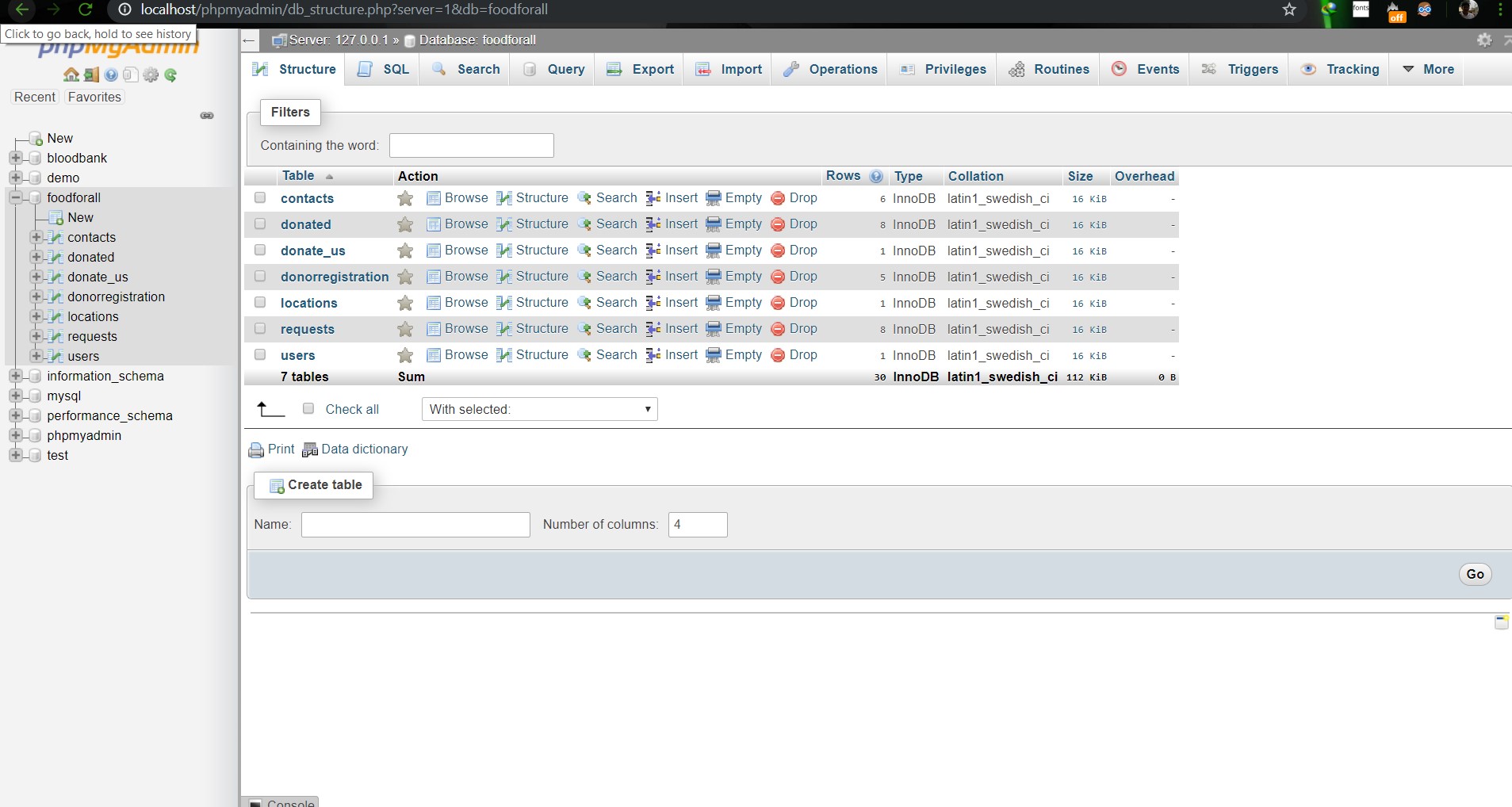                        **Image: DB(Foodforall)** <br> 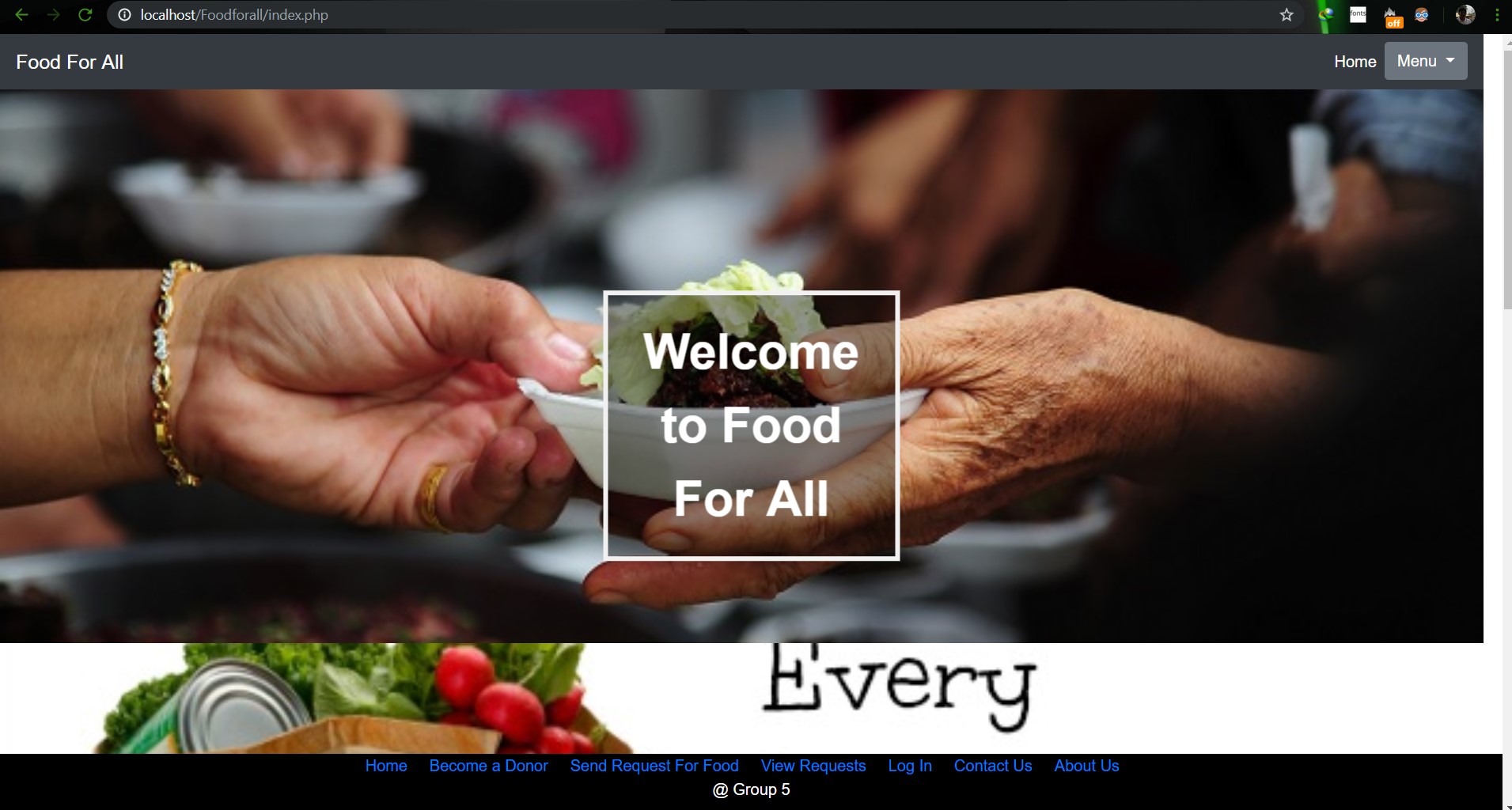                         **Image: Homepage** <br> 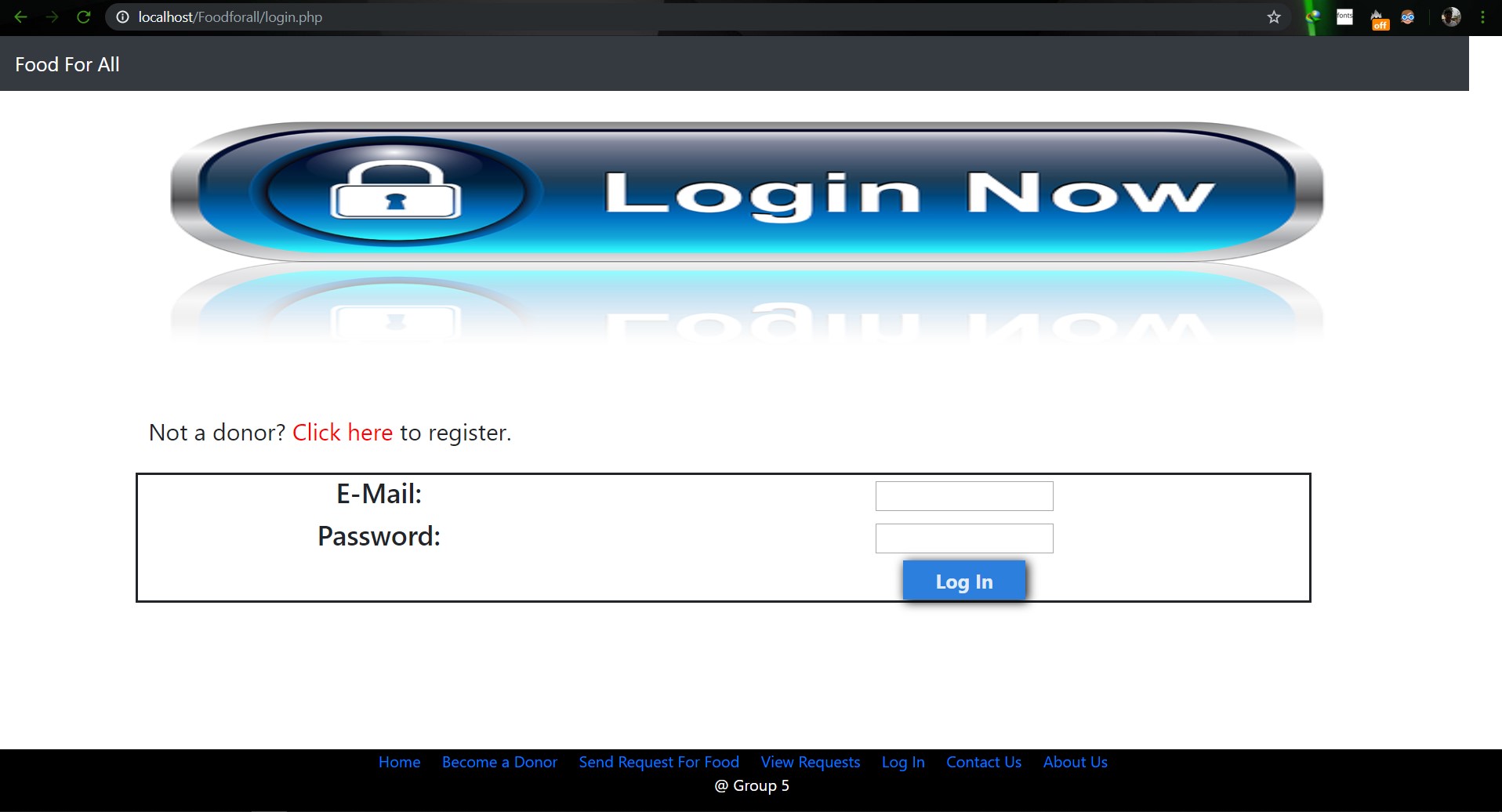                         **Image: Login Page** <br> 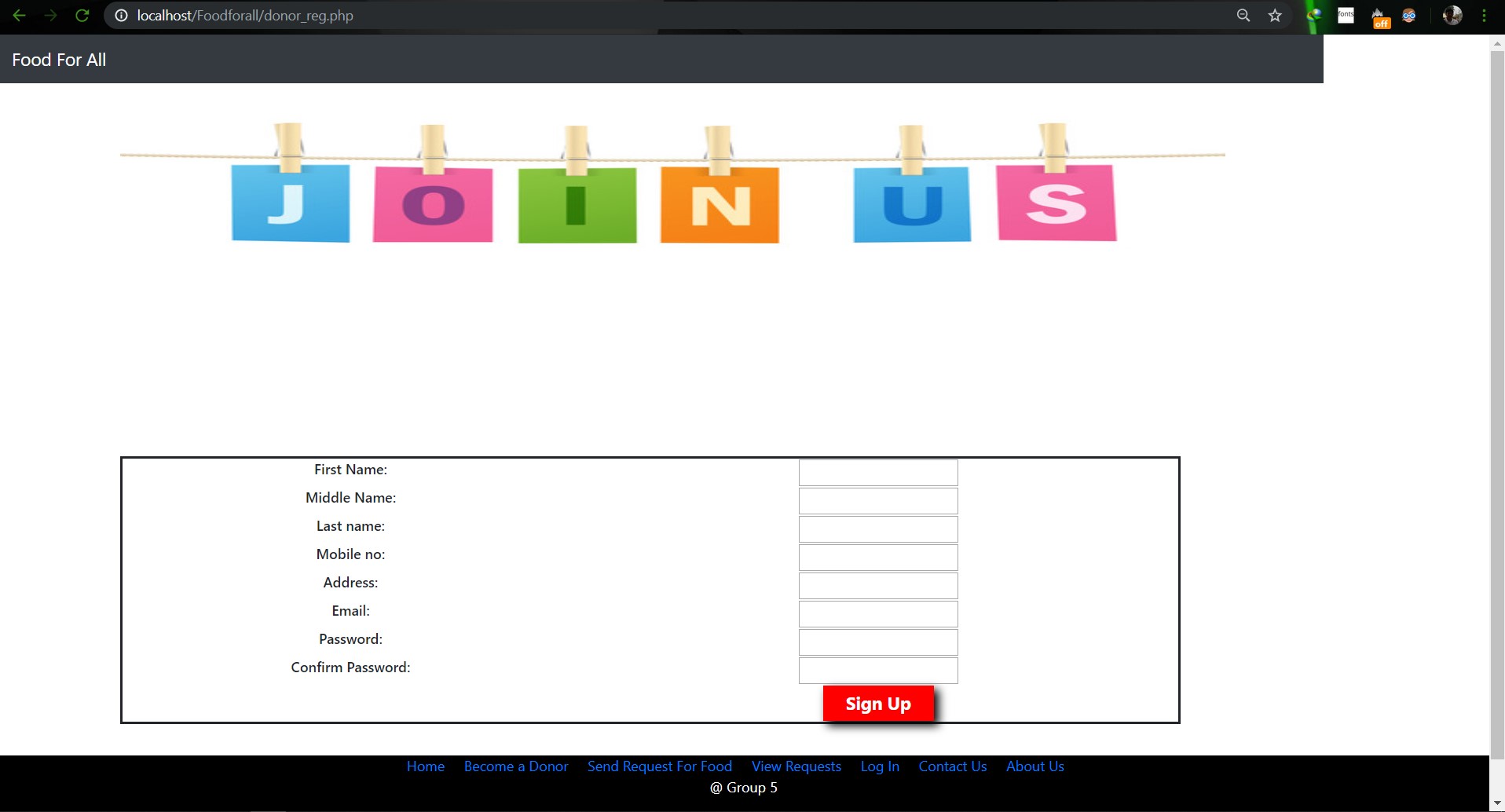                        **Image: Join us Page** <br> 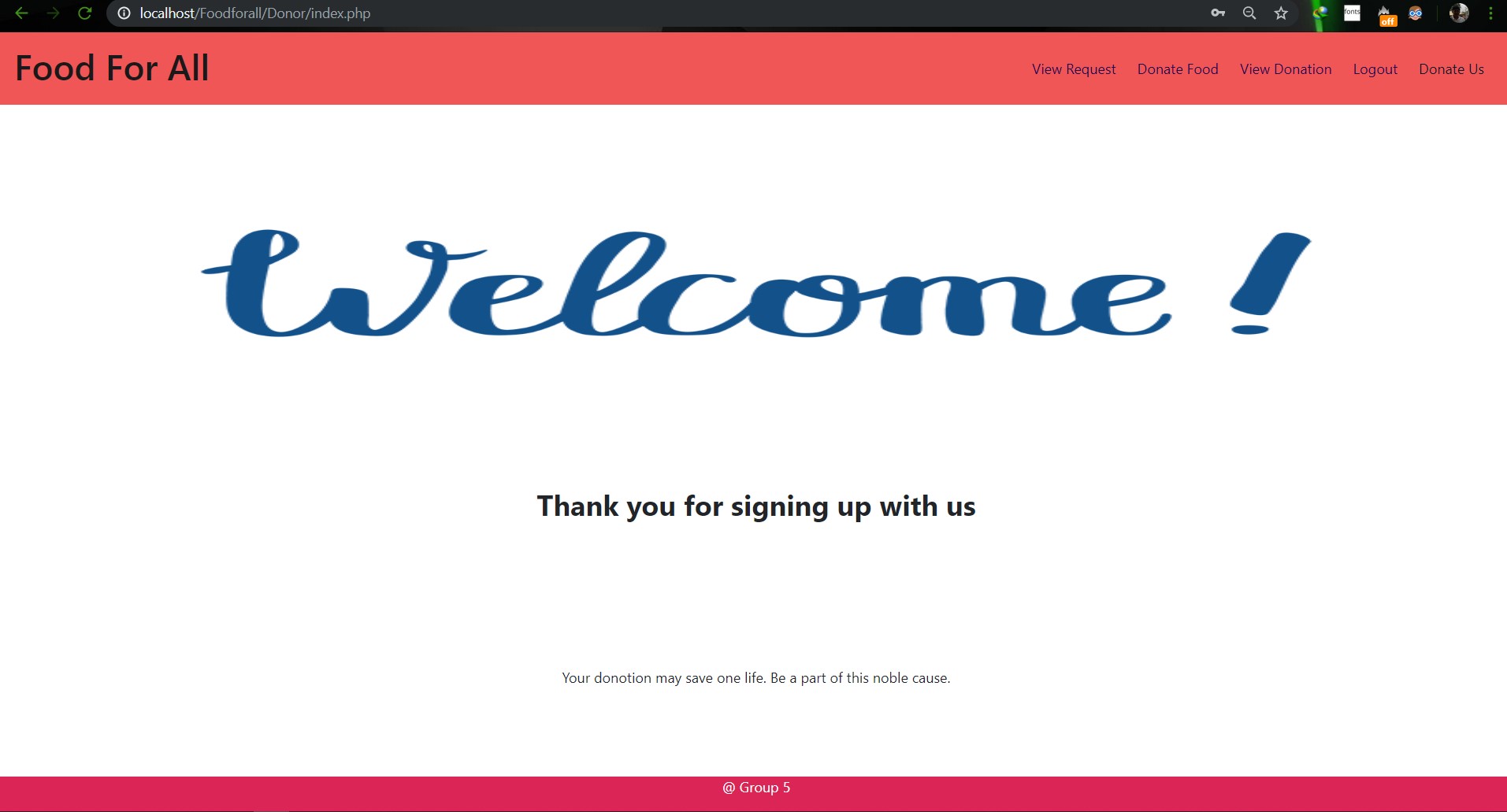                        **Image: Donor Login Page** <br> 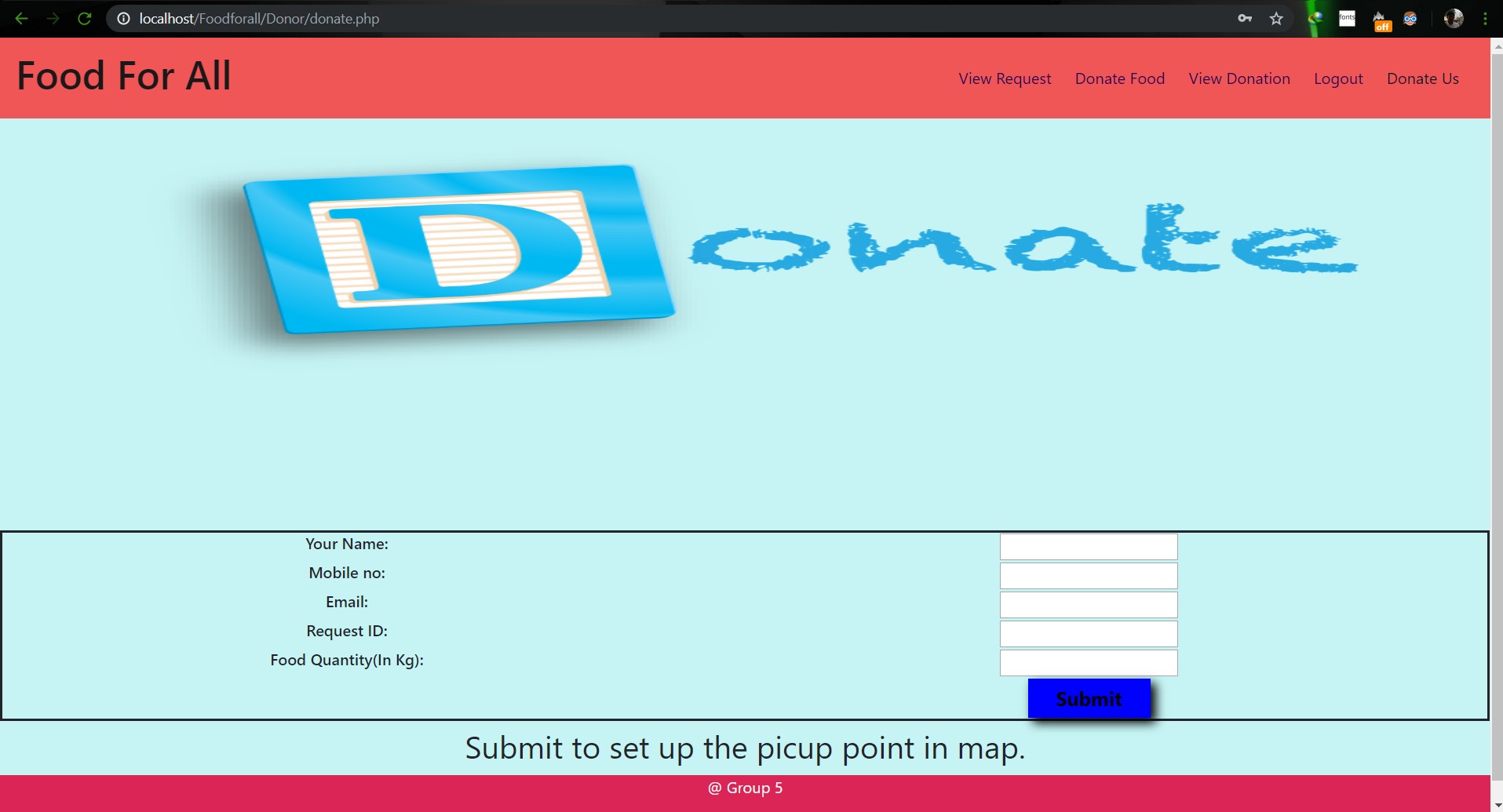                        **Image: Food Donation** <br> 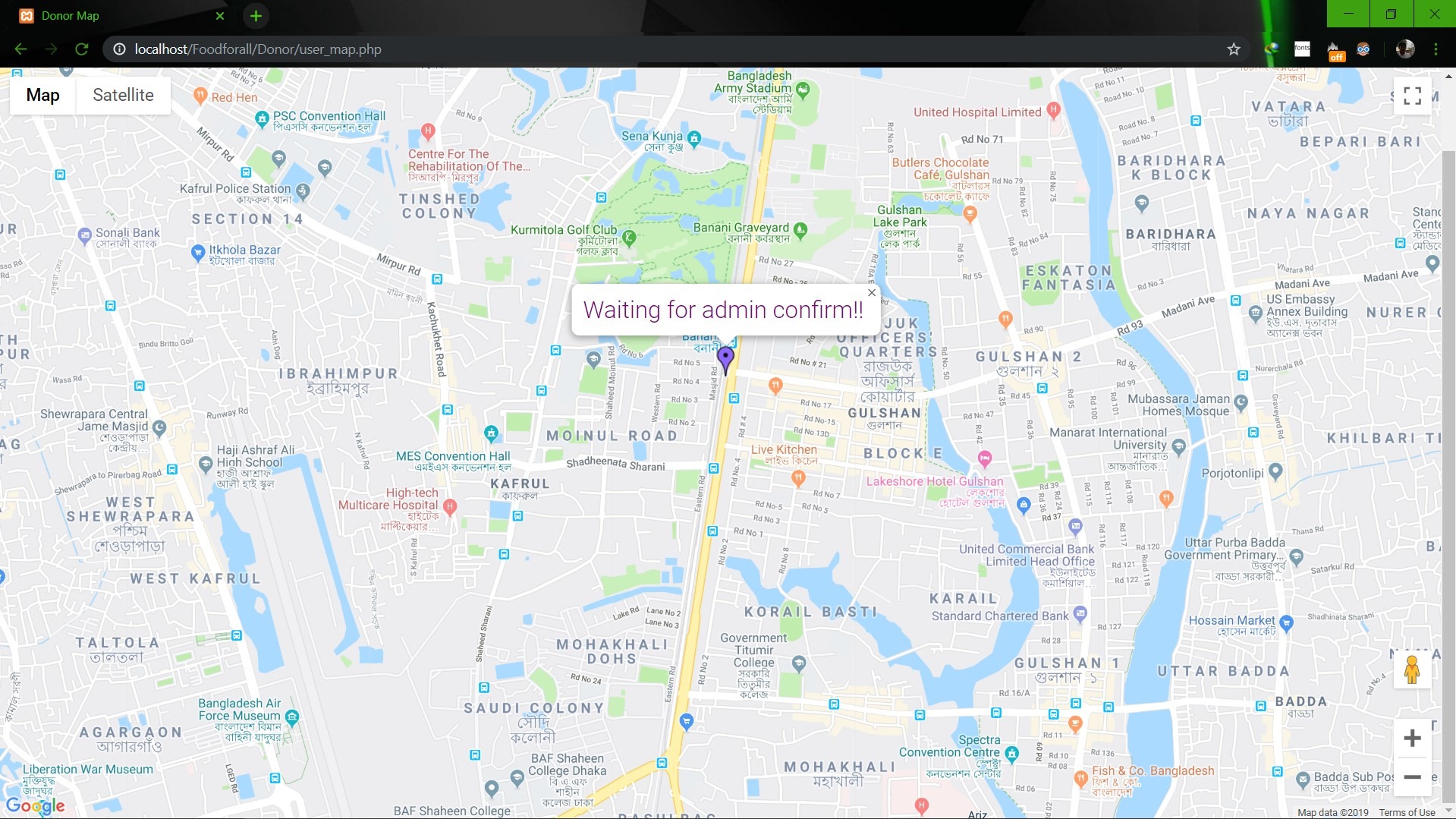                        **Image: User map** <br> 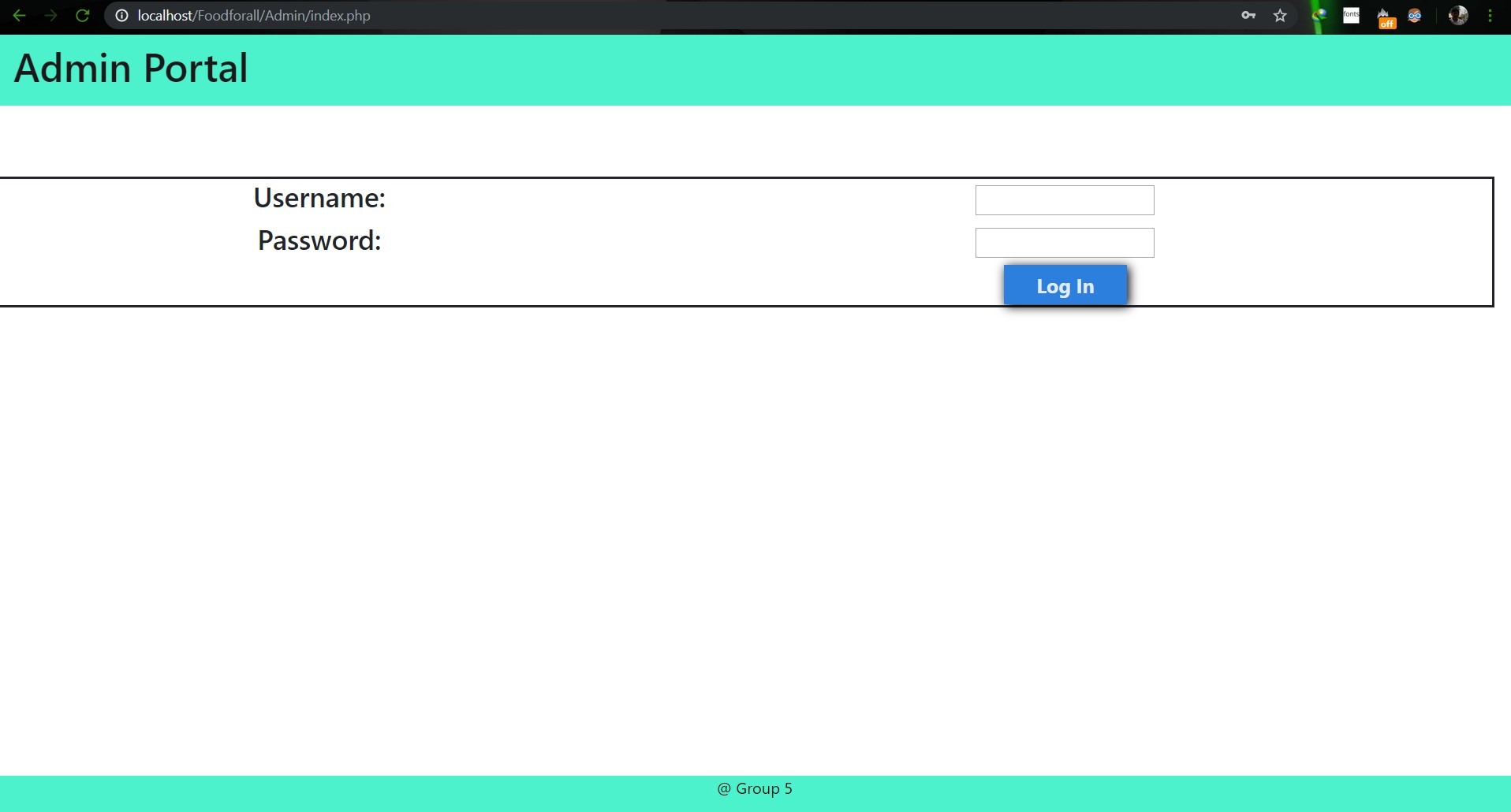                        **Image: Admin Login** <br> 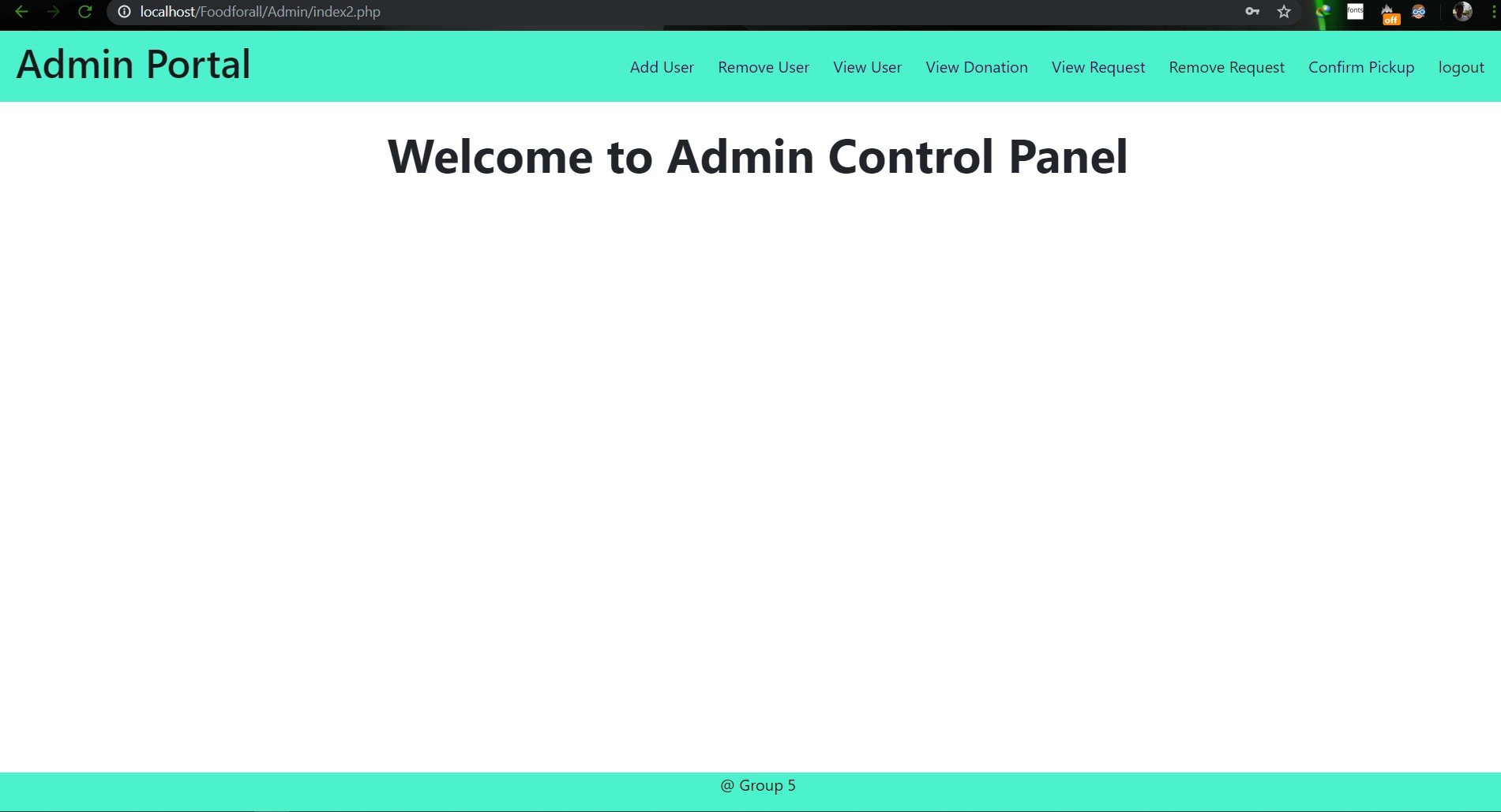                        **Image: Admin Home** <br> 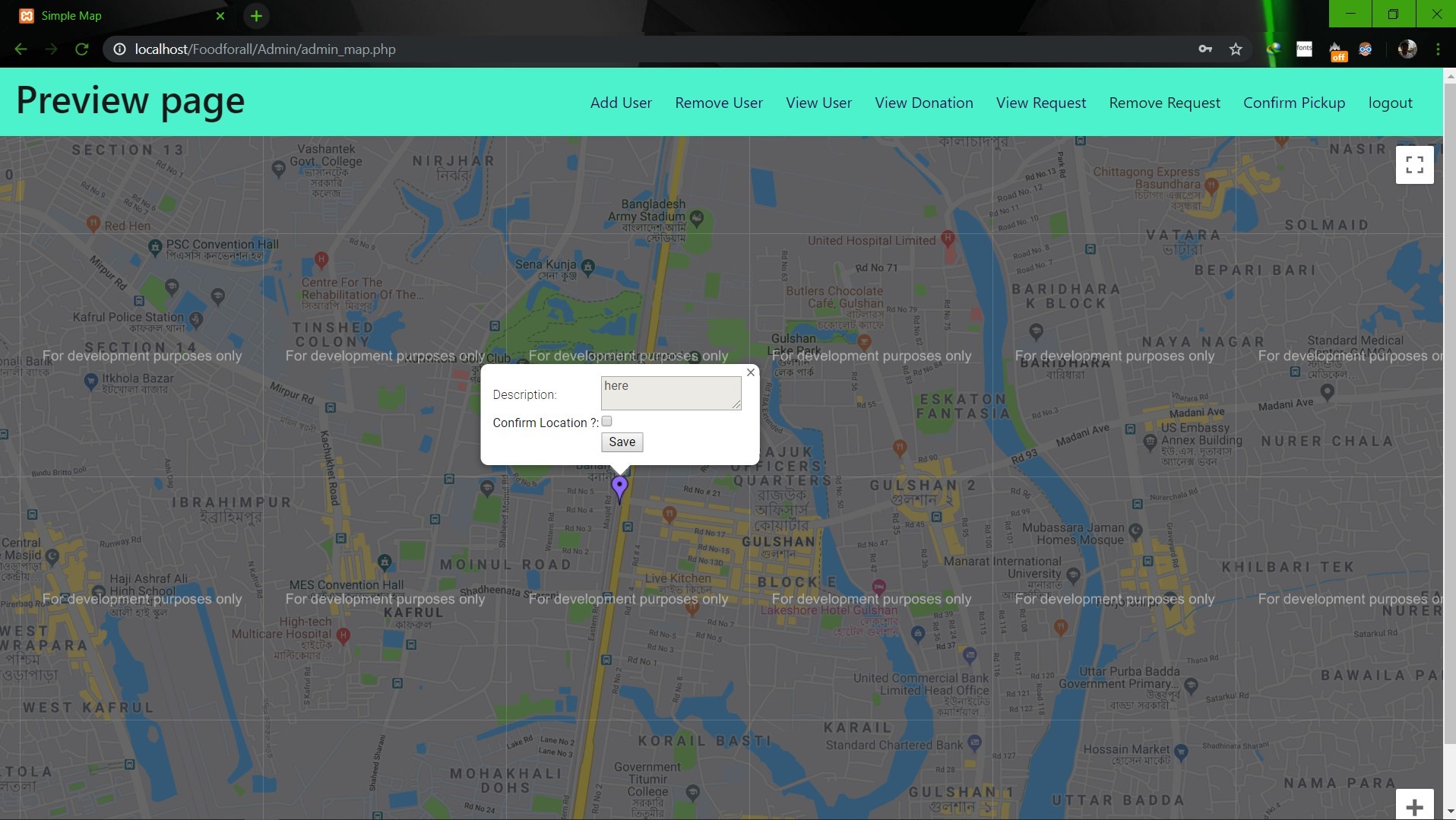                        **Image: Admin map** <br><br><br> **Conclusion:** 1. First of all we learnt how to use Github. It was completely new for us. But we now know how to use it. 2. We learnt about PHP, HTML and How to create DB connection in Mysql to create a project. 3. If we have more time we may be able to make the full project work properly. 4. In future, if we get chance we also want to create a android app for this weabsite. **References:** 1.https://getbootstrap.com/docs/4.3/examples/starter-template/ 2.https://www.w3schools.com/ 3.https://www.youtube.com/ 4.https://stackoverflow.com/questions/22138746/php-form-not-inserting-into-mysql-database 5.https://www.google.com/search?q=html+color+picker&oq=html+&aqs=chrome.0.69i59j69i57j69i60j69i65l2j69i60.3167j0j7&sourceid=chrome&ie=UTF-8 6.https://www.geeksforgeeks.org/ 7.https://www.youtube.com/watch?v=q2VV3-yWupU 8.https://bitbucket.org/webeasystep/markers_manager_php_mysql/src/master/
 thingsup / Thingsup Android Http Api Example
Thingsup IoT Platform Android HTTP API Example
 abdyer / Android Intro
An example Android app consuming GitHub's events API
 hanscappelle / Menu Drawer Compat Example
Example project for ActionBar Compat and Menu Drawer tested on API level 7 (Android 2.1)
 cogitovsmachina / Contact Manager
A sample application that demonstrates how to manually query the system contacts provider using the new ContactsContract API, as well as manually insert contacts into a specific account. This example was part of Android SDK resources, but i'm adding some refactors and making more easy to understand
 talklittle / ImgurAPIv3ExampleAndroidEclipse
Imgur example Android app
 hermasyp / QuoteApp
Example of Clean Architecture in Android using Quote Api
 alexteodorovici / Android Coinmarketcap Api Example
This application uses the new Professional API from pro.coinmarketcap.com to display the top 100 crypto coins and their data.
cogitovsmachina / Android Simple NotificationA sample application that demonstrates how to create notifications via NotificationCompat API. This example is based on Android SDK guides, but i'm adding some refactors and making more easy to understand.
 vatsanatech / OneFeed Android SDK
Documentation and examples for the WittyFeed Android SDK API
 robertoandrade / MediaProjectionDemo
Sample app based on https://github.com/android/platform_development/blob/master/samples/ApiDemos/src/com/example/android/apis/media/projection/MediaProjectionDemo.java to test reading the images via an ImageReader
 CindyPotvin / Androidpreferences
Example of how to use the Preferences API in the Android SDK
 carlospontual / TwitchExample
Android example which consumes twitch API and lists twitch's top 50 games
